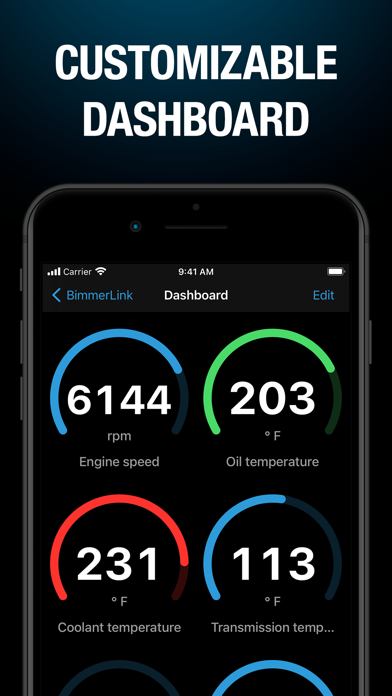
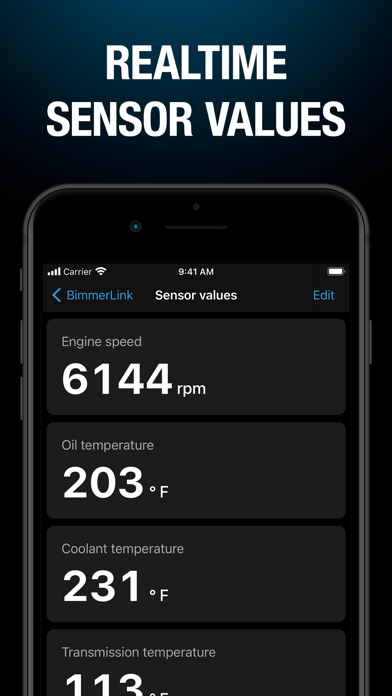
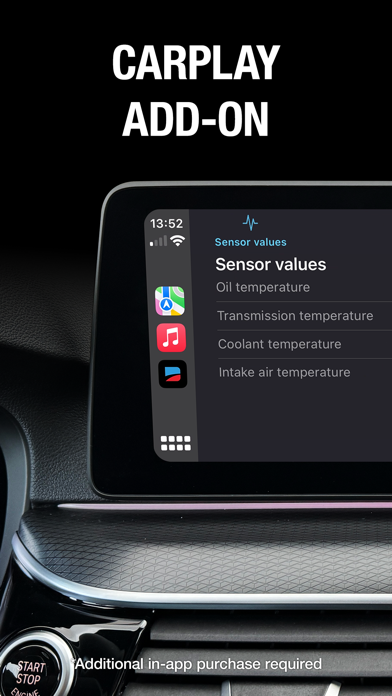
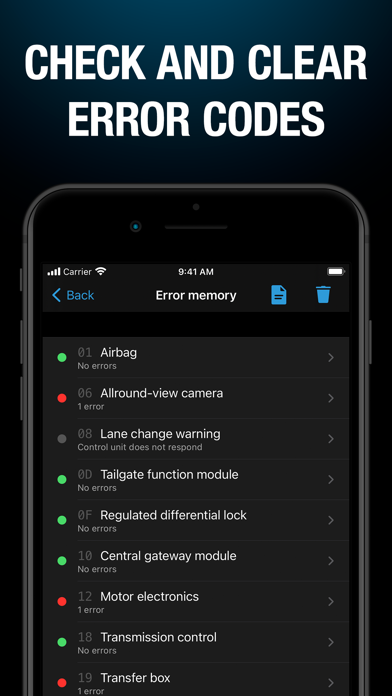
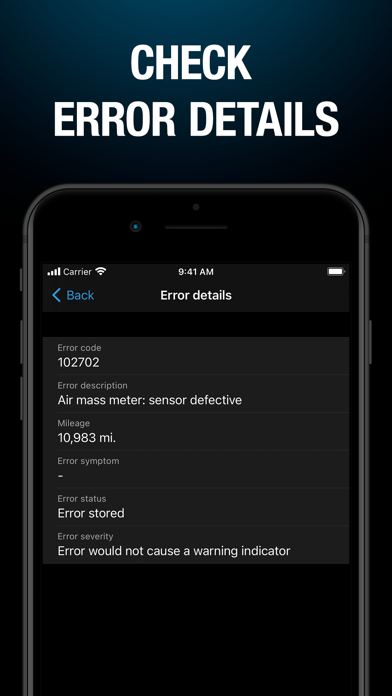
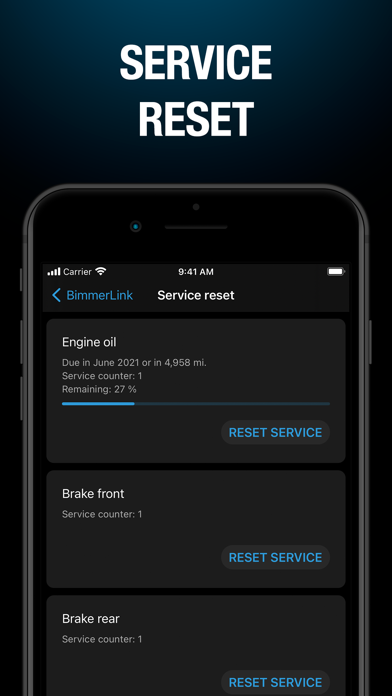
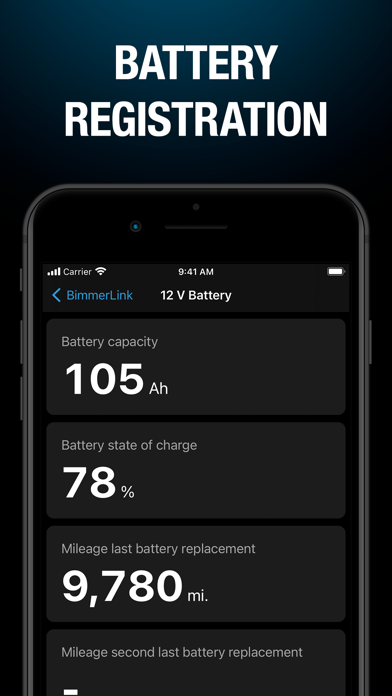
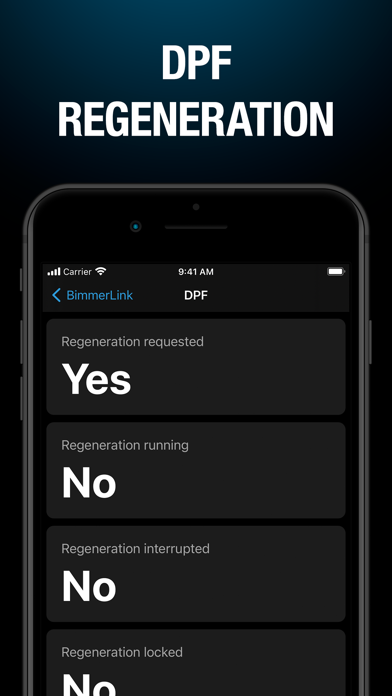
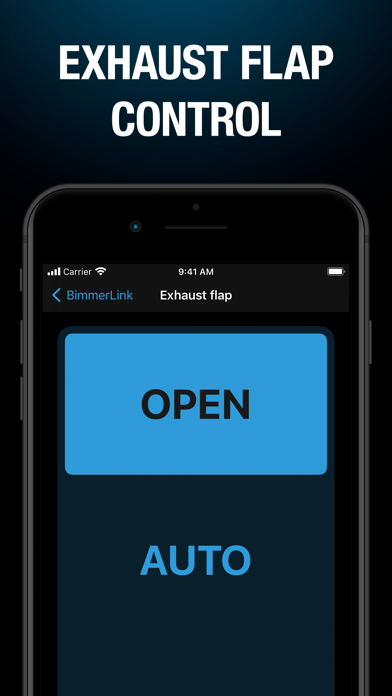
BimmerLink is the direct link to your BMW or MINI. Using one of the supported OBD adapters, you can read trouble codes or display sensor values in realtime, check the current state of the DPF in your car or register a new battery after replacement. BimmerLink even allows you to remotely control the exhaust flap or mute the Active Sound Design in your car. READ AND CLEAR TROUBLE CODES Diagnose your car as would otherwise be possible only by your Service Partner. In contrast to generic OBD apps that read emission related errors only, BimmerLink allows you to read and clear trouble codes from ALL control units in your car. DISPLAY REALTIME SENSOR VALUES BimmerLink provides a big selection of values like oil temperature or boost pressure. Keep an eye on all the important parameters of your car with a personalized dashboard. EXHAUST FLAP REMOTE CONTROL* Take control over the exhaust flap in your car and decide yourself, whether it should be closed or open. ACTIVE SOUND DESIGN** If you do not like the artificial engine sound generated in your car, just mute the Active Sound Design with BimmerLink. SOUND TUNING*** The “Sound Tuning” option allows you to disable the “exhaust burble“ in cars equipped with the S55 engine (M2 Competition, M3, M4). DPF REGENERATION**** BimmerLink allows you to check the current state of the diesel particulate filter in your car. Find out when the last regeneration took place or how much ash has accumulated in the filter and start a regeneration with the touch of a button. CARPLAY ADD-ON***** Enhance your driving experience with the CarPlay add-on for BimmerLink. Access your sensor values on your car's display for improved vehicle monitoring, all integrated seamlessly with CarPlay for ease of use. BATTERY REGISTRATION If you want to replace the battery in your car, this has to be registered in the engine control unit and BimmerLink allows you to do this yourself now. PARKING BRAKE SERVICE MODE BimmerLink allows you to activate the service mode for the electromechanical parking brake. SERVICE RESET Reset the service display in your car after carrying out maintenance work like a brake pad replacement or an engine oil change. RESET SHORT CIRCUIT LOCKS Unlock lamp outputs that were disabled due to a short circuit. TRANSMISSION ADAPTATION VALUES Check the adaptation values of the ZF 8HP automatic transmission in your vehicle. REQUIRED ACCESSORIES To use the app, one of the supported Bluetooth or WiFi OBD adapters or cables is required. For more information please visit https://bimmerlink.app. SUPPORTED CARS - 1 Series (2004+) - 2 Series, M2 (2013+) - 2 Series Active Tourer (2014+) - 2 Series Gran Tourer (2015+) - 3 Series, M3 (2005+) - 4 Series, M4 (2013+) - 5 Series, M5 (2003+) - 6 Series, M6 (2003+) - 7 Series (2008+) - 8 Series (2018+) - X1 (2009+) - X2 (2018+) - X3, X3 M (2010+) - X4, X4 M (2014+) - X5, X5 M (2006+) - X6, X6 M (2008+) - X7 (2019+) - Z4 (2009+) - i3 (2013+) - i4 (2021+) - i7 (2022+) - i8 (2013+) - iX (2021+) - iX1 (2022+) - iX3 (2021+) - MINI (2006+) - Toyota Supra (2019+) * Only for cars that are equipped with an exhaust flap by factory. ** Only for cars that are equipped with the “Active Sound Design“ by factory. *** Only for cars with S55 engine (M2 Competition, M3, M4). **** Only for cars with a diesel engine. ***** Additional in-app purchase required.