Plann: Preview for Instagram

Plann: Preview for Instagram

By Linktree

  • Category: Photo & Video
  • Release Date: 2016-07-18
  • Current Version: 14.21
  • Adult Rating: 4+
  • File Size: 255.67 MB
  • Developer: Linktree
  • Compatibility: Requires iOS 14.0 or later.
Score: 4.65927
4.65927
From 15,772 Ratings

Description

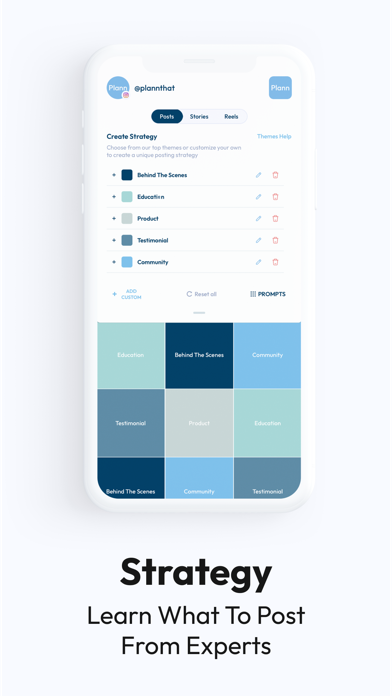
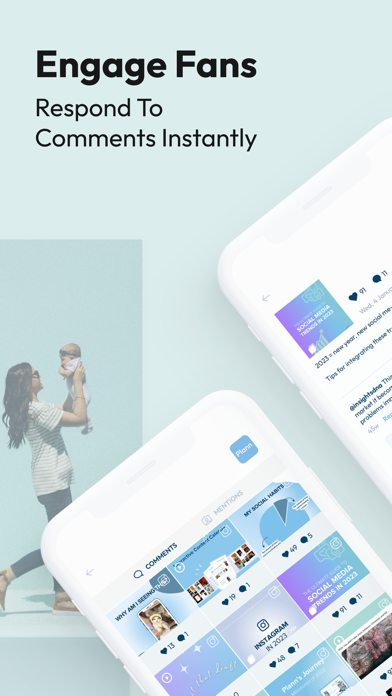
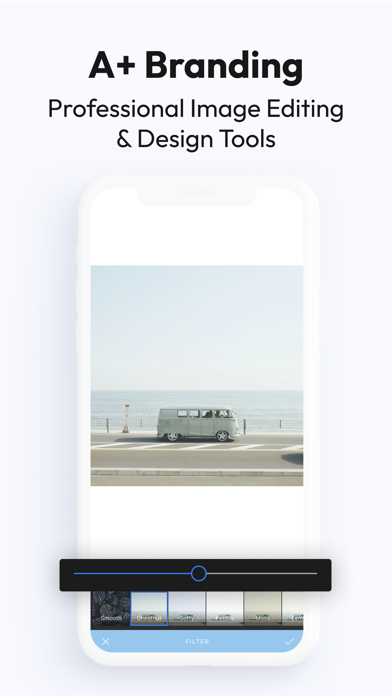
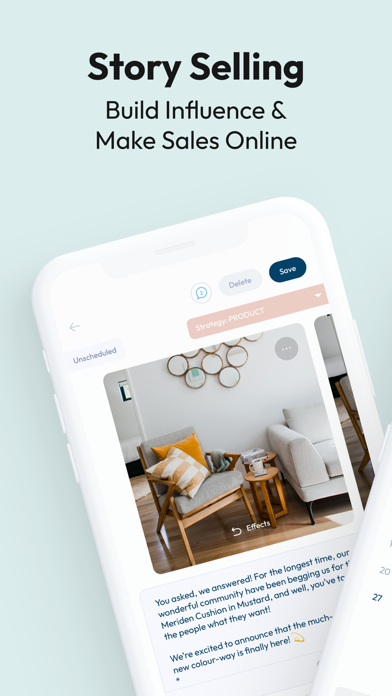
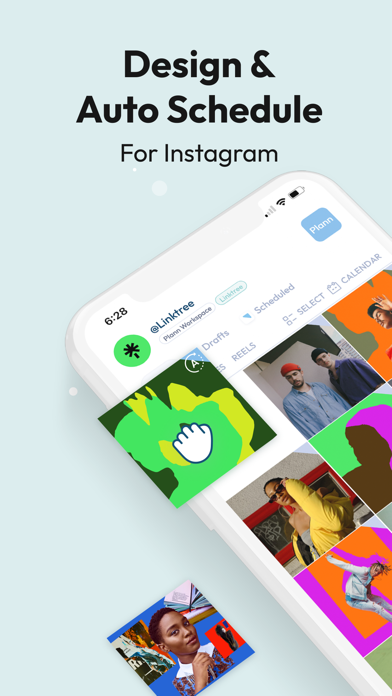
Plann by Linktree – Intelligent ALL-IN-ONE Scheduler for Instagram, Facebook, LinkedIn, Pinterest, TikTok, and YouTube Shorts! Effortlessly rearrange, manage, and automatically schedule content for Instagram, Facebook, LinkedIn, Pinterest, TikTok, and YouTube Shorts. Enhance your social media strategy with Cross Post by sharing a single post across all platforms. Customize your content for each platform to connect with different audiences, saving you time while boosting your social media impact. Find pre-written captions, pre-researched hashtags, free stock videos, and content ideas for over 50 industries, flash sales, and seasonal promotions to make social media easy! Join over 3,000,000 creators, businesses, and global e-commerce shops already using Plann to 10x their social media results across the globe. Turbocharge your results without having to think on your own. Plann gives you ideas, helps plan a strategy, finds free video and photo content, and automatically posts to Instagram for you! FEATURED IN VOGUE, COSMOPOLITAN, SOCIAL MEDIA MARKETING WORLD, INSTYLE MAGAZINE, CEO MAGAZINE, BUZZFEED, AND THE DAILY MAIL. OVER 35,000 5-star reviews. 9 international awards. Trusted in over 220 countries. Beautifully easy. Plann is everything you need to grow your Instagram influence, Facebook following, TikTok followers, and YouTube Shorts audience all in one place. BONUS! Use Plann on your computer, synced in real-time for you or your team! Instagram. Facebook. TikTok. LinkedIn. Pinterest. YouTube Shorts. Download now to get started for free. DONE FOR YOU HASHTAGS AND CAPTIONS - Pre-researched hashtags to suit every type of post! - Pre-written captions so you’re never stuck for anything to post - Daily content prompts and social media calendar for important dates FREE PROFESSIONAL PICTURE EDITOR - Retouch, whiten, brighten, and resize to make professional-looking photos - Add filters, stickers, borders, and artistic text with font tools - Add your own logo over your stories and posts SEAMLESS DRAG + DROP - Create beautiful Instagram themes - Design layout to curate a professional photo grid - Preview your entire gallery before you post AUTO SCHEDULE INSTAGRAM POSTS + STORIES + CAROUSELS + REELS - Craft posts ready to Plann to publish for you - Monthly and Weekly Calendar views - Available in offline mode MULTIPLE PLATFORMS IN HALF THE TIME - Instantly share your content across all platforms with cross post - Tailor content for each platform to enhance engagement and connect with different audiences. - Upload from Apple Photos, Google Drive, Dropbox, and more UNIQUE STRATEGY TOOLS FOR INSTAGRAM + FACEBOOK + LINKEDIN + PINTEREST + TIKTOK + YOUTUBE SHORTS - Content prompts for 50+ industries on what to post - Add your own placeholders or use our successful default themes BEST TIME TO POST INSTAGRAM + FACEBOOK - Gain insights with Instagram analytics for best-performing posts, likes, follower growth, and locations - Learn your best times to post! - Best performing color swatches so you can post more of what people like! MANAGE MULTIPLE ACCOUNTS FOR INSTAGRAM + FACEBOOK + LINKEDIN + PINTEREST + TIKTOK + YOUTUBE SHORTS - Preview and manage multiple social media brands - Invite others to manage your accounts together MORE - Team chat and approval flows - Respond to your comments and mentions directly from Plann! - Easy-to-use interface that doesn’t get in the way of your success - Organize your media so you never lose it Privacy Policy + Terms of use: https://plannthat.com/plann-privacy-and-terms-of-use/ We’d love to hear from you! Instagram: @plannthat HELP? VISIT: help.plannthat.com Email: [email protected] In-App: MENU > Help
Screenshots

Reviews

  • Good luck with billing issues

    1
    By Las2026
    Impossible
  • Pointless

    1
    By LindaVani
    I switched over from the Later App hoping to get more out of the app. Instead it’s been non-stop back and forth with a rep that ignores what my concerns are and sends me generic answers! The app DOES NOT post unless you set it to AUTO-POST. I like to schedule my post and have them set to a ‘push notification’ so I can add music, tag everyone, adjust post settings, etc. But when I schedule a post, NOTHING HAPPENS on the phone’s end ! I just get a notification that “it’s time to post” and all it does is opens the app! Isn’t it supposed to copy the text for me or at least download the media to my phone?? Also, it is missing a POST NOW feature on the app, it’s pointless for it to be only on the online platform. So annoyed and now back to Later I go, at least I know everything works the way it’s supposed over there 😒
  • Great content management app

    5
    By LeeAnnKPhotography
    I’ve been using Plann FORVER. I’ve tried others but always come back. They are perfect for small businesses who want to pay regular content without a big price tag.
  • I unsubscribed from Metricool Immediately lol

    5
    By RossCberg
    It’s half the price of Metricool and has 4x the features. Literally disrupting the creator saas market
  • Desktop is FIRE, app is lacking

    1
    By S'rosie
    I love using Plann on my laptop and find it super helpful. However, I can’t even log into the app. I use Linktree to log in and unfortunately once I put in my credentials on mobile, it spits me right back to the login home screen. I hope this gets hammered out soon: i would love to be able to access Plnn on the go.
  • Band Manager

    5
    By Amore Aurora
    I like to organize the content all in one place. This is the right app for my needs. If you like having control over multiple parameters in one place, this is the app for you. One great add would be if you can do some editing to the post images. That’s would make it perfect.
  • Great App! (little glitchy)

    4
    By Svanna_Banana
    It’s my favorite social media manager. It can be a little glitchy, but overall it’s fantastic. Most the time you just close the app or browser and all is back to normal. Other than that, this has made my life so much easier.
  • Difficult

    2
    By LisaCantLose
    I really wanted to like this app. As a content creator, I’m always looking for schedulers because few of them work properly. Enter Plann. Bad news. Linktree messed them up. They are unable to separate two different accounts I have in Linktree. Also, I cannot fully enjoy all of the functionality because I cannot log into the web version of Linktree. This is a hard no until Linktree fixes the login bugs. I’ve reached out to but apparently they have no customer service support.
  • No business account access!

    1
    By NoellRenee
    I’ve attempted multiple times and contacted customer service to allow Plann to be linked to my business account and it only signs on as my personal. The app is super buggy and doesn’t allow me to make these modifications. I don’t want it for my personal account, I wanted it to run my business. The way it connects to your social media accounts is super wonky. Customer service wasn’t helpful at all and gave me idiot suggestions. Such a waste of time!
  • Difficult Interface, Buggy, No Cust Svc

    3
    By TDRock
    I have been using Plann since before they were bought by Linktree. I'd come over from using a different Instagram scheduler and while I never liked the interface of Plann as much as I liked that one, it was relatively straightforward and more importantly Plann worked when the other service was going through a transition and it did not. It would seem Plann is now going through some kind of a transition and I'm finding it increasingly buggy and what's really annoying is the interface - desktop or mobile- is just so convoluted and annoying to use. Nothing is obvious, I have to hunt for everything, I can't see previews of scheduled posts easily because they they won't enlarge like I have to literally hold my computer screen up closer to my face because I can't enlarge the preview of the post it's just a mess. And now I'm having an actual problem within my account I'm a paid user by the way and where is Customer Support I couldn't find it at all when I was on desktop and I found something in the mobile app but so far nobody's responding. I'm looking at going back to what I was using previously hopefully that al has sorted out their issues.

keyboard_arrow_up