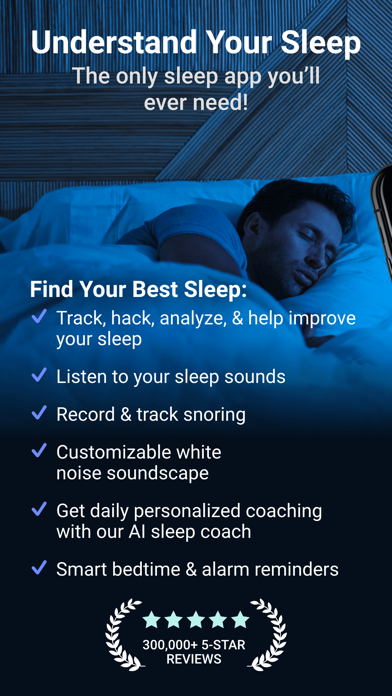
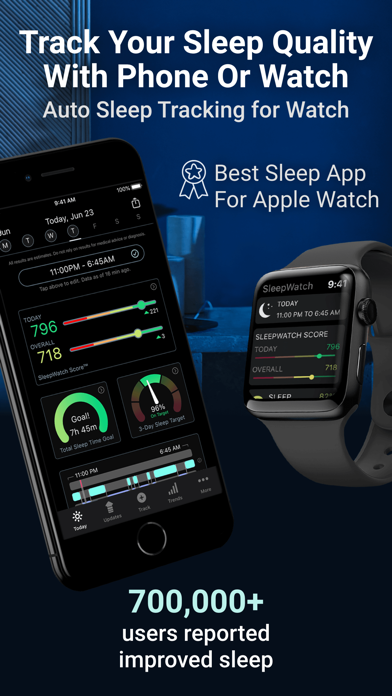
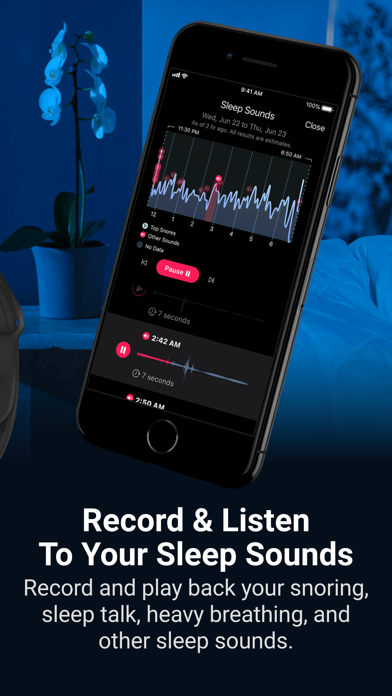
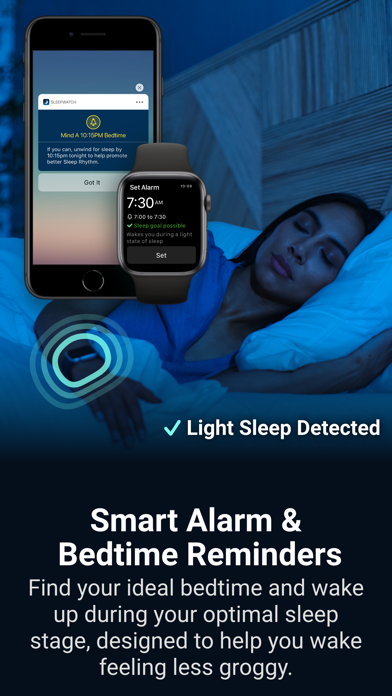
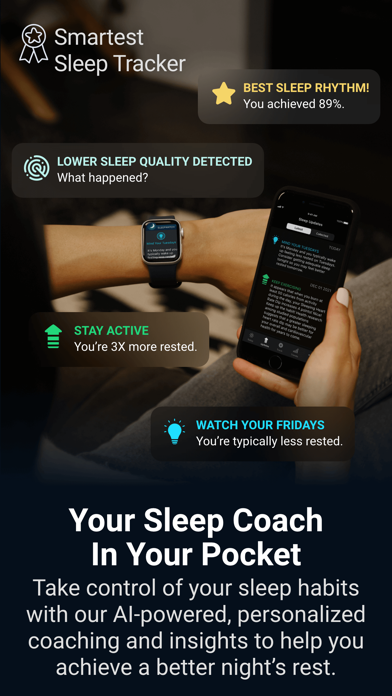
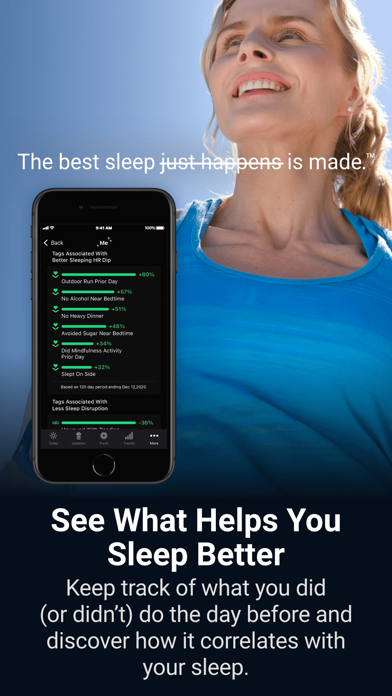
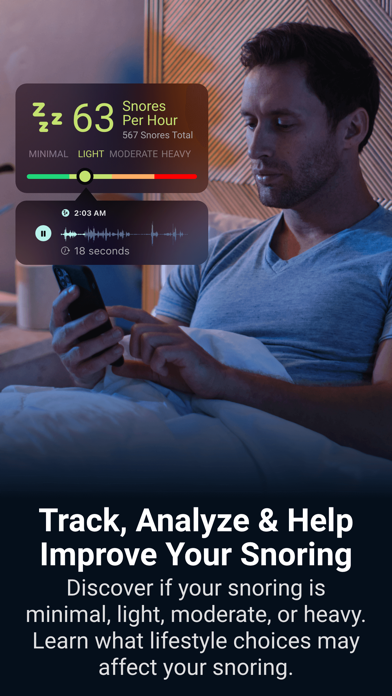
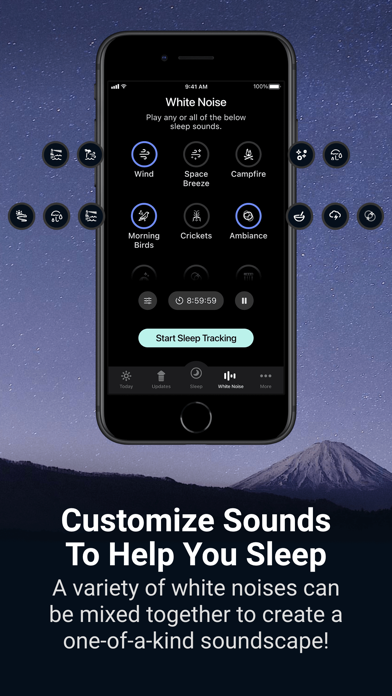
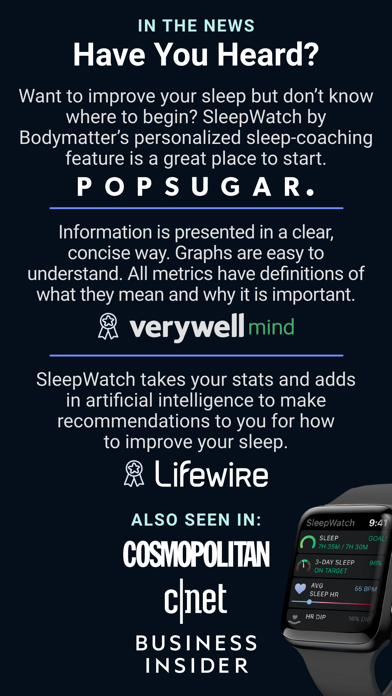
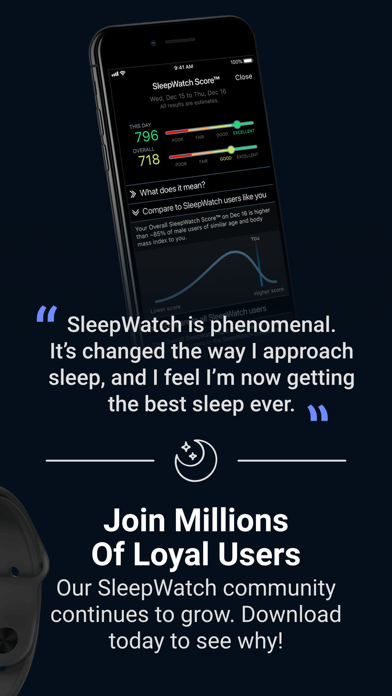
Welcome to SleepWatch, a better way to track, hack, analyze, and help improve your sleep. Ever wondered if you talk in your sleep? Constantly wake up feeling like you need more rest? Trying to understand your snoring? Your best sleep is made, with SleepWatch. Time to take control of your sleep with our all-in-one sleep tracker and digital sleep coach used by millions. No supplements, new mattress, or equipment needed. Just your smartphone or Apple Watch, plus our AI-powered software working with you to automatically track your sleep, make suggestions, and personalize your sleep journey. Join countless users around the world that are getting better rest. The app is free and offers a Premium Membership for additional features. Activate the iPhone app or wear your Apple Watch when going to sleep. Upon waking, you’ll get a personalized sleep report, plus daily customized tips and recommendations on how to improve with our sleep coaching software. Why users love SleepWatch: • Sleep Sounds: Record sleep sounds such as snoring, coughing, flatulence and more. • Personalized Coaching: Take control of your sleep habits with AI-powered, personalized insights to help you get a better night's rest.* • Smart Alarm & Bedtime: Find your ideal bedtime and wake up during your optimal sleep stage, designed to help you wake feeling less groggy.* • Sleep Reports: A full, in-depth sleep report every time! Check last night's sleep details on your phone or Watch.* • Auto Sleep: Log your Total Sleep Time, Total Restful Sleep Time, Avg. Sleeping Heart Rate, Sleep Rhythm, Sleep Disruptions, Sleeping Blood Oxygen, and more by wearing your Apple Watch to bed. • Snore Tracking: Record your snoring (minimal, light, moderate, or heavy) and learn what improves your snoring. • Customizable White Noise Library: A variety of sounds that can be mixed to create a one-of-a-kind soundscape! • Sleeping Heart Rate Dip Tracking: Studies suggest that the more one's heart rate slows, or "dips", during sleep compared to waking may be better for cardiovascular and overall health. • Sleep Rhythm Tracking: Track how consistently you sleep at the same time each day. • Sleep Disruption Tracking: How often sleep is disrupted is an important indicator of sleep quality. Track and find out how to reduce sleep disruptions.* • and more! TECH DETAILS --- • Simply place your iPhone bedside and activate the app when going to sleep. Or, wear your Watch to bed for Watch-based auto sleep tracking. Try both for the most complete picture of your sleep. • SleepWatch integrates with the Health app to give you insight into your sleep and to enable Watch-based tracking. CAUTION - IMPORTANT SAFETY & USE INFO -- • Do not rely on SleepWatch for medical advice or diagnosis. SleepWatch is not a replacement or substitute for professional medical care. • Use SleepWatch for informational, general wellbeing, and fitness purposes only. • SleepWatch results are estimates only. • Consult a doctor if you have any health concerns or before starting any exercise program. Do not self-adjust medications. *SleepWatch Premium Membership is available with a monthly ($4.99/mo) or yearly ($39.99/yr) subscription. You can subscribe and pay through your iTunes Account. Payment will be charged to your iTunes account at confirmation of purchase. Your subscription will automatically renew unless canceled at least 24 hours before the end of the current period. Your account will be charged for renewal within 24 hours prior to the end of the current period. Subscriptions may be managed by the user and auto-renewal may be turned off by going to the user's Account Settings after purchase. Any unused portion of a free trial period, if offered, will be forfeited when the user purchases a subscription to that publication, where applicable. The subscription will renew at the same cost. * Terms of Service: http://sleepwatchapp.com/terms-of-service * Privacy Policy: http://sleepwatchapp.com/privacy