Termius: SSH Client & Terminal

Termius: SSH Client & Terminal

By Termius Corporation

  • Category: Developer Tools
  • Release Date: 2016-12-05
  • Current Version: 9.38.2
  • Adult Rating: 4+
  • File Size: 151.03 MB
  • Developer: Termius Corporation
  • Compatibility: Requires iOS 10.13 or later.

Description

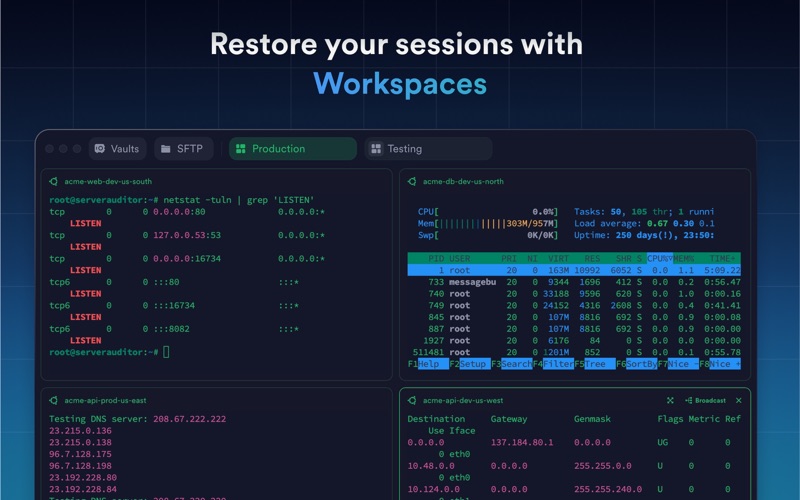
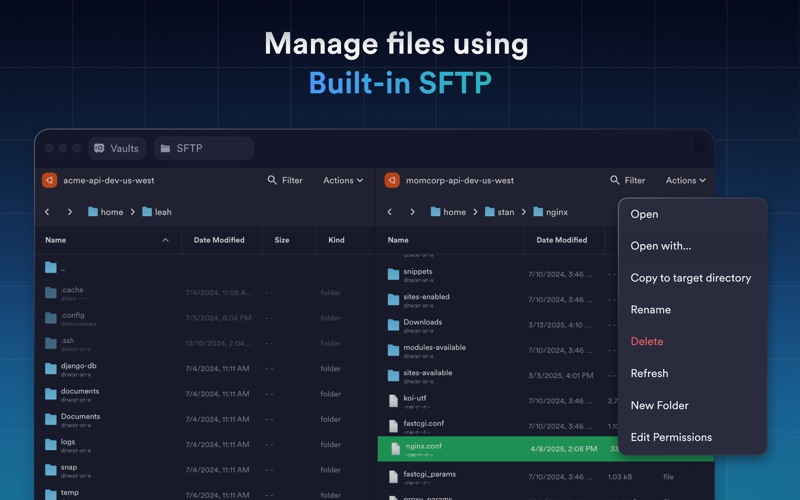
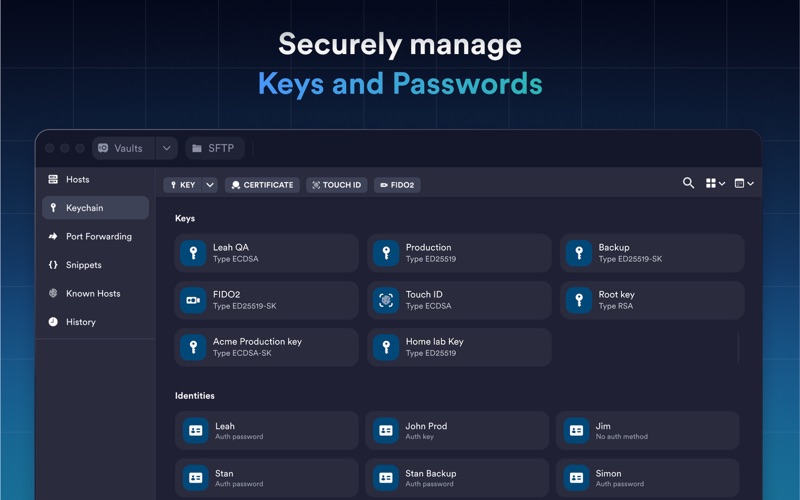
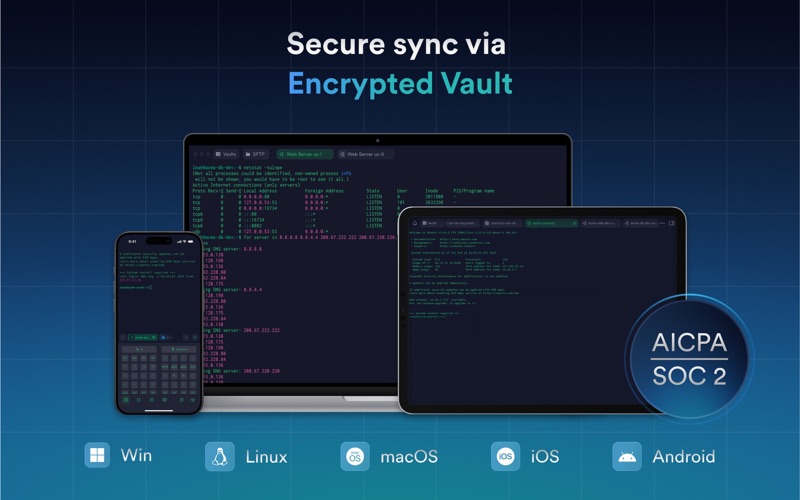
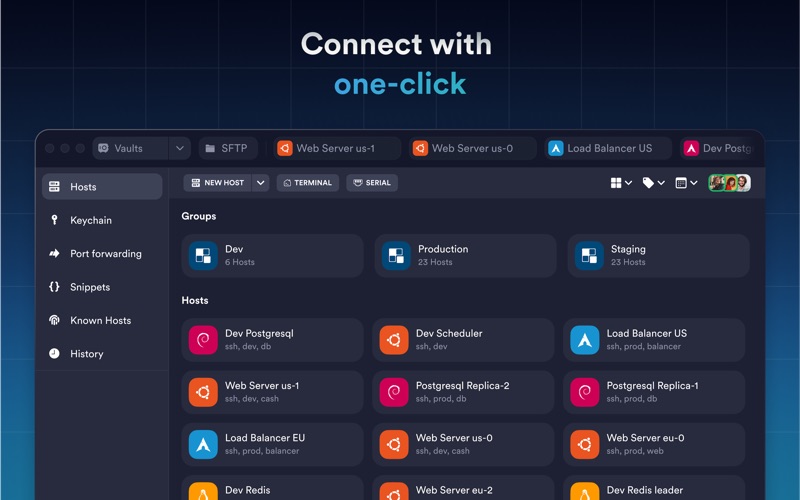
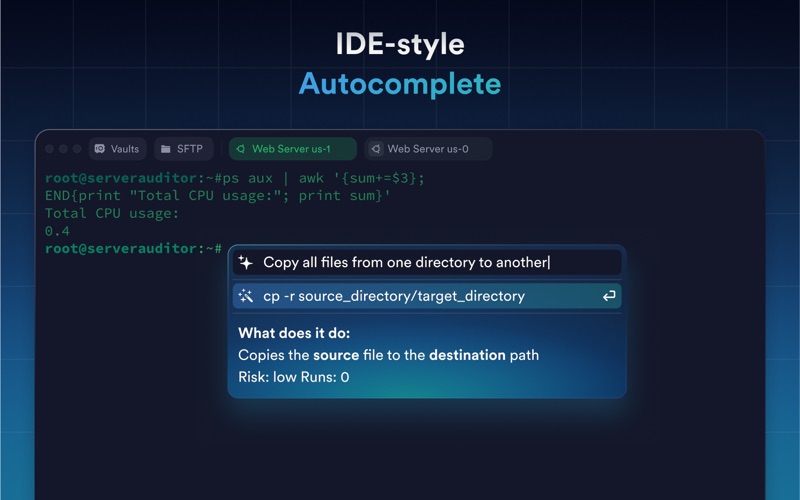
Termius is a modern SSH client designed for productivity and collaboration. Connect with one click from desktop and mobile—no re-entering IP addresses, ports, and passwords. With a free Termius Starter plan, you can: · Connect from your mobile and desktop device with SSH, Mosh, Telnet, Port Forwarding, and SFTP. · Work in several sessions simultaneously with a multi-tab interface and split-view support. · Customize your terminal themes and fonts for each connection. · Save your favorite and frequently used commands and shell scripts to execute them with a tap instead of typing. · Run your saved commands on multiple sessions or servers, or instantly get them autocompleted in the terminal. · Quickly access the global history of your terminal commands. · Authenticate using hardware FIDO2 keys. · Get the support of ECDSA and ed25519 keys as well as a chacha20-poly1305 cipher. · Ad-free. With the Termius Pro plan, you can also: · Access your connection settings and credentials from any device at any time with an encrypted cloud vault. · No limitations on the number of devices to sync. · Connect to your hardware via Serial Cable. · Connect through Proxy and jump servers. · Set custom environment variables. · Integrate with AWS, DigitalOcean, and Azure. · Protect your credentials with Touch ID or Face ID and your account with two-factor authentication. · Keep your keys on your machine with SSH agent forwarding. Termius reinvents the command-line experience. We strive to make remote access for admins and engineers more productive and enjoyable. Please review our privacy policy https://termius.com/privacy_policy.html and terms of use https://termius.com/terms_of_use.html
Screenshots

Reviews

  • Best Client

    5
    By Dzakuda
    Best Client
  • Broken on macOS 26

    1
    By admin_admin_admin
    1. Forces you to create an account and syncs your SSH keys to third-party servers just to use a basic SSH client. Closed source, can't verify their "end-to-end encryption" claims. 2. CPU/GPU nightmare on M1 Pro. Terminus Helper (GPU) alone eats 25-30% CPU at idle with a few SSH sessions open. Combined with the main process it's 50-57% CPU. This drags WindowServer to 42% too. 3. Known Electron + macOS 26 (Tahoe) bug that Termius hasn't fixed. Every other Electron app (Discord, VS Code) addressed this months ago. Termius 9.37.6 still has the issue. 4. !!!! Spams 12 mDNS connections (port 5353) scanning local network for SSH hosts, even when you don't use that feature. Can't fully disable. 5. Constant sandbox errors in system logs. App keeps trying to access serial port bindings and failing, likely causing retry loops. Better alternatives: Ghostty, Warp, or just built-in Terminal with ~/.ssh/config. None of them eat 57% CPU to show a terminal window!!!!!!
  • Requires an account

    1
    By oxjox
    I shouldn’t need an account to access devices on my own network. This app used to be very good but now I need an alternative.
  • Need cloud account?

    1
    By Panini_NYC
    No thank you. Don’t need any cloud account or AI feature.
  • 好用,免费版居然都提供很多功能

    5
    By KK-None
    提供一连串功能包括云同步
  • Subscription fee is unrealistic

    1
    By imaunajs
    A basic terminal app, like this one, could have a one-tine purchase or a tiny monthly subscription ($0.99). Instead, they ask for $10/month. Unrealistic. Their Income would skyrocket if they lowered the cost. I’ll never consider $10/month. I may consider $2. Def would pay $1. Also - please stop “updating” the app every two days. All you do is cripple it a little more every time.
  • Termius is one of the best terminal apps for the Mac

    4
    By marcvvv
    I have been using Termius a long time. For me it is one of the best Terminals out there. It manages all my SSH keys. Love the SFTP. I use it for my clients hosting and Proxmox servers and vm’s. Always getting better. Had some poor support a year or two ago. Don’t know if it has improved since then. Basically was unable to get timely responses or any response to a couple issues and questions. But haven’t had any issues in months with the software requiring support so don’t know.
  • Annoying AI and useless support

    1
    By 0x34DF
    The 'Ask AI' widget is a nightmare. It blocks my arrow keys, forcing me to press Esc before every single command just to see my history. It’s a total workflow killer. To make it worse, support is completely clueless. They keep telling me to click a '4 squares' button that doesn't even exist on macOS. They have no idea how their own app works on Mac. Don't waste your time
  • SO FAR SO GOOD

    5
    By Mclovio2719
    So far so good, love it.
  • Nearly Perfect

    5
    By zosojim
    I love this app. My only gripes are personal workflow related and subscription cost. The port forwarding function on iOS may be unique, and allows you to interact with cloud boxes natively in Safari. Prefect for running ComfyUI, LLMs, Jupyter, and SillyTavern on Runpod and Tensordock. It’s the best app I’ve used in years and the tech support is great. The subscription price is tough to absorb, so I use free mode and sync manually. On iOS - there is no alternative.

keyboard_arrow_up