Route 66 Navigation

Route 66 Navigation

By Touch Media. s.r.o.

  • Category: Navigation
  • Release Date: 2018-03-09
  • Current Version: 2.1.2
  • Adult Rating: 12+
  • File Size: 150.40 MB
  • Developer: Touch Media. s.r.o.
  • Compatibility: Requires iOS 13.6 or later.
Score: 2.94702
2.94702
From 151 Ratings

Description

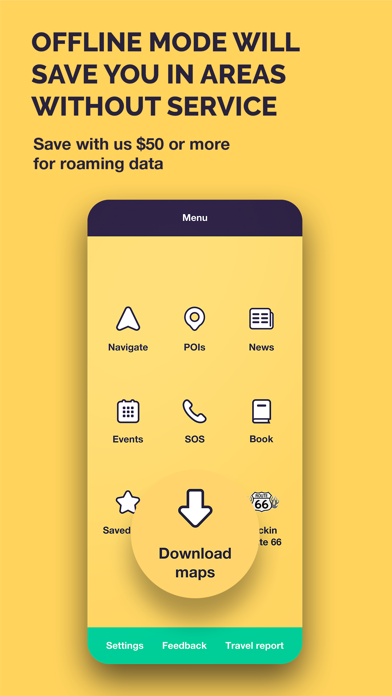
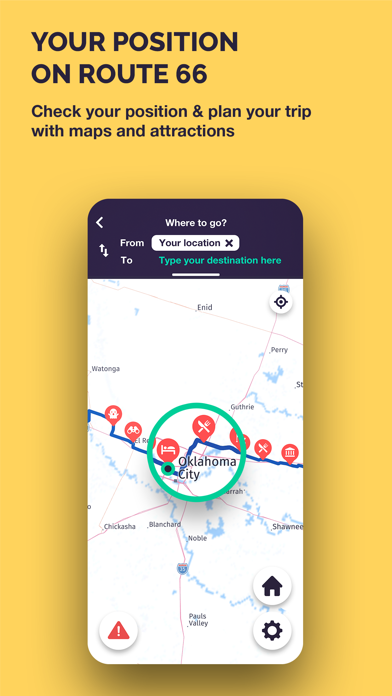
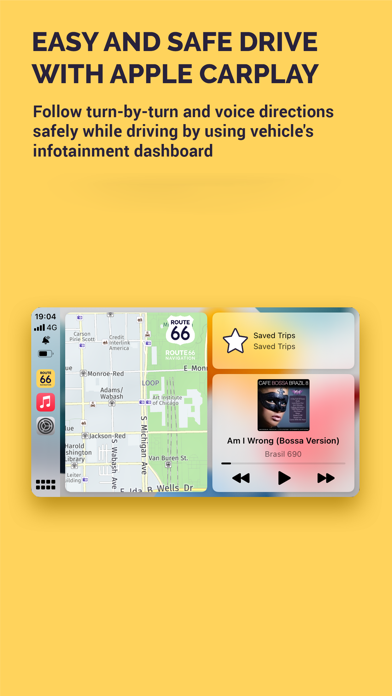
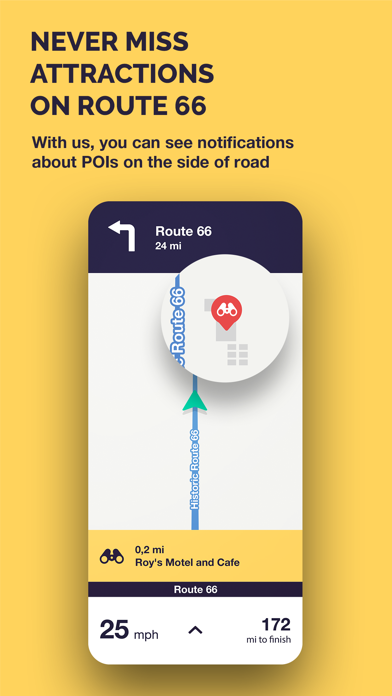
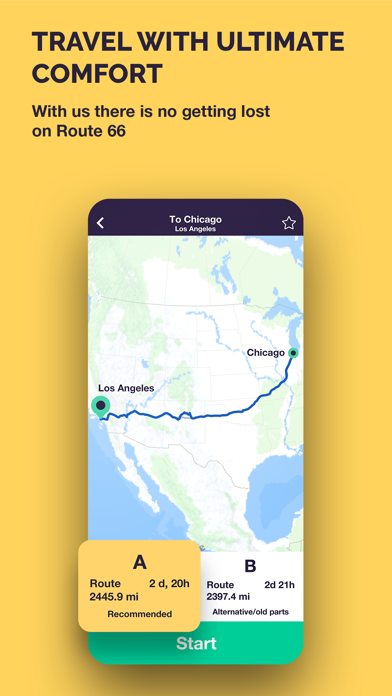
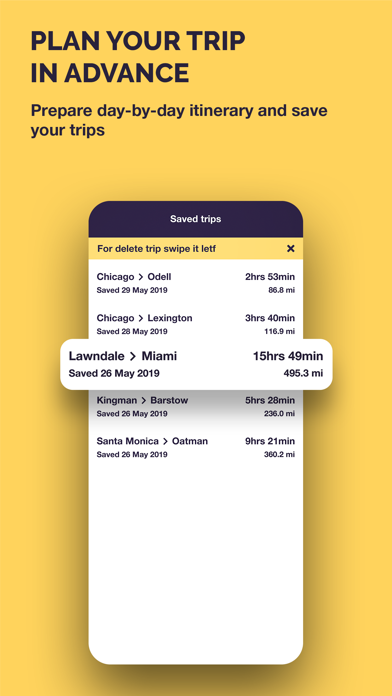
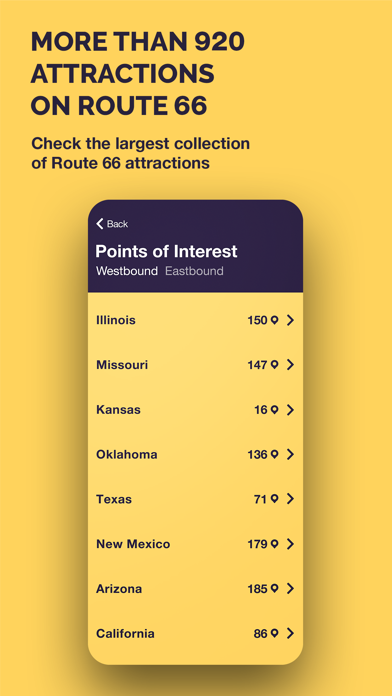
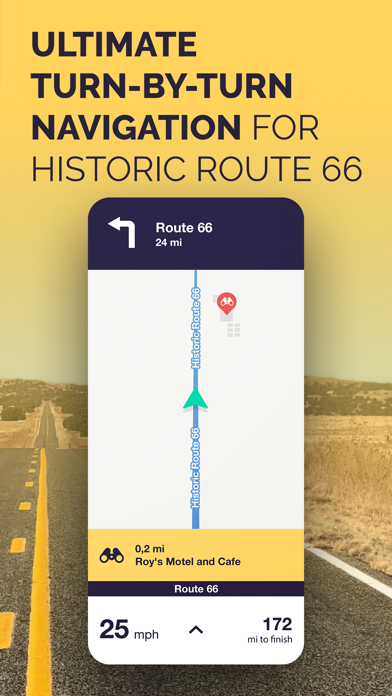
Route 66 Navigation is the only app that connects you to historic sections of Route 66 from Chicago to Santa Monica and vice versa. Now it offers better maps, notifies about significant sites, provides voice instructions in multiple languages worldwide, supports Apple Car Play, and works offline in areas with weak or no mobile signal. MAIN FEATURES OF ROUTE 66 NAVIGATION APP: - NEW! APPLE CAR PLAY FEATURE AVAILABLE - turn-by-turn directions for historic Route 66 westbound as well as eastbound - full offline mode (no data roaming needed for navigation, just download the app data and maps to your iPhone and you are ready to go!) - simple use, find the destination on the map or select the city - join Route 66 at any point and continue to your destination - 1300+ attractions along historic Route 66 with on-screen notifications - plan with the map of Route 66 with all the points of interests - enjoy new interactive dashboard - up-to-date maps with any closure or detour noted - plan and save your trip day-by-day - designed for good visibility while riding your motorcycle or driving car Thanks to Route 66 Navigation app you can fully enjoy your trip through Route 66 without stress and worry. Every mile of Route 66 has been carefully charted and considered as we chose the most beautiful and most interesting sections with thousands of POI attractions. Our turn-by-turn navigation app has been developed so that you can choose the right path for you – whether you are a motorcycle rider, or drive a car. We have created routes to suite your preferred travel style. During the trip it will display not only instrutions for navigation, but the application will continue to alert you about interesting POI along the route you have chosen. Route 66 Navigation offers two alternative routes when you are west or east bound. The main route in either direction contains the most widely known iconic parts of Route 66. The second route in eihter direction provides a path to explore and discoverers passages of the old Route 66 that existed in different periods of its operation. The app allows you to navigate in both directions – from west to east or east to west. Route 66 Navigation app works fully when offline so thanks to our app you will be able to fully orientate yourself even in areas with limited telephone signal or mobile data coverage. We are travellers who are committed to delivering superior services to you – our fellow travellers. We are constantly upgrading and improving the itinerary, constandly updating POI for the 66 Navigation app so you can choose the path you wish to take and customise your own unique experiences. ### Route 66 Navigation is a free app with In-App Subscription for full navigation features. The free app allows you to view all the POI, events on Route 66, news, send your travel report or use S.O.S functionality. Unlock the Route 66 navigation features with one-year or 7-day licence. Subscription will be charged to your credit card through your iTunes account. Our subscriptions do not support the Family Sharing feature. TERMS & CONDITIONS https://www.route66navigation.com/terms-conditions-route-66-navigation/ PRIVACY POLICY https://www.route66navigation.com/our-privacy-policy/
Screenshots

Reviews

  • Great Routing, Poor Integration

    3
    By S_G_C
    Like other reviewers, we found the app pretty darned good with route planning. We used it exclusively for our westbound journey from Chicago to Santa Monica. When you use it in navigation mode, it faithfully points out many points of interest that we would have simply missed. Bravo! We used it first thing in the morning to tell it where our ending point for the day would be, and it gave us two options to get there. “Alternate A” was always the faster option whereas “Alternate B” followed more of the 1926 to 1930’s alignments and was consequently slower usually. Some days we took “A” and others “B” depending on how far we intended to travel that particular day. Now about the Apple CarPlay integration. It’s terrible. As the “tech person” and the primary driver, I needed CarPlay to work. I can NOT be staring at my phone to try to figure out where to make the next turn! We met soooo many people during our trip that were using this app and could not get CarPlay to work. I figured out how to get it to work, but it’s a pain in the arse every time. By the way, talk to people when you’re stopped at restaurants, attractions, gas stations, and motels. You’ll meet a lot of interesting people. That’s part of the Route 66 experience. Considering the amount of money we spent on the trip, paying for a “CarPlay optional upgrade” would have been worth it. I spent more on ridiculous kitsch that I apparently can’t live without now anyway.
  • Overall Good

    3
    By the_penguin_man2001
    Overall the app does a good job of navigating Route 66. However, the app offers little to help in planning in advance of your trip. The POI feature is awful to try and look ahead and see what’s worth seeing! Every time you select a POI and then return to the map, the app takes you back to your original location! I would like to see the app stay in the place you’re looking and allow a favorite feature so you can select POIs you really want to see. Also, the app will take you off route to see something you may not be interested in. I’d like to see features that let you pre-navigate the route and pick the POIs you’re most interested in seeing. Additionally, once you’re in navigation mode, the app doesn’t show city names, so it can be confusing to look ahead. I’d also like to see an avoid feature that navigates you away from areas you’re not interested in.
  • Not Worth the Money or Your Time on 66

    1
    By Allykat1468
    I started out very excited about this app until they supposedly did their “update” for 2026… It went from free to priced out to use the app- I had to do the highest pay option because their lower option wouldn’t let me do the entire trip which honestly was a huge red flag but I went with it anyway. There was several places on the map that didn’t exist anymore (which we took a lot of time trying to find and never did) including a supposed landmark of old Route 66 that landed us in a field and farm and the first ever McDonalds which had clearly not been there for a while as it had a multi story parking garage in its space… The app constantly froze and had issues even with the offline version of the maps- so badly that in the end we quit using it and just tried to compare the info to books we had bought to get to where we needed to. As this was the supposed official app of Route 66 I’m extremely disappointed and feel like almost all of the things in it were probably paid for by the hotels and restaurants that mostly took up the app- and not the local businesses that would be able to benefit from it. If I could go back and not pay the $40 bucks I would- but I can’t so I’m warning others this is NOT the app your want for your trip.
  • Excellent for Navigation

    5
    By MJS149
    I recently completed the entire Chicago to Santa Monica westbound road trip and I used this app for navigation the entire way. It was the only option I could find for heads up turn by turn directions connected to my car via Apple CarPlay. I was concerned given some of the reviews, but in practice it performed perfectly and was exactly what I was looking for to make the trip easily and authentically. I highly recommend it to anyone who wants this type of navigation support.
  • Westbound

    5
    By Iron Skulls
    We had 5 or 6 of the books that were supposed to be the best for following Route 66. Using this app, we didn’t need the books at all. We tried using the books a couple of times and after getting lost we switched back to the app. Best money we spent preparing for out road trip.
  • Disappointed

    1
    By will6949
    Be prepared for dead ends not revealed by the app. Also in map view after clicking on a point of interest the exiting it drops you back to your location which was very annoying.
  • Waste of money

    1
    By ANNT2025
    Can’t understand the downloaded maps. B
  • Invaluable on our trip

    4
    By Big C MKE
    I’ll start by saying that we ran into a couple quirks. Most notably the app often would often give us weird routes if we went off course (to see something nearby or just made a wrong turn). Where I would expect it to immediately route me back to Route 66 it sometimes would choose an entirely different route. Weird, but not unworkable. Outside of that it has been a fantastic experience. Using it with Apple CarPlay has been a breeze. Popping up a little dialog when an attraction is upcoming and showing and icon on the map made it so easy to focus our trip on all the sites to see. There are SO many sites on the app that I otherwise wouldn’t have known to look for (as a baseball fan having the opportunity to see Mickey Mantle’s boyhood home - just a couple blocks off the Route - was so special, and never would have happened without using this app). There is a bit of a steep price to purchase the app’s navigation feature but it unlocks use for an entire year and, frankly, I feel it was absolutely worth the cost.
  • Not worth the price…

    2
    By Annaking24
    So this app is $39.99 for a year or like $20 for a week. We needed it for two 🤦‍♀️ Anyway, it doesn’t talk so it’s hard to follow without staring at your phone. It has a go on I-40 and completely miss some attractions. If you zoom out to see the route you have to completely exit the app and restart navigation to get back. It’s honestly SUCH a hassle…. While I can’t actually compare, I wish I would’ve saved money and used the cheaper app or just bought a paper map. Huge disappointment for the price. It did get us all the way to California from Illinois so I didn’t give it one star
  • Great App!

    5
    By Nightrider616
    Used this in 2026 to do the whole Route 66 and the app worked great and would put me back on route when I would get off the route. Shows you all the spots you’d wanna see as you’re driving by them as well. I would definitely use again 👍

keyboard_arrow_up