SSH Client - Secure ShellFish

SSH Client - Secure ShellFish

By Anders Borum

  • Category: Developer Tools
  • Release Date: 2019-06-28
  • Current Version: 2026.15
  • Adult Rating: 4+
  • File Size: 111.75 MB
  • Developer: Anders Borum
  • Compatibility: Requires iOS 17.4 or later.
Score: 4.82038
4.82038
From 1,325 Ratings

Description

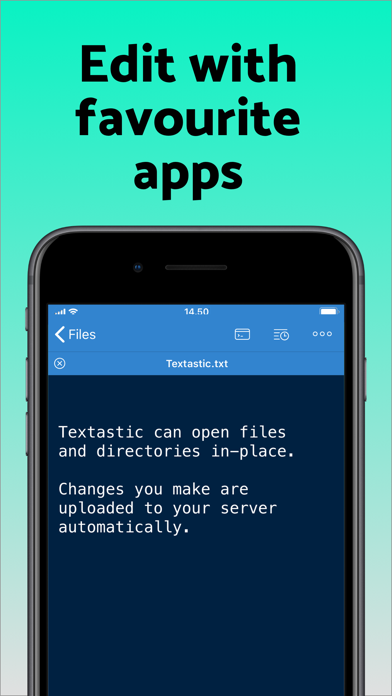
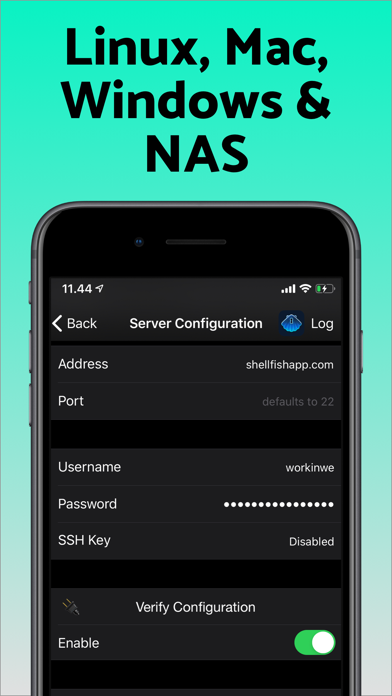
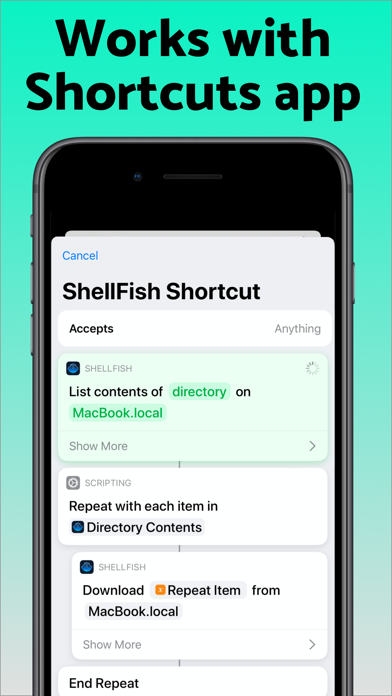
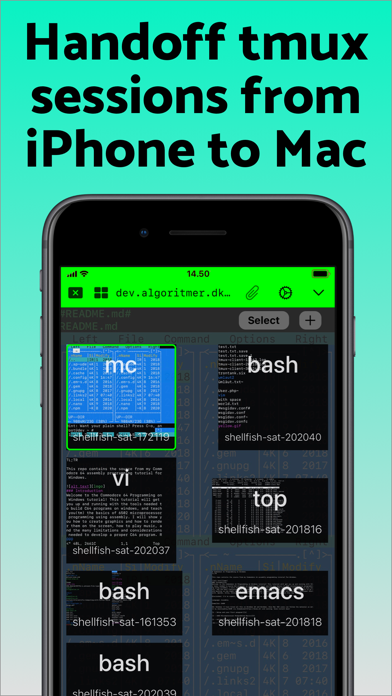
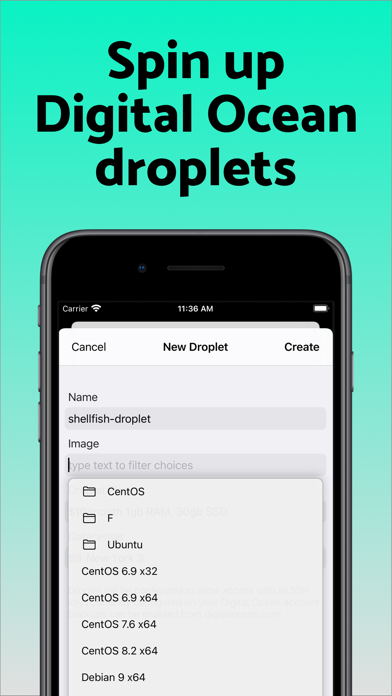
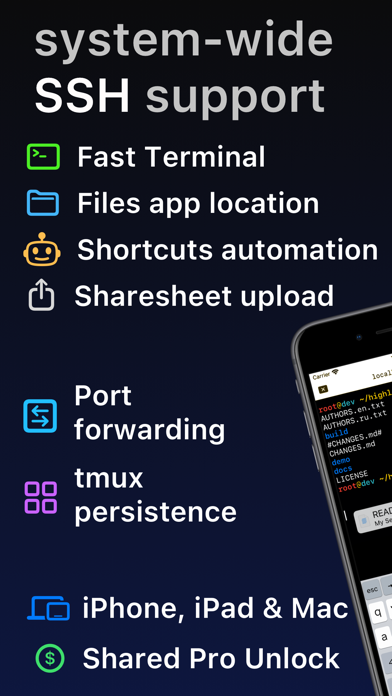
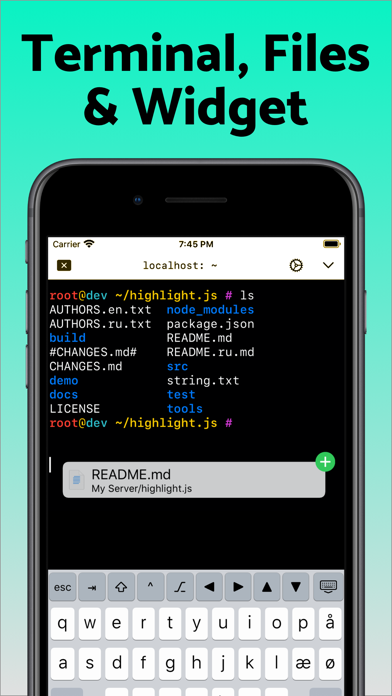
Lightning fast SSH terminal with remote file access. No other app fuses your SSH servers and iOS devices as well as Secure ShellFish. Tap Get and see for yourself. Terminal supports standard text editing gestures for selection, scrolling and copy/paste as well as custom gestures to send arrow keys and tabulator making shell entry and full screen editing with vim or emacs delightful. Bar above the keyboard makes it easy to type special keys and insert snippets. Select and drag filenames out of the terminal as actual files and drag files from other apps into the terminal to upload. Use built-in tmux support to persist terminal sessions if you lose Internet access, pick existing sessions with thumbnails and Handoff sessions between devices. Server file system is available in the Files app and recently accessed files and directories are cached to make them available when offline. Use apps like Textastic and iA Writer for a native editing experience working on your remote server files. Upload files or entire directories from the share sheet with minimal friction as the last destination directory for each kind of file is remembered or automate file transfers in the Shortcuts app. Connect to your Mac, Synology NAS and any other SSH server or create new Digital Ocean droplets right from the app. Secure ShellFish is useful as a free app and paying pro users can disable ads in the terminal, upload through the Files app and configure unlimited number of servers.
Screenshots

Reviews

  • i’ve put this poor app thru hell and it’s a trooper!

    5
    By sharikovovov
    I am donald rumsfeld’s worst nightmare: i REVEL in my unknown unknowns (and there are so many of them!)! in my twilight years i’ve decided to become a ‘dev’ (great timing ive been told) and, after two months, i’d say i’ve accomplished it. so you can imagine the terrors i’ve committed sshing into god knows where, doing gawd knows what, and yet this app has never quailed! has gently steered me in the right direction and, in all seriousness, has actually taught me quite a bit! i never would have experimented with digitalocean droplets if the developer didn’t make is such a breeze to sign up (and then DESTROY) those beautiful droplets. i can’t imagine how much power this app would have in the hands of someone who actually knew what tmux was. too bad this person does not exist. Buy the app, seriously it’s beautifully designed, works amazing and is CONSTANTLY being updated. fifteen thousand stars!
  • Very powerful

    5
    By stump_jumper
    Setup took a little getting used to, but not bad. Works extremely well, and I have a feeling I’ve just scratched the surface of its functionality. Writing an ssh client for such a small screen and such a sandboxed platform like iOS is difficult, and I seriously doubt anyone has done it better.
  • My Go-To SSH client

    5
    By PB in Boston
    I've tried all of them, and ShellFish is the only one that I have stuck with. The tmux integration makes it possible to work remotely with the same convenience as at my desk.
  • Best SSH client with MacOS and iOS integration

    5
    By teaneedz
    I love this app. Integrates with Finder/Files and easy setup for terminal access.
  • really good

    5
    By npatricksmith
    can’t live without this app
  • Analytics on by default

    3
    By syscheckin
    App works very well, but pragmatically enabling analytics by default removes meaningful consent from users. Please make tracking opt-in.
  • What a gem

    5
    By teaneedz
    I just recently discovered this ssh app and it's quickly become an MVP on iOS. I love how it integrates with the Apple File app and has a macOS version too. I've added the Runestone app for text editing and it's like peanut butter and chocolate - they work so well together. ShellFish is my go-to for remote server access. It's polished and intuitive. [update] I just recently used this with Tailscale and can confirm it works great! If you use another VPN just be advised you'll likely need to disable it, then enable Tailscale using the TS app. After that connection is established, Shellfish can be used in that environment. Once the session is complete, just switch Tailscale off and turn your regular VPN back on.
  • Nice work

    5
    By iindie
    Really nice application… good setup for remote work or just keeping tabs on VPSes …
  • Amazing!!

    5
    By CC Shellfish user
    Thank you! Helped me run Claude code on my iPhone
  • Responsive dev

    5
    By CookieFactory
    very useful tool

keyboard_arrow_up