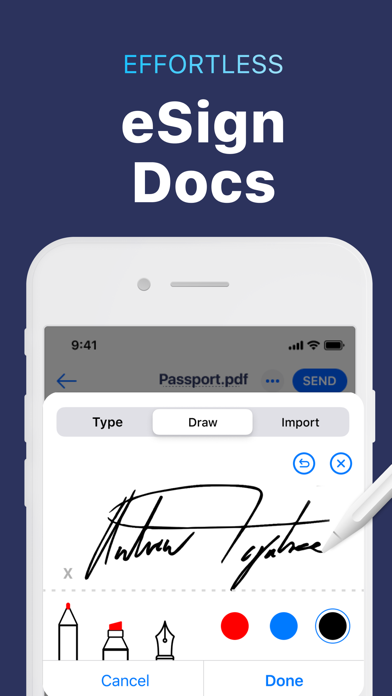
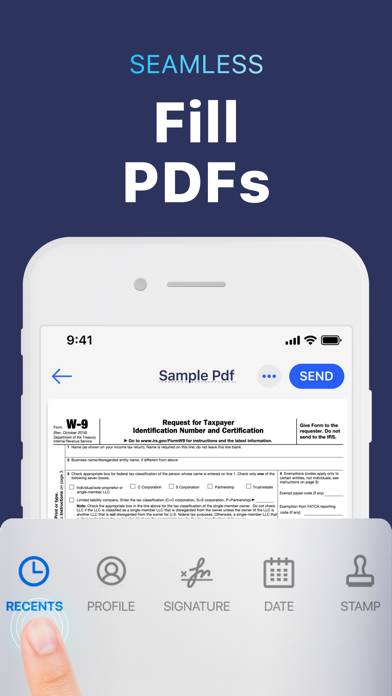
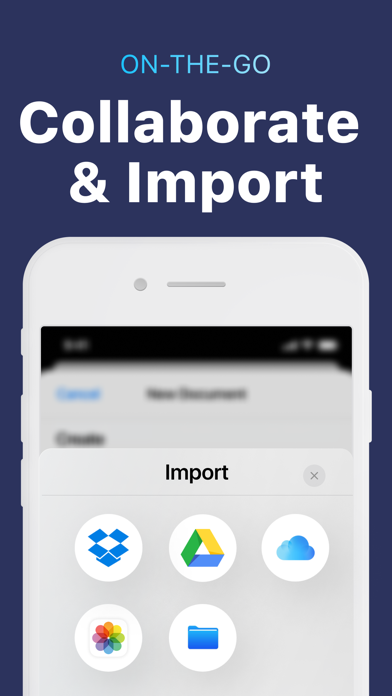
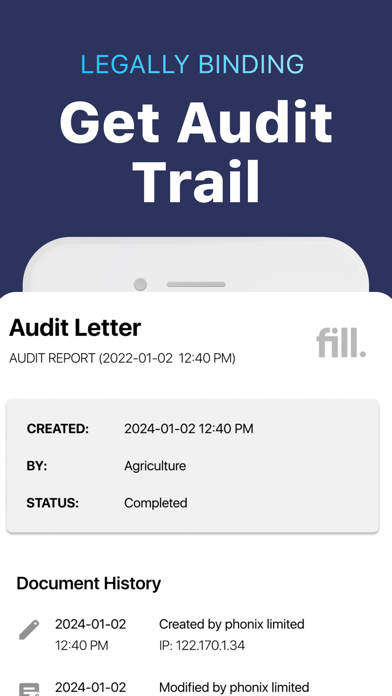
Tired of managing paperwork? Meet Fill iOS, your all-in-one PDF editor, e-signature maker, form-filler app. Fill forms, sign documents, request signatures, and manage contracts securely without printing or scanning paperwork. Whether you need to create a digital signature or request e signatures from others, manage contracts with audit trails or simply want to fill, sign and share documents, Fill has you covered. Trusted by individual users & businesses, Fill lets you sign confidential & legal documents securely all while maintaining an audit trail right from your iPhone or iPad! What’s New - Convert documents into different formats when needed. How Fill works -Create your personalized digital signature on our app or import an existing one. -Upload documents easily from your device, iCloud, Dropbox, Google Drive, or Files -Edit, Annotate or stamp PDF documents on-the-go -Convert files when needed. - Request e-sign for agreements & contracts with this legally binding e-signature solution Key features Edit documents: Import, annotate, fill and sign documents by inserting text, icons, stamps & electronic signatures with the Fill PDF editor, which functions like a powerful file editor. Sign PDFs: Fill out & digitally sign PDF forms & share files efficiently without a scanner! To sign; add initials, use the on-screen sign maker canvas, or simply import digital signatures on the app. Request e-signatures, share & collaborate on documents: Effortlessly access & manage contracts by sharing documents with others for collaboration and requesting eSignatures. Save and track these documents right from your phone. Scan Documents: Scan any document with our smart scanning camera and convert them into editable digital files. Effortless Data Security with Fill: Safely store, back up, & sign and share documents with military-grade encryption, meeting compliance standards, & ensuring legal traceability via Fill. Save & Re-Use: Save & access frequently used content, digital signatures, & personal information safely. Fill and Sign Contracts & Tax Forms: Fill makes it easy to fill, sign, and share important files from anywhere without printing or scanning - Tax forms (1040, W-9, W-4), Contracts & agreements, Business documents, Financial forms Key benefits - Create and Request e-signatures from anywhere. Signatures are legally binding and have an audit trail. - Stay productive with third-party integrations - Manage documents securely - Fill and sign documents easily - Go green, go paperless! COST - Unlock a year of premium features, complete with a 7-day free trial, for the most cost-effective way to access all our services. Optimize paperwork with Fill PDF editor & e-signature app, the ultimate electronic signature solution. AUTO-RENEWABLE SUBSCRIPTIONS - Fill provides an annual subscription that lets you edit, export & share unlimited PDF files - Title of subscription is Unlimited Export Credits - The free trial period lasts for 7 days & annual subscription charges are made automatically to the given payment account unless canceled 24 hours prior to the end of the trial period. Prices are stipulated in the app & vary based on user region. - Subscriptions will automatically renew unless auto-renew is turned off at least 24-hours prior to the end of the current period. - Initial payments are charged to a user's iTunes Account at confirmation of purchase. - Subscriptions can be managed by the user & auto-renewal can be turned off by going to the user's Account Settings after purchase. - Any unused portion of free trial period, if offered, will be forfeited when the user purchases a subscription to that publication, where applicable. - Free trial is only available once per subscription per user Download Fill and Sign now & make PDF signing easy on-the-go! Terms - https://www.fillhq.com/terms