Koala Sampler • Beat Maker

Koala Sampler • Beat Maker

By Mazbox Limited

  • Category: Music
  • Release Date: 2019-02-28
  • Current Version: 1.4162
  • Adult Rating: 4+
  • File Size: 75.55 MB
  • Developer: Mazbox Limited
  • Compatibility: Requires iOS 13.0 or later.
Score: 4.77111
4.77111
From 1,350 Ratings

Description

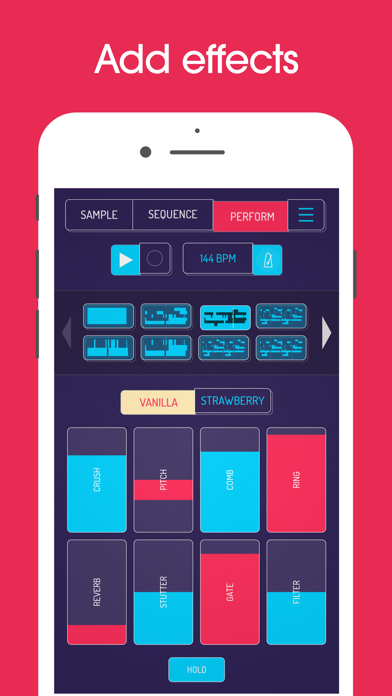
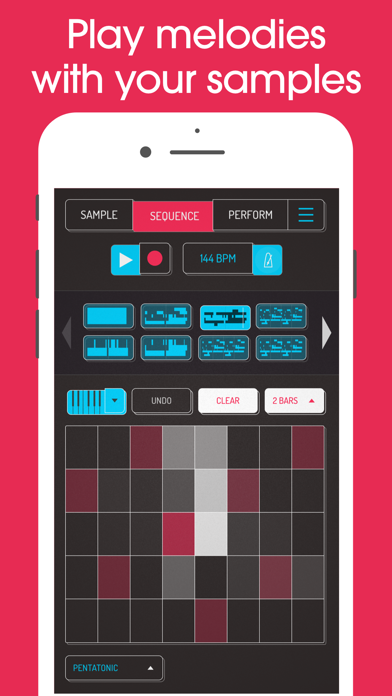
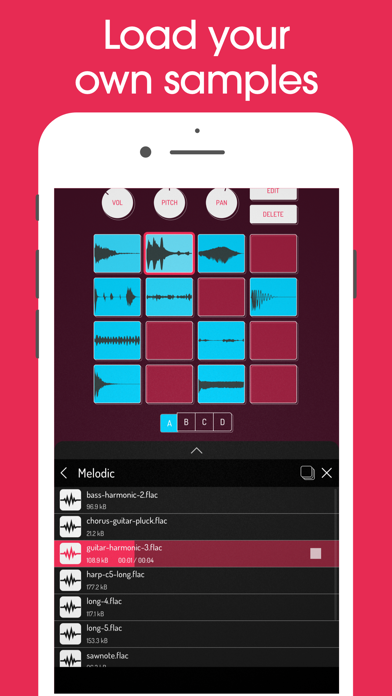
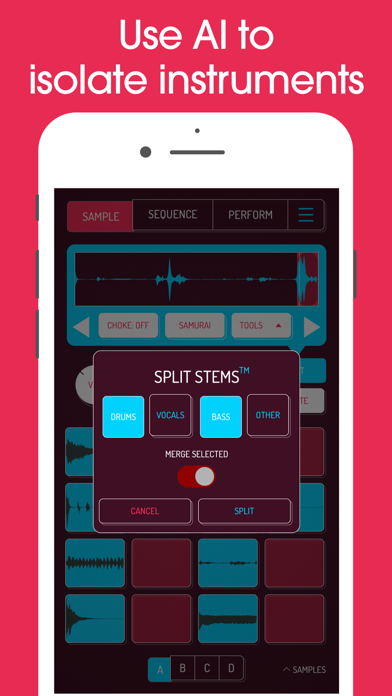
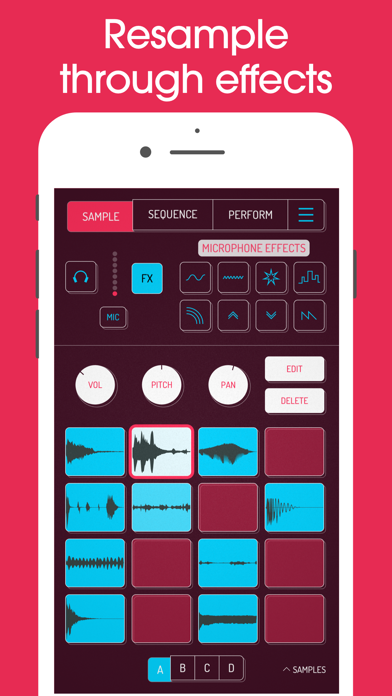
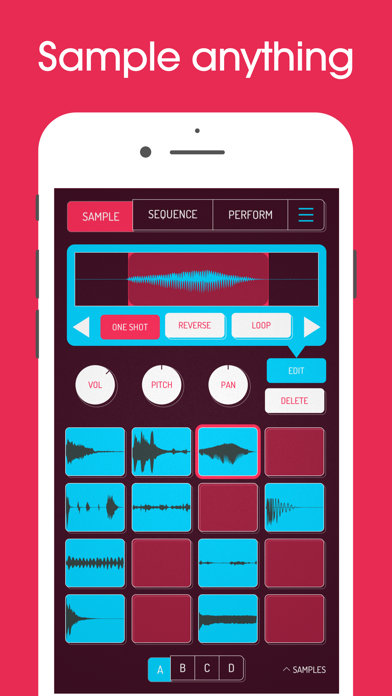
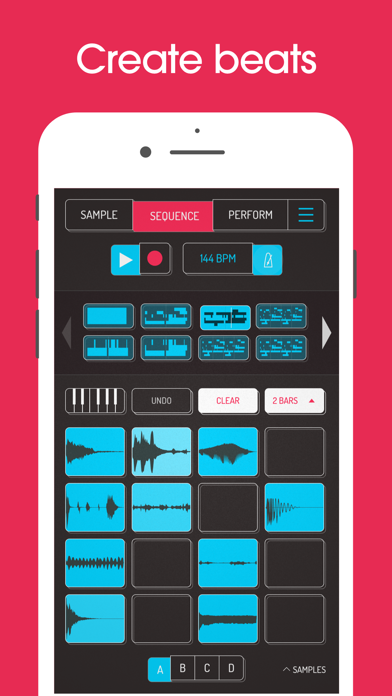
Koala is the ultimate pocket-sized sampler. Record anything with your phone's mic instantly. Use Koala to create beats with those samples, add effects and create a track! Koala’s super intuitive interface helps you make a tracks in a flash, there is no brake pedal. You can also resample the output of the app back into the input, through the effects, so the sonic possibilities are endless. Koala's design focuses totally on making the music making progress instant, keeping you in the flow and keeping it fun, not getting bogged down by pages of parameters and micro-editing. "Been putting that $4 koala sampler to good use lately. Undeniably great tool that puts some of these expensive beat boxes to shame. A must cop." -- flying lotus, twitter * Record up to 64 different samples with your mic * Transform your voice or any other sound with 16 superb built-in fx * Load your own samples * Choose from one of 250 built-in sounds * Resample the output of the app back into a new sample * Export loops or entire tracks as professional quality WAV files * Direct export to Ableton Live Set * Copy/paste or merge sequences just by dragging them * Create beats with the high-resolution sequencer * Import samples using AudioShare or just open them in Koala * Keyboard mode lets you play chromatically or one of 9 scales * Quantize, add swing to get the right feel * Normal/One-shot/Loop/Reverse playback of samples * 6 Choke groups * Attack, release and tone adjustable on each sample * AUv3 compatible - use in GarageBand, Logic, Cubasis etc etc * MIDI controllable - play your samples on a keyboard, map the effects to knobs * Jam with others over WiFi with Ableton Link * Free copy of Ableton Live Lite included * Use AI to separate samples into individual instruments (drums, bass, vocals and other) * Set your own background image and choose from a growing list of background visual FX. 8 Built-in Microphone FX: * More Bass * More Treble * Fuzz * Robot * Reverb * Octave up * Octave down * Synthesizer 16 Built-in DJ Mix FX: * Bit-crusher * Pitch-shift * Comb filter * Ring modulator * Reverb * Stutter * Gate * Resonant High/Low Pass Filters * Cutter * Reverse * Dub * Tempo Delay * Talkbox * VibroFlange * Dirty * Compressor Features included in SAMURAI In-App Purchase * Timestretch (4 modes: Modern, Retro, Beats and Re-pitch) * Piano roll editor * Auto-chop (auto, equal, and lazy chop) * 3 Band EQ * Pocket operator sync out
Screenshots

Reviews

  • Sound

    4
    By It clicks when you export
    I really love the app, but it sounds like a click when at the beginning of every sample I export. On iOS
  • Simply the best

    5
    By ElonBusts$
    One of the sole reasons why I even bought an iPad is because of this app and now with the implementation of AuV3 it has basically become a DAWless DAW.
  • Really cool app but keeps crashing?

    2
    By Single Dad Masu
    I really really love this app but lately when i open it or put another file in? It crashes. Can’t get much use out of it now but hopefully they fix sooner than later
  • One of the best music making apps on App stores.

    5
    By 480phighscore
    No more Logic, no more Ableton, no more any DAWs for me. Just Koala Sampler for me, oh yes oh yes. With AUv3 support now, its over for other programs for me. Sound like a chart topping artist, do simple stuff, break yourself pushing your creative bounds of song making, record and make music from whatever on the fly and simplely, be part of the underground sound, do something wholely unique, do whatever you want once you learn everything this app has and buy the Mixer and Samurai addons. It is seriously versatile and should be every musician's staple.
  • Superb App

    5
    By ZeaLOrDyL
    Definitely my go-to sampler, and with each update it gets better. Well worth the $
  • Waste of money

    1
    By Hazlchpuma
    I was trying to remove the drums and there was nothing. If someone can tell me how to do it I’ll be happier
  • It’s not about the gear…it’s about what you do with it

    5
    By Quinton P1995
    I’ve been using Koala Sampler for a solid 3 years. I’ve gone from novice beat maker to a talented music producer with 2 singles out almost solely produced and mixed in Koala. This app is not only great for beginners, but has so much value that even some of the most successful producers couldn’t get their hands on for anywhere near the cost of what this app is worth. It’s absolutely amazing what you can do with less than $10. I’ve considered getting into hardware like MPCs and even an SP404, but the ease of use and the level of integration it has with Cloud, I can’t bring myself to switch to dedicated hardware without finding some way to integrate Koala. I make beats in minutes, what could take some people HOURS OR EVEN DAYS to make. And when I do go for a slow cook, I feel like I get the same results as what I would get in a studio level production. Easily one of the best apps I’ve ever purchased, and I’m glad it exists in my lifetime. It really has made beat making and music production accessible to EVERYONE! Big shoutout to the developers on making this feel like authentic gear with incredible software integration.
  • Nothing compares

    5
    By cosmo reyes
    Been on the koala train for years now and even when it started it was OP but now it’s the most fluid/mobile production tool No to mention extremely economical.
  • Not A Sampler at all.

    5
    By Front Page Entertainment
    Koala Sampler doesn’t sample, don’t waste your money! Honest review…
  • The Don for beatmaking on IOS !

    5
    By Dee-71
    This sampler, hands down is the best app for beat making on an iPad. Thank you !!!

keyboard_arrow_up