Alight Motion

Alight Motion

By Bending Spoons Apps ApS

  • Category: Photo & Video
  • Release Date: 2019-12-21
  • Current Version: 6.2.53
  • Adult Rating: 4+
  • File Size: 187.08 MB
  • Developer: Bending Spoons Apps ApS
  • Compatibility: Requires iOS 14.4 or later.
Score: 4.40008
4.40008
From 65,597 Ratings

Description

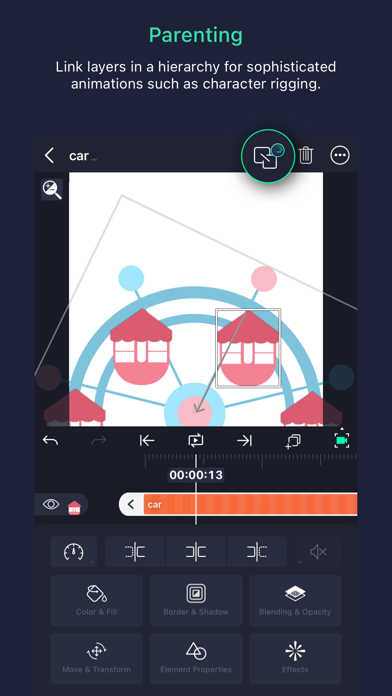
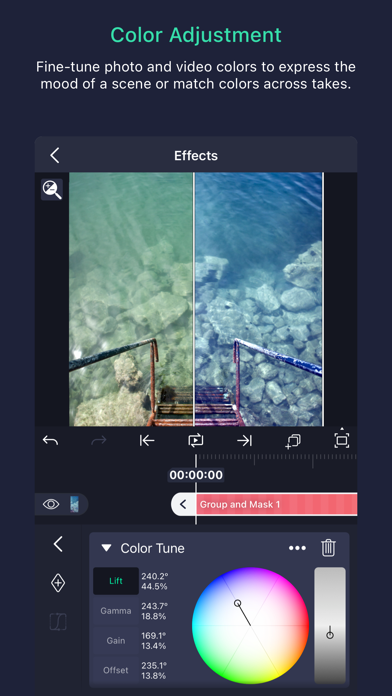
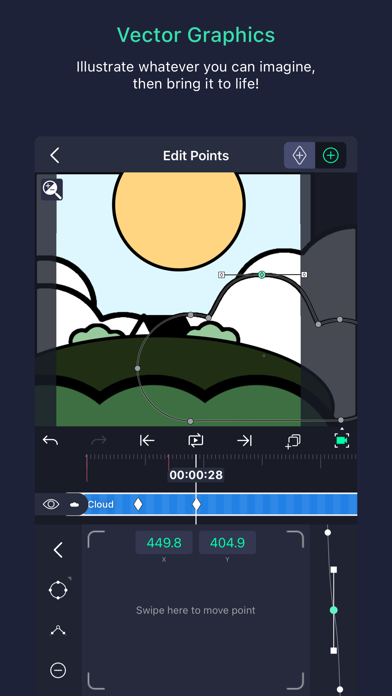
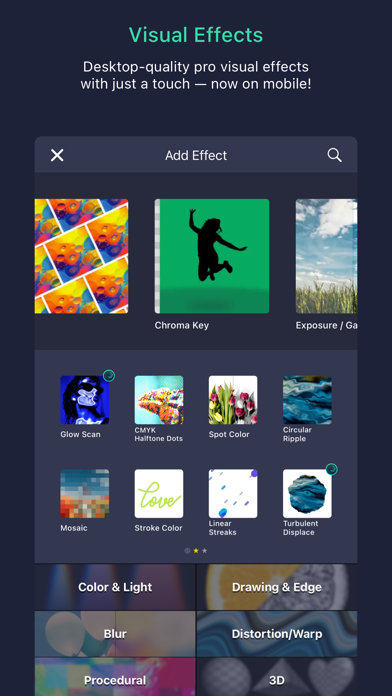
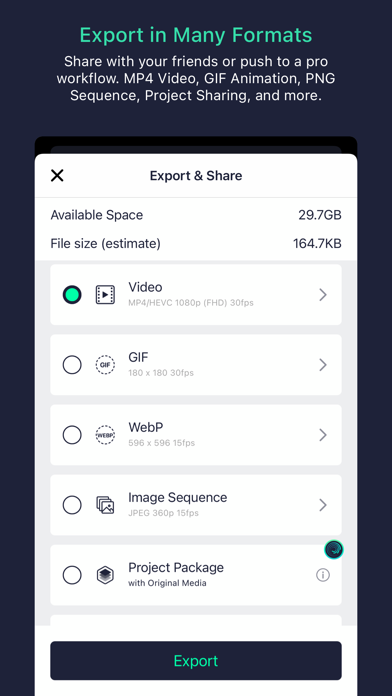
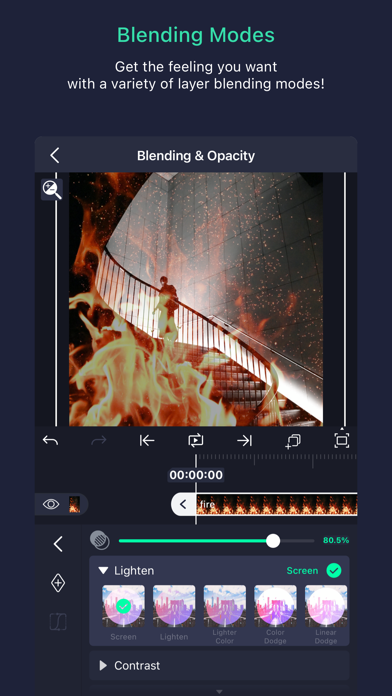
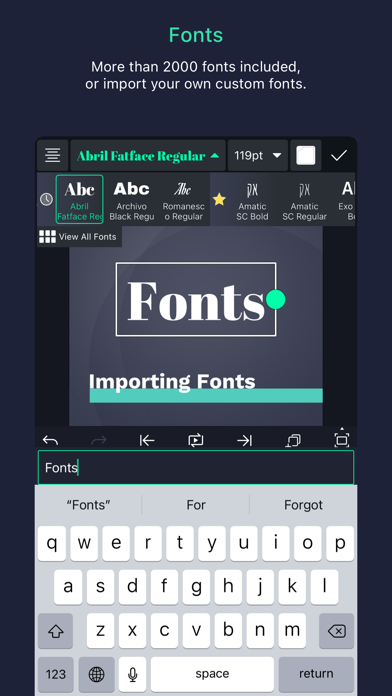
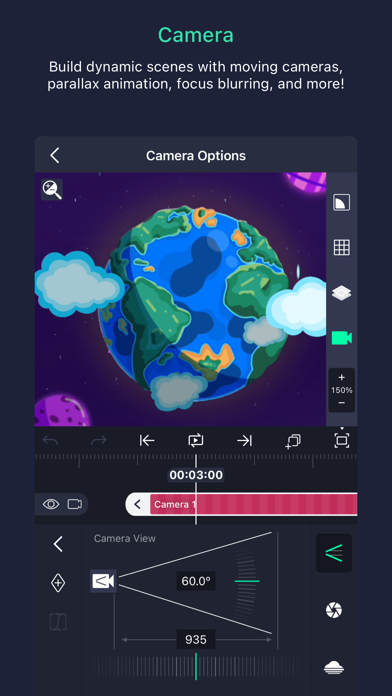
Be part of the movement! Alight Motion is the first professional motion design app for your smartphone for iPhone, iPad, and Mac, bringing you professional-quality animation, motion graphics, visual effects, video editing, video compositing, and more! • Multiple layers of graphics, video, and audio • Vector and bitmap support (edit vector graphics right on your phone!) • 160+ basic effect building blocks that can be combined to create sophisticated visual effects • Keyframe animation available for all settings • Link parent and child layers and rig character joints • Cameras that pan, zoom, and support focus blur and fog • Grouping and Masking • Color Adjustment • Animation easing for more fluid motion: Pick from presets or build your own timing curves • Bookmarks for ease of editing • Velocity-based motion blur • Export MP4 video, GIF animation, PNG sequences, and stills • Share project packages with others • Solid color and gradient fill effects • Border, shadow, and stroke effects • Custom font support • Copy and paste entire layers or just their style • Save your favorite elements for easy re-use in future projects Alight Motion is free to use with basic features and a watermark on videos you create. There are several paid membership options in the app to remove the watermark and access a regularly updated library of premium effects and features. These subscription membership options are charged when you select to purchase them, and renew automatically unless canceled at least 24 hours prior to the beginning of the next subscription period. After purchasing, subscriptions can be managed in your Apple ID settings. You can find more information about subscriptions at https://alightcreative.com/support Terms of Service: alightcreative.com/tos Privacy Policy: alightcreative.com/privacy

Screenshots

Reviews

  • It good

    5
    By Baebae2926
    Very good at editing
  • Great

    4
    By Ajayeagle
    One of the best moible editing apps
  • Awesome

    5
    By Danik 67
    Everything worked great, made good edits on this app.
  • Really Good!

    4
    By tUnDra :/
    If only layer parenting wasn’t pro, then it’d be a 5 star app! I do like how you just have to watch an add when u export if you try a pro feature though, instead of it just not letting you export!
  • Too hard to use

    1
    By WHYDOIHAVETOIMPUTANICKNAME
    Too hard to use and the tutorials they give are about 25 minutes each
  • noise effect glitch

    1
    By Ekdodowleneb
    please fix the noise effect. for some reason when i export my project with the noise effects, the actual exported video is lower quality than shown in the preview. i don’t know how to describe it but on the preview the noise is “sharp” but then when i export it the noise becomes downgraded thst it ruins the quality of my video
  • It’s ok

    3
    By PVIIV
    It was really hard for me to figure out how to animate on this app but after a long time watching tutorials I finally figured it out I honestly think Alight Motion should give people new to the app a guide to show them what everything does it would help a lot of people new to Alight Motion know how to animate, edit, etc on Alight Motion!
  • I love it

    5
    By Idennucejeiikxe
    Yay
  • I still love the app but a problem

    4
    By 0REO🖤🪨
    This grew my channel alot but the only problem is that it kept showing black stuff out of the animation when i export, please fix this
  • GREAT FOR ANIMATION!!

    5
    By Val!! 💙🍜
    So i’ve been using alright motion and it’s actually pretty easy to figure out how to use it and some of my favorite creators on YouTube use alright motion and I absolutely love how the animations turn out!! this might be my road to turning famous on YouTube- but I haven’t really posted any animations made with alright motion though

keyboard_arrow_up