Grammarly: AI Writing App

Grammarly: AI Writing App

By Grammarly, Inc

  • Category: Productivity
  • Release Date: 2019-08-02
  • Current Version: 9.96.0
  • Adult Rating: 4+
  • File Size: 38.24 MB
  • Developer: Grammarly, Inc
  • Compatibility: Requires iOS 11.1 or later.

Description

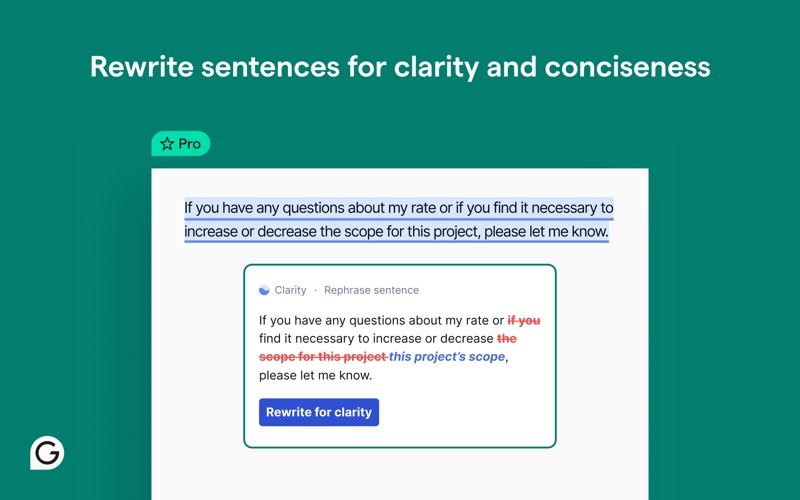
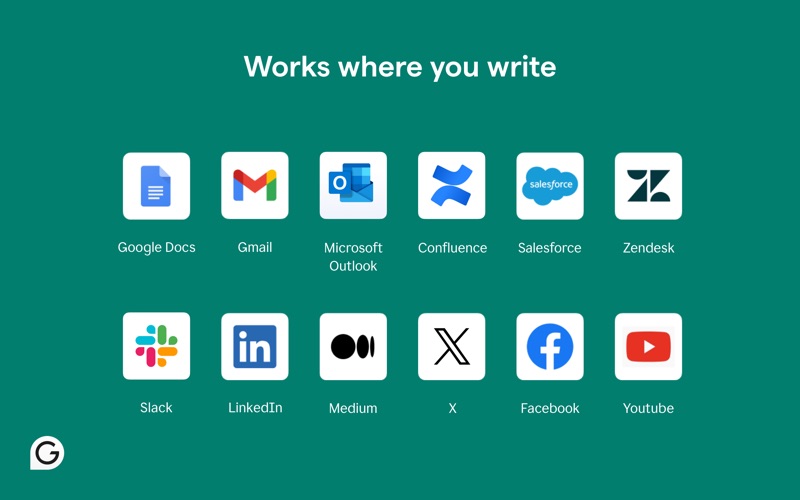
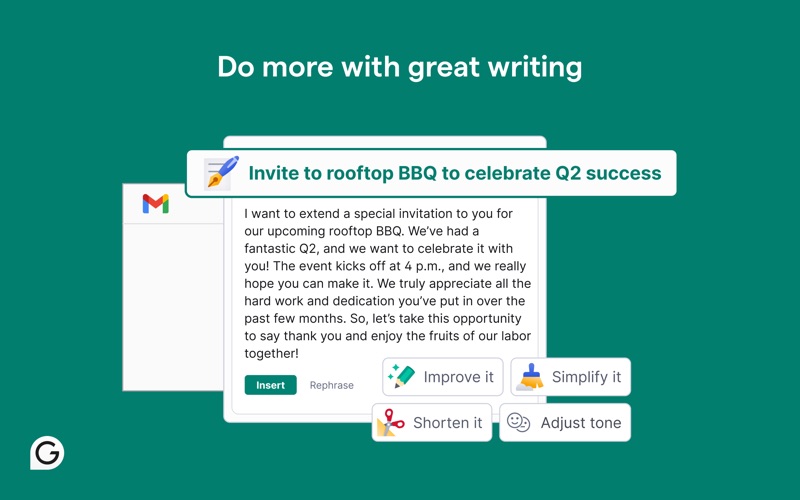
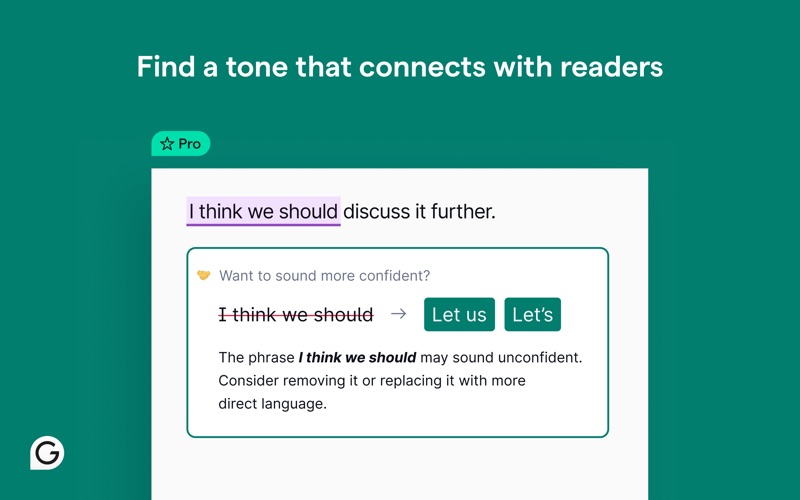
Grammarly for Safari is your always-on assistant for clearer, more compelling communication. It helps you brainstorm ideas, overcome writer’s block, and refine your writing with confidence, precision, and ease. Powered by advanced AI, Grammarly does more than correct mistakes. It generates one-click drafts to help you get started, builds organized outlines, sharpens tone for any audience, and adapts to your goals as you write—whether you’re working on a school assignment, a business email, or anything in between. With built-in plagiarism detection and AI content checks, Grammarly supports originality while helping you write faster, sound sharper, and communicate more effectively—anywhere you write online ► How it works Grammarly works right where you do—in your browser—offering real-time feedback as you type in emails, documents, and more. It goes beyond surface-level edits by offering suggestions that help you organize your ideas, strengthen your arguments, and tailor your tone to your audience. Whether you’re tightening a sentence or reworking a full draft, Grammarly adapts to your goals, context, and intent in real time. You can apply suggestions instantly or expand them to see the “why” behind each one—putting you in control and helping you build stronger writing habits with every edit. ► What’s included? ~ Free Everything you need to write more clearly and confidently: • Real-time grammar, spelling, and punctuation feedback • Suggestions to improve clarity and tone • Auto-citations in APA, MLA, or Chicago style • Built-in AI to help you brainstorm, draft, and rewrite content ~ Pro Advanced support for high-impact writing: • Sentence rewrites to improve clarity, flow, and engagement • Tone, formality, and word choice enhancements • Feedback tailored to academic, technical, or professional contexts • Audience insights to guide how your message is received • AI content detection and plagiarism checks for originality • Team features like style guides and tone profiles (for business users) ► Terms and Conditions By installing the extension, you agree to and acknowledge: www.grammarly.com/terms www.grammarly.com/privacy-policy ► Works where you write Grammarly integrates directly into your browser—no copying and pasting needed. Get writing support across: • Google Docs • Gmail • LinkedIn • And 500,000+ apps and websites ► Get Grammarly on your desktop Want Grammarly in Word, Outlook, Slack, and more? Download Grammarly for Windows or Mac: www.grammarly.com/desktop ► Explore docs, Grammarly’s new AI writing surface Looking for a powerful space to write and refine your ideas? Docs is Grammarly’s dedicated writing surface built for deep focus and support at every step. Unlike the Safari extension or desktop app, it’s your all-in-one hub for strategic insights, from audience reactions to grade predictions. Go from blank page to polished piece—all in one intelligent space. Learn more about docs: www.grammarly.com/docs ► Trusted by millions of users “Grammarly ensures your messages are professional and grammatically correct by offering spell-checking, tone suggestions, and even vocabulary hints.” —Forbes “It’s the go-to service for fixing grammar, punctuation, and awkward sentences for professionals, college students, and people who write for a living.” —Inc. “Unlike basic spell checkers, Grammarly is a complete writing assistant app.” —PC Mag ► We value your trust Your data privacy and security are at the core of everything we do. Learn more about our user-first approach to trust and safety: www.grammarly.com/trust California residents, please see the California Privacy Notice: https://www.grammarly.com/privacy-policy#sectionSingleColumn_47y4NWiOf89wt12wcc6a74
Screenshots

Reviews

  • do not install it

    1
    By audentesleather.con
    i installed this on my mac now i cant get rid of it and its constantly making it crash
  • Moving on from Grammarly after they moved on from Mac users

    1
    By dwicksspu
    I used Grammarly for nearly 10 years and recommended it to others because the Microsoft Word integration on Mac was one of its most useful features. That integration was a major reason I kept paying for the product. Recently, that Word integration disappeared, and I was never notified that this core feature would be removed. When I contacted support, I was directed to use the Grammarly app instead, which is not the same thing and does not fit the workflow I relied on for years. For long-time customers, this feels like a bait-and-switch. What is most disappointing is not just the loss of the feature, but the lack of transparency. If a company decides to remove a key capability, especially one that many academic and professional writers depend on, it should communicate that clearly and honestly before customers are left discovering it on their own. After almost a decade of loyalty, I now have to look for other tools that better support Microsoft Word on Mac and are more upfront with their users. Grammarly used to be an easy recommendation for me. It no longer is.
  • unable to get assistance with grammarly app

    1
    By 08lh
    Attempted to get assistance with grammarly I have been using in word and the last time I attempted to use the app a notice popped up stating the app had been retired. I have been trying for 3 days to get help and I can’t get any help in resolving this problem!! I have purchased the app and would like to access the app.
  • Works 80% of the time

    1
    By Brit25us
    Grammarly works 80% of the time. That’s not good enough for me. I’ve been using this for years. I’m so tired of it not working. There are more options out there that I plan on paying for. I’m done with Grammarly.
  • BUGS STILL, STILL NOT FIXED DO NOT SUB

    1
    By Tombs39
    Grammarly for desktop on iMac crashes constantly. For a paid subscription service this is unacceptable. Also it does not work at all with the new version of PAGES so I’m left using the older version and even with that it only works sometimes. Buyer beware, they break there own software each update.
  • DONT INSTALL

    1
    By BadGamer101
    I HATE THIS APP!!!!!!!!! This is one of the hardest apps to delete I still cannot figure out how to fully get rid of this application on my mac. It makes it so hard to write papers for school becuase if you dont have the premium version everything you write is underlined with these huge pop ups that take over multiple lines of your paper and make the writing process very difficult. Not only that this app has caused many issues in college with honorlock test because even if you turn it off for an hour it still pops up with spell check which is not allowed in my classes and I have tried EVERYTHING to get rid of this stupid app. I have given up. This is my first review I have ever written for an application because I hate this app with so much passion. IF YOUR A COLLEGE STUDENT DO NOT DOWNLOAD!!!!!!!!!!!!!! just use AI to fix your grammar becuase this app screws up everything. I am debating on just doing a full memory wipe on my mac book so I can finnaly be done with the application its worse than any other virus you can imagine.
  • English Teacher

    5
    By BigJay50
    Works Very Well and meets my needs.
  • Why do I even pay for this

    2
    By Remtania806
    Never been able to used the safari extension. Yes it works fine on other browsers, but there is a reason people choose to use safari but not chrome.
  • Doesn’t Work

    2
    By JCarCardenas
    It no longer works on my Macbook. It won’t sign in, tell me my errors, nothing it is functionally useless and also can’t seem to read my doc to completion because it will nonsensically take away periods and quotes for no reason or because it is simply just dumb.
  • I wish I didn’t install this update

    2
    By JV_uk
    Imagine how this update is shutting down Safari browser. Please fix it asap!

keyboard_arrow_up