Passport Booth

Passport Booth

By TAPUNIVERSE LLC

  • Category: Graphics & Design
  • Release Date: 2020-01-16
  • Current Version: 2.0.31
  • Adult Rating: 4+
  • File Size: 11.19 MB
  • Developer: TAPUNIVERSE LLC
  • Compatibility: Requires iOS 15.0 or later.
Score: 4.76797
4.76797
From 16,153 Ratings

Description

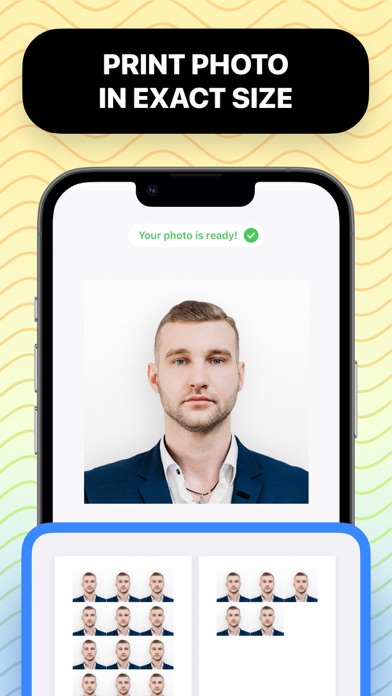
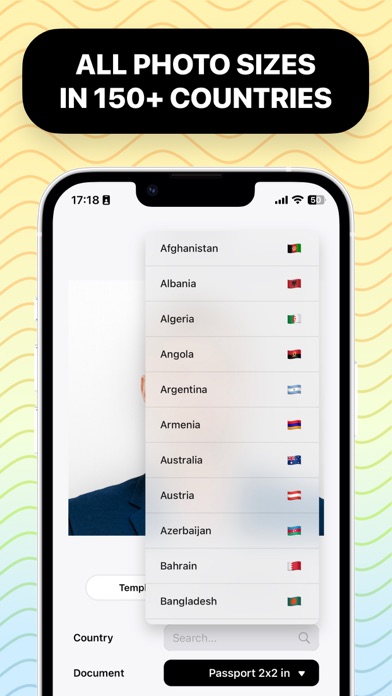
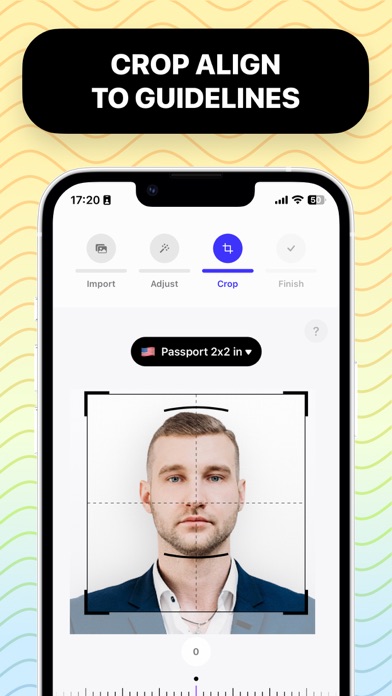
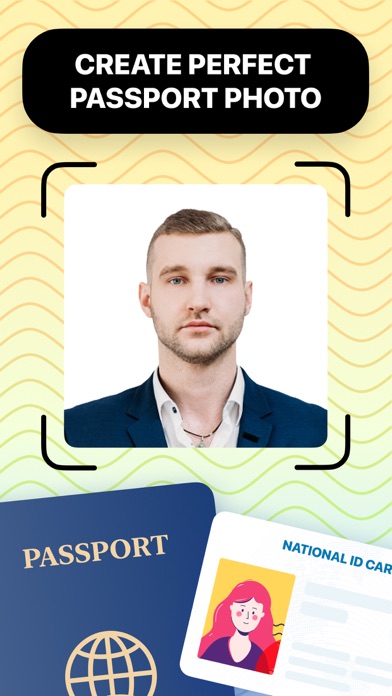
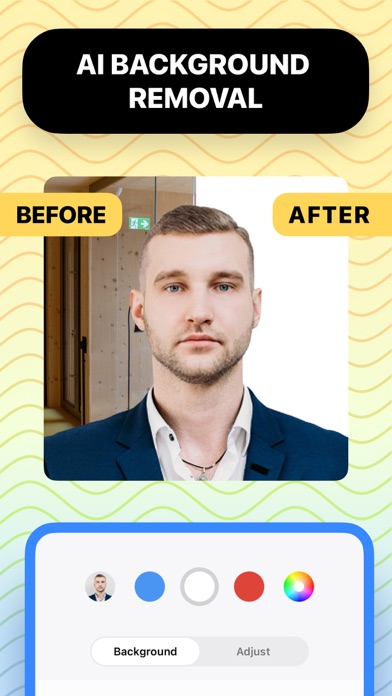
** All-in-one tool that let you create a perfect Passport / ID photo ** ** From powerful auto background removal to visual photo requirement guides ** ** With support for passport/id/license photo requirements from 150+ countries and 500+ document types ** Start making your - for sure accepted - passport/id photo today. IN 5 EASY STEPS: 1. Take a photo with your iPhone/iPad camera or import it from your photos or files. 2. Edit background to refine your photo. You can change background to any color you need. 3. Select country and document type like Passport or ID. 4. Crop, rotate and align your photo to visual photo requirement guides. 5. Select paper size and number of copies to start printing or share it anywhere you want. FULL FEATURES: - Take photo from camera or import from Photos/Files app. - Support 150+ countries with 500+ document types. - Support custom photo size. - Visual photo requirement guides. - Crop & Rotate photo. - Automatic background removal and replace with any color. - Adjust background color & brightness. - Adjust background opacity - Adjust subject color & brightness. - Save or share photo in JPEG, PNG or HEIF format. - Support all popular paper sizes. - Support custom paper size. - Automatic photo placement for printing. - Print wirelessly to wifi printer. - Save or share paper in JPEG, PNG, HEIF or PDF format.
Screenshots

Reviews

  • Easy to use

    4
    By JustanotherDIY
    So far so good! I’ll find out in a few weeks if my picture gets approved.
  • Easy to use

    5
    By eleventyMPG
    After trying a couple other popular apps I found this version to be the most user friendly.
  • Exceptional

    5
    By Apt 14
    User friendly
  • Sneaky

    1
    By EunEsco
    Has you go through the process before mentioning that you can’t git the photo without paying $20
  • Awesome app!!!

    5
    By Big10Transplant
    Enjoy this FREE app! Very user friendly. Highly recommend!
  • Simple and just works

    5
    By honkaswama
    This is the iOS of passport photo apps. Only difference is it's always simple and works every time for what you need it to do. It took me less than three minutes to take a photo, remove the background, and have it cropped to meet the passport guidelines for the United States. Super easy and I can't recommend it enough
  • SO EASY

    5
    By ivilla80
    This app is 100% is to use. I can’t believe I would go and pay for my photo. Ty
  • Only low quality photos

    1
    By Elijah Pastry
    20$ per picture. It’s more expensive then go to local photo place
  • Low quality unless you pay

    1
    By Molina98889
    Low quality unless you pay
  • Jessica

    5
    By JessicaD2298
    Awesome

keyboard_arrow_up