Drive Smarter

Drive Smarter

By CEDAR ELECTRONICS HOLDINGS CORP.

Score: 4.77006
4.77006
From 18,645 Ratings

Description

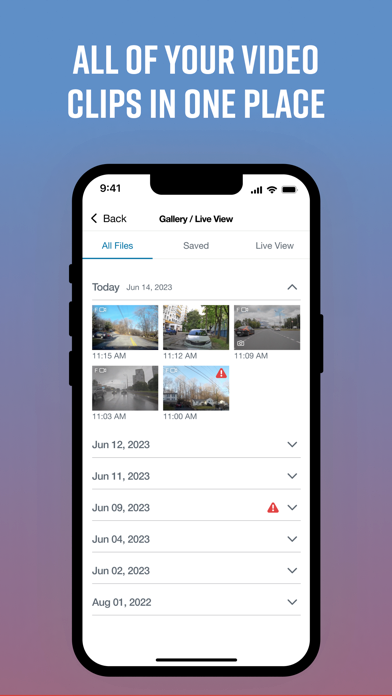
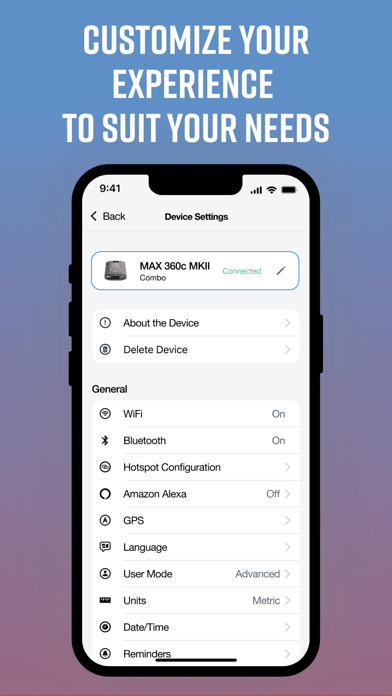
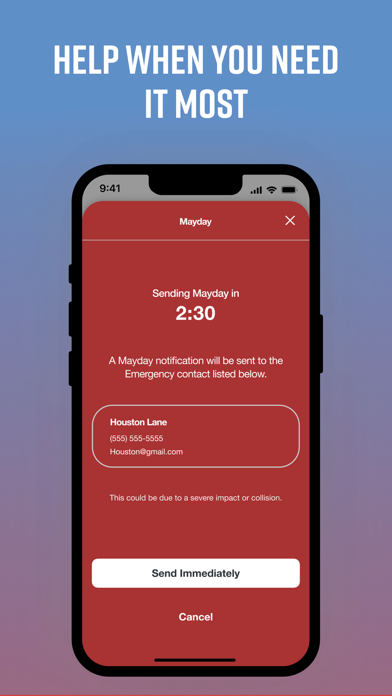
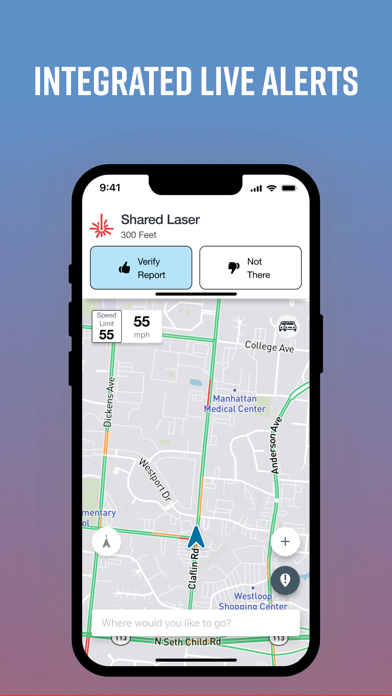
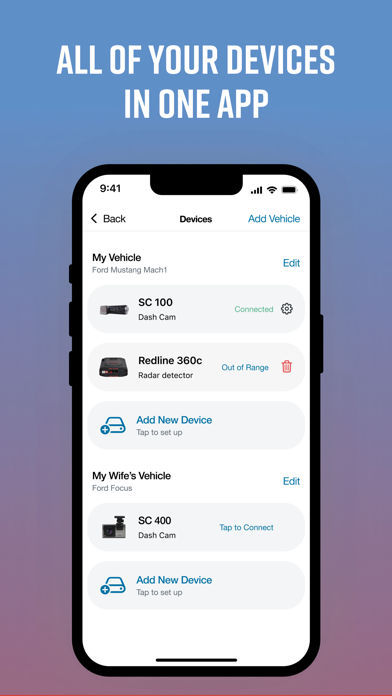
Drive Smarter enhances your driving experience when you are using select* connected Cobra and Escort devices. Drive Smarter lets you use your smartphone as a companion to your DashCam. A streamlined onboarding process lets you quickly connect your Dash Cam and configure it as part of your dashboard. You can "add" a virtual vehicle to your account, then add compatible* Cobra and Escort branded devices to your vehicle. Users with mobile WiFi hotspots** can optionally connect their cameras directly to the Drive Smarter cloud, to avail of instant upload of videos and to share time-sensitive data and event information. View recordings stored on your Dash Camera SD card; recordings are conveniently sorted by timeline which highlights events of importance; such as possible collisions or impact. Select files to download to your phone; trim video clips and share with your contacts using your favorite communications app. Take advantage of streamlined reports generated for insurance claims processing. Get help using the in-built Mayday services that are automatically triggered in severe collisions - send details regarding your current situation to a designed in-case-of-emergency contact. Keep your devices' firmware up-to-date so you are enjoying all the latest features that your devices' have to offer. Emergency videos stored in the Drive Smarter cloud. *** Convenient Snapshot button lets you remotely take photos via connected cameras, with a tap on your smartphone screen. currently the Drive Smarter app and service is compatible with the Cobra SC- series Dash Cameras. Check out drivesmarter.com for up-to-date information. * should have upload / download speeds equal to or exceeding 4G / Cat 4 speeds ** See drivesmarter.com for latest storage / deletion policies for free user accounts on the Drive Smarter cloud.
Screenshots

Reviews

  • Please fix sc400

    2
    By Marcosjaay
    App never opens up live camera always crashing can’t even see my saved videos never wanted to connect to app
  • Hotspot

    1
    By Notabot26
    Fix your problem let me guess if you can’t update your radar detector through Wi-Fi. Use the computer. Don’t advertise something that don’t work or don’t release it until it does work right
  • Some issues need to be addressed

    2
    By danger 105
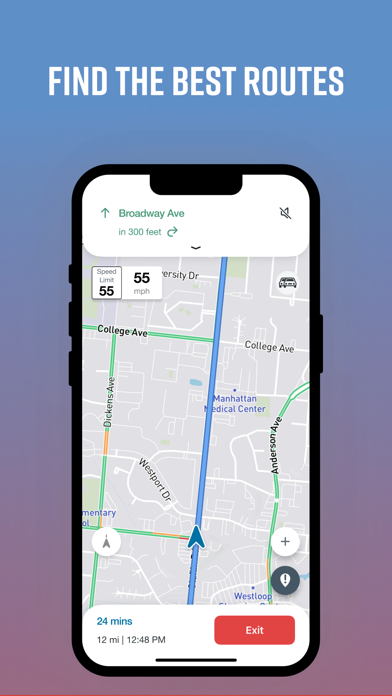
    App is ok but the company needs to update with more speed limits on it. I drive in small towns just between Abilene tx and Wichita Falls and some road don’t tell you to slow down because the posted speed limit isn’t on the app they need to update this . I use my cobra camera with this app and does take a few minutes to connect to the camera to get in the gallery. I wish they would fix it and make it a lot better also there is a delay between my camera and the app. The app tells me over speed and not the camera unless I speed up. The speed limit is 55mph the app goes off at 56mph the camera goes off at 58 mph way too big of a gap. Besides that the app is good and maybe link it to DoorDash and SPARKS uber and Lyft that would be awesome. Fix the posted speed limit in all the towns big or small and the over speed between the cameras Cobra dashcam 220. Thanks you very much
  • Cannot connect to view live or gallery

    1
    By MediaHound
    Sees the SC-100 device and connects to it, but when its time to actually view the files, nope. Hangs. No gallery, no live view. What a piece of garbage. Stop trying to be like Waze and focus on being an app to work with a dashcam. Terrible experience. Zero stars.
  • Rad 480i

    1
    By Aeonless
    I have done every single thing possible. I’ve reset the radar. Reset the app. Forgot the device so many dam times. It will NOT let me continue after pairing the device. It’s in a permanent loading screen. This makes it essentially useless. Why do I have to constantly add the device? Every time it’s turned on. This is supposed to integrate with my apple carplay. I would like a refund on the worthlessness of the device. It’s completely false advertising.
  • Haven’t Even got to Use it

    1
    By TristinDeT
    I’ve been trying for the last 15 minutes to connect my radar detector to the app but it says it’s connect then just sits with a loading circle
  • App connection

    1
    By ThatGuyinahatt
    Got the cobra 480i the radar detector itself works amazingly for the price, the app sucks tho cant get it to connect to my radar just freezes up connects for a second the 480i chimes says irs connected but the app stays in the loading screen and wont load
  • Junk

    1
    By Sandoval1777
    The app is garbage, I wish the cobra app was still working. This app I added my vehicle, then add new device. It scans finds my device, I hit connect, it connects. Chimes go off on the device, on my phone it says device connected and then the skinny wheel of death. I get alerts on my phone when the device goes off but all I see is the spinny wheel. I didn’t even get 5 minutes into the app before having issues with it. Glad I haven’t paid for anything.
  • Connection

    1
    By NOSLEEP225
    Device will not connect to the Bluetooth
  • Connection issue

    1
    By Wadbow
    Attempted to connect my radar detector to the app, per cobra’s instructions, the app states the device is connected and shows a Bluetooth indicator on the device but the app acts like it freezes and will not go to the next step, just keeps scrolling, I have tried everything and in the results of it my device gps will not connect anymore after trying to figure this issue out and the gps feature seemed to have quit, everything was working great until I was forced to switch everything to this app

keyboard_arrow_up