CapCut: Photo & Video Editor

CapCut: Photo & Video Editor

By Bytedance Pte. Ltd

  • Category: Photo & Video
  • Release Date: 2020-04-14
  • Current Version: 17.8.0
  • Adult Rating: 12+
  • File Size: 733.04 MB
  • Developer: Bytedance Pte. Ltd
  • Compatibility: Requires iOS 13.0 or later.
Score: 4.62289
4.62289
From 1,108,631 Ratings

Description

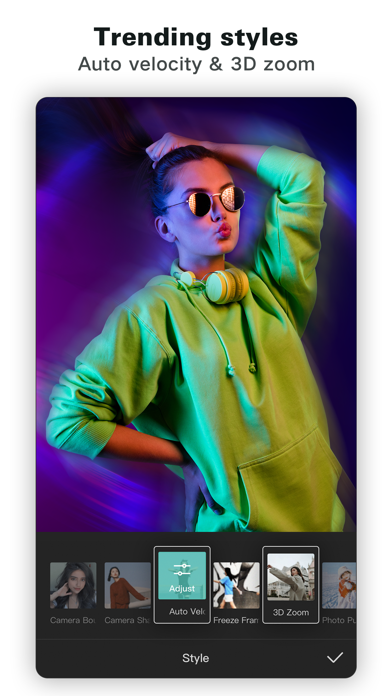
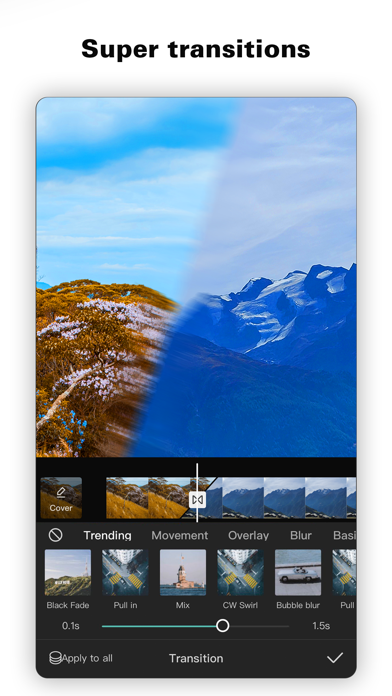
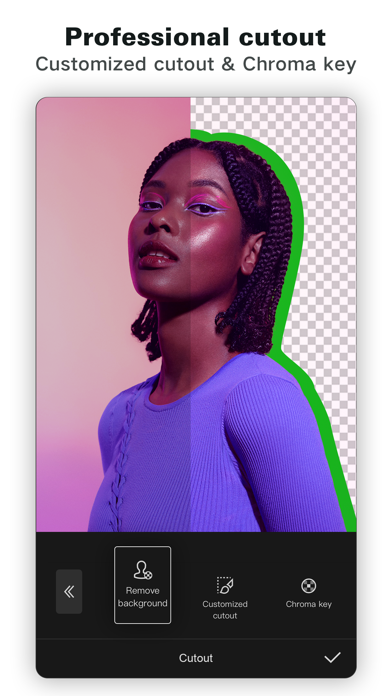
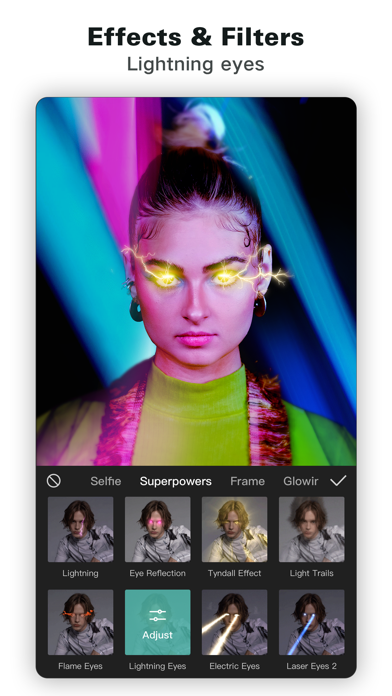
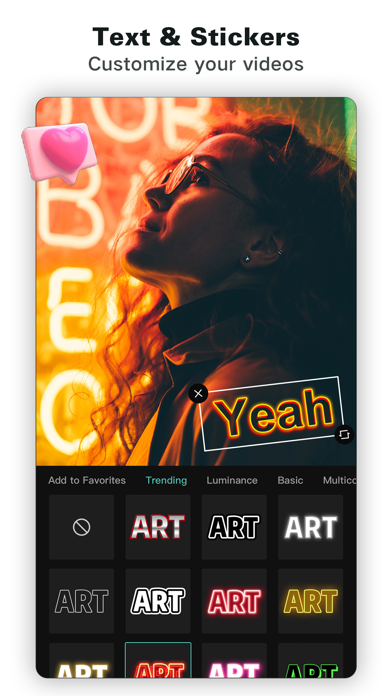
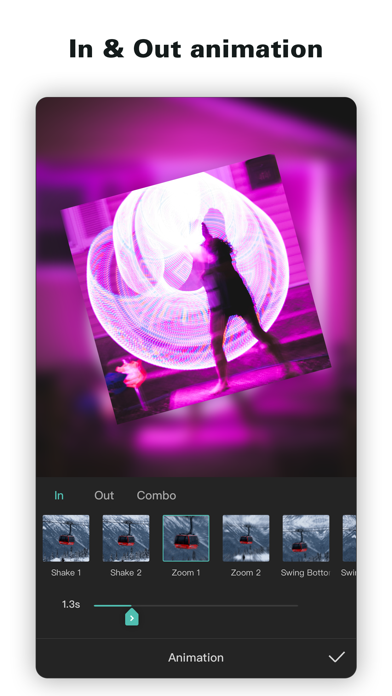
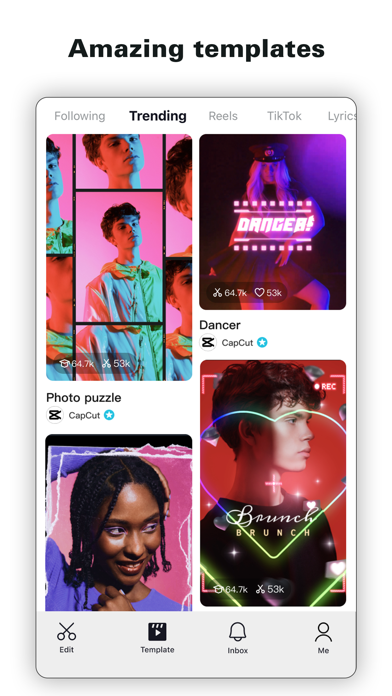
CapCut offers easy-to-use video editing functions, in-APP fonts and effects, advanced features such as keyframe animation, smooth slow-motion, chroma key, and stabilization, to help you capture and snip moments. Create fancy videos with other unique features: auto captions, text-to-speech, motion tracking, and background removal. Show your personality and go viral on TikTok, YouTube, Instagram, WhatsApp, and Facebook! FEATURES Basic video editing • Trim and shorten clips and split or merge videos. • Adjust video speed from 0.1x to 100x, and apply speed curves to clips. • Animate video clips with incredible zoom in/out effects. • Highlight the best moments with the freeze feature. • Explore transition options with awesome effects on and between clips. Advanced video editor • Keyframe video animation is available for all settings. • Edit videos to create smooth slow-motion with the optical flow feature and speed curve tool. • Use the chroma key to remove specific colors from videos. • Easy to arrange and preview clips on multi-track timeline. • The stabilizing feature keeps video footage steady. Intelligent features • Auto captions: automate speech recognition and subtitles in videos. • Text-to-speech: apply text-to-speech in multiple languages and voices. • Background removal: automatically remove backgrounds. Text & Stickers • Add text to videos with different fonts and styles, choose unique text templates. Fonts can be imported locally. • Subtitles can be added to the timeline of video tracks and can be moved and adjusted in one step. Trending Effects & Filters • Match video content with diverse filters that are updated weekly with the latest trends. • Edit videos with hundreds of trending effects, including Glitch, Blur, 3D, etc. • Add movie-style video filters or adjust video brightness, contrast, etc. Music & Sound Effects • Add millions of music clips and sound effects to videos. • Extract audio, clips, and recordings from videos. Easy to Share • Custom video export resolution, HD video editor supports 4K 60fps exports and smart HDR. • Adjust the format and share with your friends on social media platforms. CapCut is an all-in-one video editor and video maker application with everything you need to create stunning, high-quality videos. Beginners can get started with CapCut in a matter of seconds, while advanced users can enjoy all the functions they need to edit videos. Terms of Service — https://www.capcut.com/clause/terms-of-service Privacy Policy — https://www.capcut.net/clause/privacy Contact Us Any questions about CapCut? Please contact us at [email protected]. Facebook: https://www.facebook.com/capcutapp Instagram: https://www.instagram.com/capcutapp YouTube: https://www.youtube.com/capcutofficial TikTok: https://www.tiktok.com/@capcut
Screenshots

Reviews

  • Верните пожалуйста

    1
    By Реклама без крестика
    Верните голос девушки русский и уберите эту випку, русским уже ничего нельзя которым не разрешают покупать тут
  • ужас

    1
    By малыха невъебиха
    самое отвратное приложение
  • Good but also annoying

    3
    By Chryssie5
    I think the features are great in this app however it’s also overly sensitive because half of the videos that I try to create get flagged for violating community guidelines and it’s literally just family photos. I’m trying to upload. I don’t see the point in paying for an app that is not going to carry out the request that I’m trying to create when there’s nothing explicit about any of the content that I’m trying to create. There’s no drugs there’s no nudity there’s no violence there’s no bullying or any of that stuff and yet when I try to create a simple video it tells me that it can’t process it because of violating community guidelines. It’s ridiculous.
  • Have to pay to use the app now

    1
    By Ashash_25
    I hate that we have to purchase this now 🙄
  • Literally just TikTok

    1
    By Totallyhonestperson
    Please I am begging you do not get this app! I wanted to start my own YouTube channel so I thought this app would be good for editing. 1. This app doesn’t even do good editing and 2. This app is very inappropriate and people literally just use it to share their personal lives. If you are not allowed to have social media please DO NOT GET THIS APP! It acts as social media and is literally just a mini TikTok. DO NOT GET THIS APP!
  • Too money hungry

    1
    By Game trier2
    Everything used to be free “free editing app” o can’t even use text to speech
  • Good app

    4
    By nickname😭💔🫩😔
    Very good for editing I love the app. But for some reason my remove background is gone and that pisses me off.
  • Wired stuff

    1
    By 67mango63825
    Very inappropriate
  • Nowadays, the company is greedy

    1
    By Singaporescratchrides
    I remember using it around 2023 and it was free and simple around 2024 I noticed some of the features became pro then in 2025 more and more features be became pro and guess what nobody wants to pay $100 a year just for editing you guys ruined yourself I remember using it to make plane videos and other aviation edits, I use the app rarely because of their pro I’m considering switching to VN editor as as much better and free don’t get this app
  • Fix this???

    3
    By MonnXslayet
    This app is great, easy to use especially for beginners but it’s getting greedy, cuz this is a free editing app as yall claim but then proceed to make everything for payment, not only that but why do you keep removing some tool options like for example the background remover i literally can’t find it no matter how much I look or change my projects to see if it’ll appear but it’s completely gone and another is text to speech but doesn’t really matter cuz the background remover is a better tool and now it’s completely gone which really frustrating cuz idk a better app to use.

keyboard_arrow_up