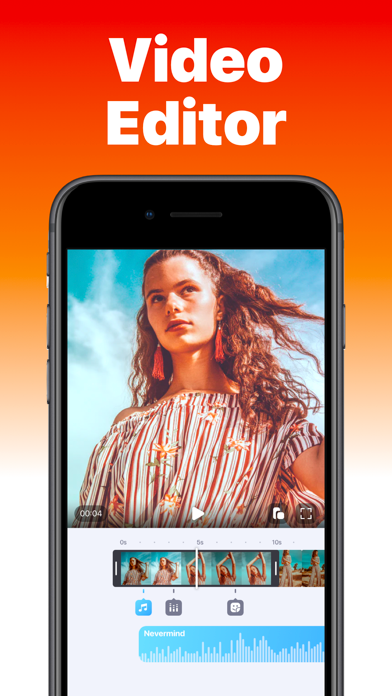
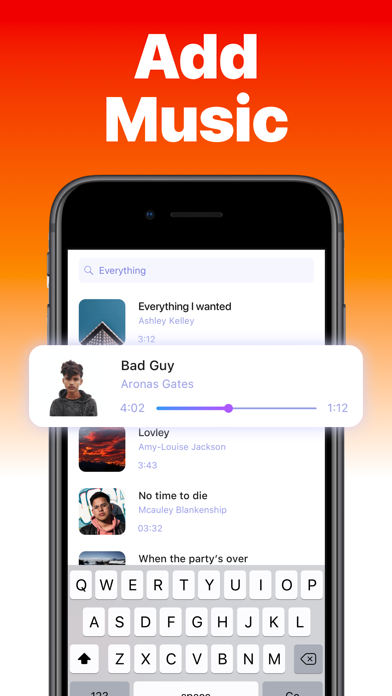
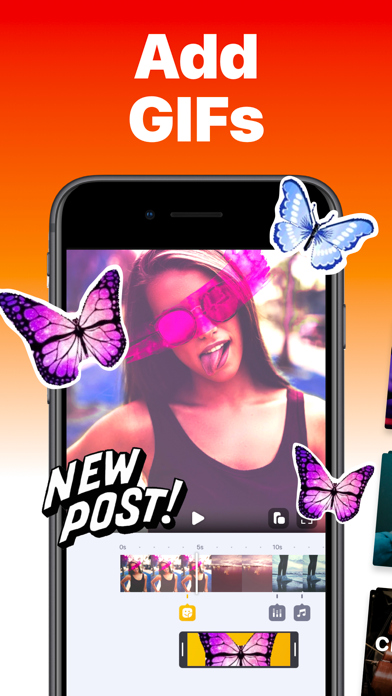
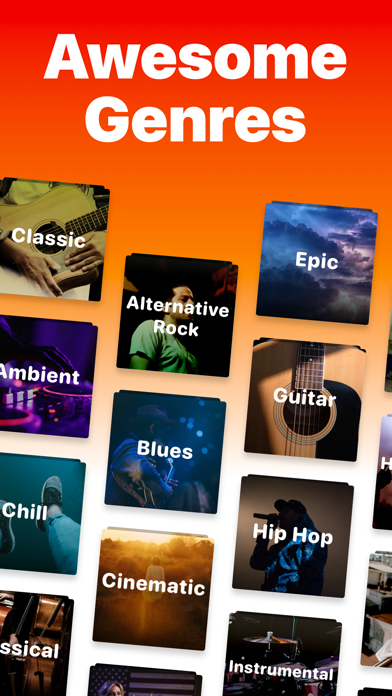
Clips is an easy-to-use yet powerful video editor. Useful when you want to add any song for video/reel/story to social media. Clips helps you choose different soundtracks to spice up your video in seconds. Features: ▶ Add Unlimited Photos and Videos to your Project ▶ Multiple Music Tracks: Add unlimited background audio tracks, music & voice to your video. ▶ Voiceover & Sound effects ▶ Trim Audio & Video ▶ Positioning Tracks ▶ 50+ Music Genres ▶ Control the Speed of your Videos ▶ Add Text, Stickers & Picture-in-Picture ▶ No Watermark ▶ Dark mode Support ▶ Videos are exported without compression ▶ No distorted videos on social networks ▶ Share Videos: Share your content on TikTok, Instagram & Facebook, and more. Enjoy Editing Videos :) ◆ Customer Support You can reach us at [email protected] and we'll do our best to satisfy you and solve all of your problems and wishes related to Add Music to Video. ◆ Subscriptions & Terms The usage of the Add Music app requires a valid subscription plan. Our plan is starting with 3 days of the free trial, without any charge during the trial period. Cancel anytime. After the free trial ends, you'll be charged $4.99/month. Good to know: • No charge during the Free Trial period. • Free trial automatically converts to a paid subscription unless canceled at least 24 hours before the end of the trial period. From that point onwards, the subscription automatically renews unless canceled at least 24 hours before the end of the current period. • The payment will be charged to your iTunes Account when you confirm the purchase. • The subscription automatically renews for the same price and duration period depending on the selected plan (monthly, half-annual or annual) unless canceled at least 24 hours before the end of the current period. • You can disable the automatic renewal function anytime by adjusting your account settings. • Any unused portion of a free trial period will be forfeited when the user purchases a subscription. Privacy Policy: https://videobakery.co/pp.pdf Terms of Use: https://videobakery.co/tos.pdf We would love to hear from you. Please let us know by sending an email to [email protected]