Digital Grading Co

Digital Grading Co

By Dominic Wood

  • Category: Entertainment
  • Release Date: 2022-07-20
  • Current Version: 2.9.5
  • Adult Rating: 4+
  • File Size: 105.85 MB
  • Developer: Dominic Wood
  • Compatibility: Requires iOS 16.0 or later.
Score: 4.56243
4.56243
From 1,778 Ratings

Description

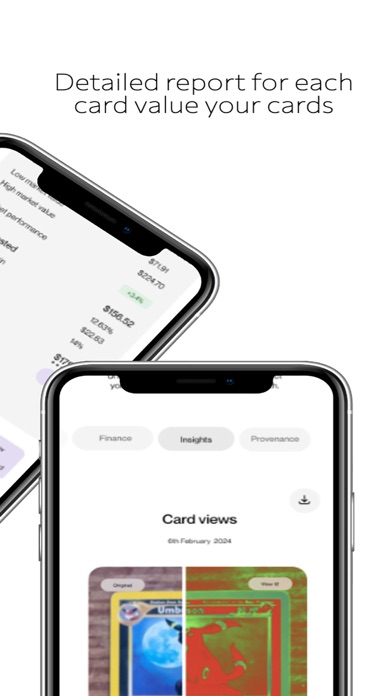
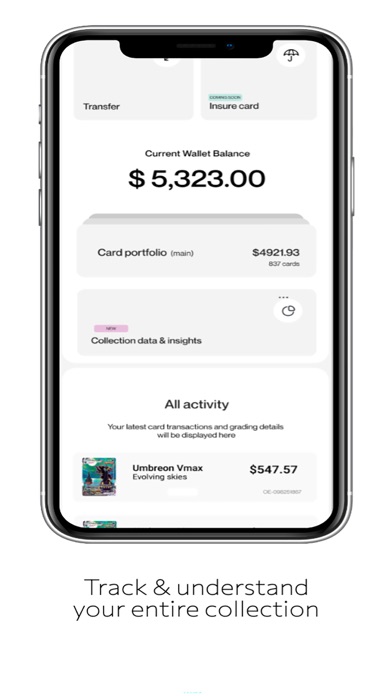
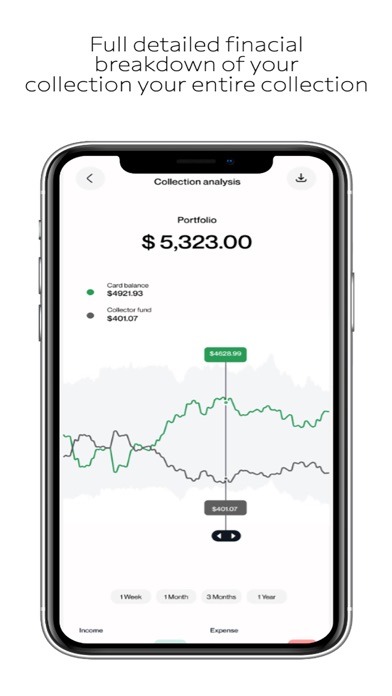
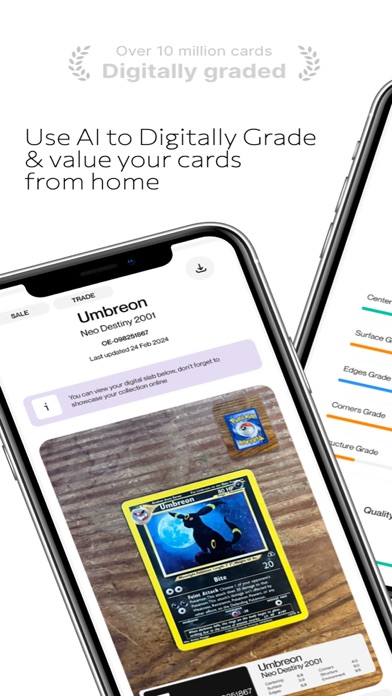
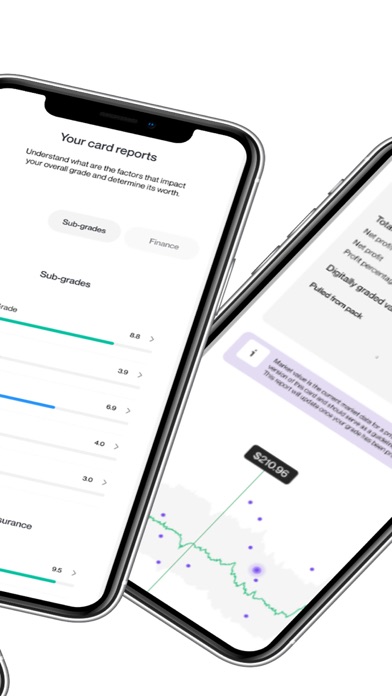
Digital Grading AI – The Future of Collecting Starts Here Turn your smartphone into a powerful AI grading tool and unlock the next level of collecting. Whether you’re into Pokémon, TCGs, or sports cards, Digital Grading AI delivers expert-level insights instantly—right at your fingertips. AI Grading That Works for You • Snap a photo of your card • Get a detailed AI-powered grading report (Requires in-app purchase) • See deep insights on centering, corners, edges, and surface More Than Just a Grade—Know the True Value of Your Cards • Market insights – AI-powered trends and real-time analysis • Detailed condition reports – Go beyond the grade with a full breakdown • Collector strategy insights – Get AI-driven recommendations on when to hold, trade, or sell Why Collectors Love Digital Grading AI • Fast, AI-powered grading – No waiting weeks for results • 100% transparent reports – Know exactly why your card gets its grade • Collector-first tools – Make smarter collecting decisions Important Information • AI grading features require an in-app purchase or subscription. • View our Terms of Use https://www.digitalgrading.ai/terms and Privacy Policy (https://www.digitalgrading.ai/priv-policy) for details. Download Digital Grading AI now and take your collecting to the next level.
Screenshots

Reviews

  • app isn’t right

    3
    By woahollywood
    i have tried different lightings and different backgrounds and it always says there’s whitening when all the cards ive scanned are pack fresh. i follow the instructions and they never are 100% and when i look at the card there’s no whitening on that spot. seems super inconsistent. waste of money tbh
  • Don’t buy this

    1
    By Mimie321
    Just horrible worst app ever
  • Environment grading

    1
    By jericho e61
    Multiple I have submitted cards and all my cards have had false grading environments also saying I have white spots on the corner of my cards when I clearly don’t and this is very upsetting but I really like this app but this one flaw is messing up my card grading
  • Paid

    1
    By Crafted Cards
    I need a free one, i dont wanna pay for this when HolloDex app will do the same thing for free
  • Terrible UI and User experience

    1
    By Stewart212
    I tried signing up for the elite membership to grade my collection, it says I already am but I don’t get charged or any of the membership benefits. When trying to email their support through the app it wouldn’t even send. Not sure where I went wrong but it seems impossible to fix
  • Screwed me

    2
    By evanpish
    I like the concept of this app but payed a large fee to do the ai grading it helps a little bit with the lighting changes and whatnot but I sent off a 3000 dollar Luigi pikachu card. I ran it through the ai grader upwards of 10 times the lowest grade it said was 8.6 and highest being 9.1 all other times were in between that I then spent 400 to get it graded for it to come back a 5 I know ai isn’t perfect but when you spend that much a month you’d think it’s pretty close maybe this works for other people in my personal opinion it’s a scam I also ran my psa 10 through it and it gave a 8.3 so I’m not to sure about this app and now I’m down a grand thanks digital grading company
  • One gripe

    2
    By angrymarker
    I paid for a month subscription then cancelled. After the month, I wanted to check the report on my cards. I could not view the report unless I resubscribed.
  • Save your money.

    2
    By ohyesitschardscomment
    Love the idea, but don’t rely on the app too much. First off, people are right to be upset — you can’t grade instantly unless you purchase credits. It takes about 30 minutes to grade one card, and the summaries aren’t as detailed unless you pay for the credited version. Use the app as just a tool. It may detect flaws on the card that you can’t see yourself, but I’d still suggest relying mostly on your own eyes and judgment. The app didn’t give me anything higher than a 9.0, even though the cards I pre-graded looked very clean and, in my opinion, could pass as PSA 10s. I’ve sent cards to PSA before and received 10s, so I just wanted to try this app out, but honestly, I was disappointed.
  • Inconsistent results

    1
    By Celledral
    Looks like it’s a basic computer vision approach and not as accurate as manually inspecting. Most of the flaws it pointed out did not exist on the card.
  • What a waste

    1
    By BillyReffitt
    Spent $15 to get my card rejected. This is not for sports cards

keyboard_arrow_up