WorldWideWeb – Mobile

WorldWideWeb – Mobile

By The Iconfactory

  • Category: Developer Tools
  • Release Date: 2022-06-02
  • Current Version: 2.2
  • Adult Rating: 17+
  • File Size: 4.12 MB
  • Developer: The Iconfactory
  • Compatibility: Requires iOS 15.0 or later.
Score: 4.60526
4.60526
From 38 Ratings

Description

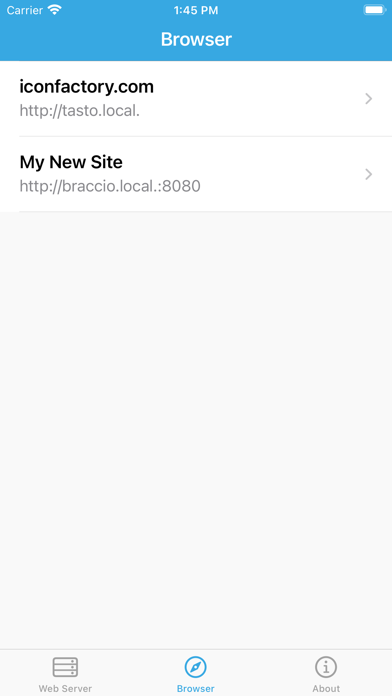
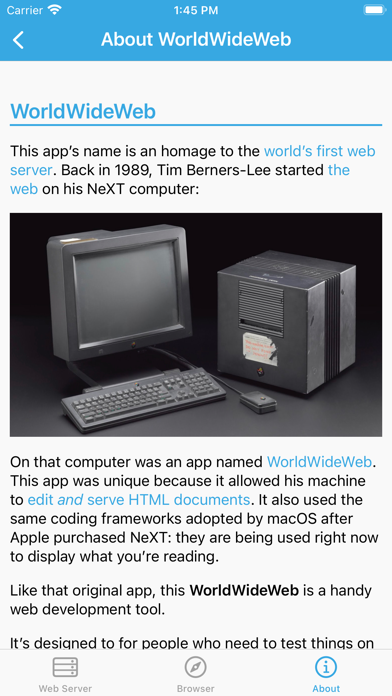
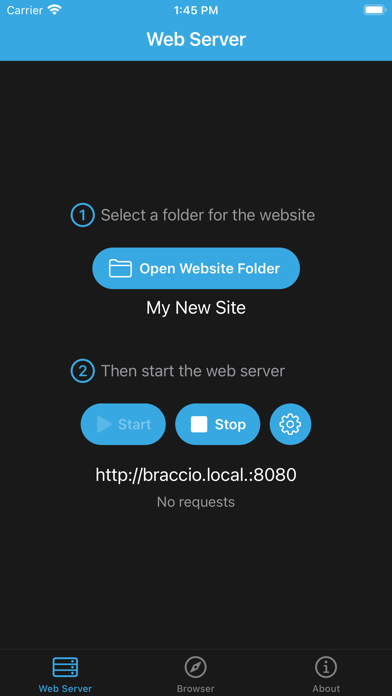
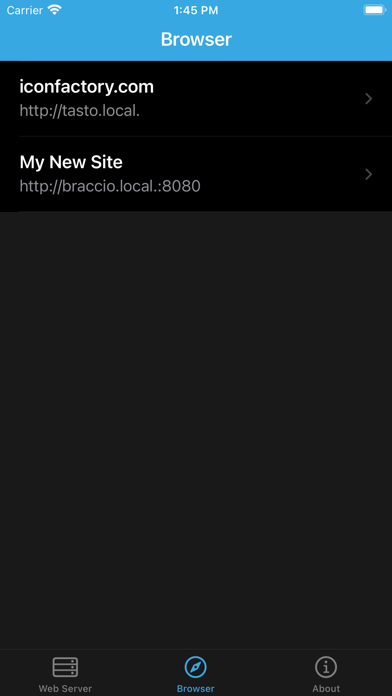
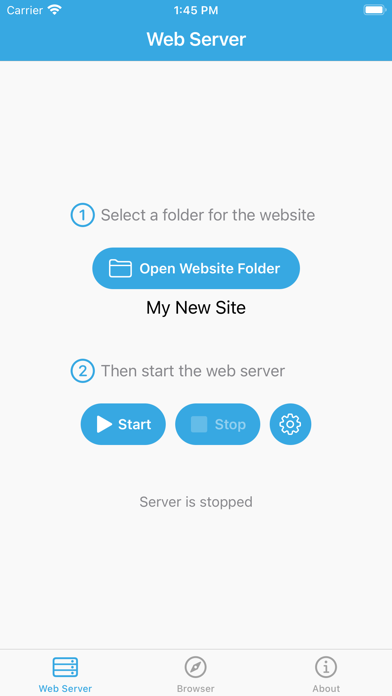
This app’s name is an homage to the world’s first web server. Back in 1989, Tim Berners-Lee started the web on his NeXT computer. On that computer was an app named WorldWideWeb. This app was unique because it allowed his machine to edit and serve HTML documents. The app also used coding frameworks that were adopted by Apple after purchasing NeXT: they are being used right now to display what you’re reading. Like that original app, this WorldWideWeb is a handy web development tool. It’s designed for people who need to test things on their iPad or iPhone before moving the files onto a real web server like Apache or nginx. It also allows you to work in those increasingly rare moments where you don’t have a connection to the Internet. App developers can use this server to simulate and test APIs that their product uses. FEATURES WorldWideWeb does things differently than today’s production web servers: • Automatic refresh — Watches your site and reloads browser when there are changes • No caching — Every request gets a new response, no cache busters needed • Easy to configure — Pick a folder and go • Directory listings — A handy list of files whenever you hit a URL that doesn’t exist • Bonjour support – Automatic DNS for easy access using devices on your local network • REST support — Set default responses as JSON or XML for easy mocking of APIs • No external dependencies — Completely standalone and doesn’t need other tools like Python or Ruby • Built-in security — Runs completely in a sandbox, no access to data unless you allow it • Powerful and lightweight – A small memory footprint with minimal CPU overhead • No rocket science — Perfect for clients and other folks who are less technically inclined
Screenshots

Reviews

  • Forgets iap

    3
    By syscheckin
    Sometimes forgets in-app purchases and takes a moment to refresh, kinda annoying and can be problematic offline.
  • Almost perfect

    4
    By expandacus
    Simple, plain, effective localhost style server with good supporting features. I use it with Runestone for editing html/js/css and Working Copy for syncing with a repo. They can be used for free for anyone looking to setup a web dev environment on their phone, this app works with local or remote(cloud based) folders. (I bought the full version more than a year ago after using the trial version enough I felt it worthwhile to remove the limitations permanently) +no ads, no accounts, just the features. +options to do what I need in a comfortable way (choose automatic or manual refresh on file change, preview in app or separate browser, etc) +unlimited usage demo iirc +one-time payment -free version is intentionally inconvenient (is turning off the beeping a paid feature? I hope I’m misremembering that) -usually has one glaring bug that is non-critical but inconvenient, each version seems to fix one issue and introduce another but this is probably apple issues sometimes -slow updates but thank goodness it’s not abandoned +-overall awesome software but slow updates can make it feel abandoned with a very small number of obvious issues. Right now starting a server (on my phone) is unresponsive then trying again starts but with an error message saying it failed. However it seems to work in the unresponsive case as I’m able to use the software it just doesn’t acknowledge that it’s running. Also another review said the purchased version couldn’t be validated offline, I tested multiple ways of disconnecting but couldn’t get this issue to occur, maybe it’s fixed but it’s unclear what is attributable to the app versus iOS or the iPhone itself. So I recommend the trial if you are interested but kick the tires before buying, I don’t regret buying it to support the developers.
  • I don’t write reviews often but…

    3
    By Ihavenojaw
    I have to give this only 3 stars, as it is a great web server and all, but they made it so that you have to continuously be on the internet for it to maintain its “permanent” licensing after you already bought it. I live on an Indian reservation where, if I leave my home away from my wifi internet, I have no cell signal. When I open this app up in a no signal situation, it suddenly claims that my “trial period is over”, which shouldn’t be the case since I already bought this app… I’m not pleased with that glitch, or was it done intentionally to annoy us when we are off signal? I bought this app for offline use, and it’s not fair that I cant just keep my license active offline away from signal due to my unique living circumstances.
  • It work

    5
    By WillSann
    I tried five other apps before finding this one. Some of them didn’t work; others I don’t know if they work because they were too complicated. One of them had some odd reasons, like wanting me to be connected to WiFi before I could start the server. This one just works; it’s simple and straightforward: add a folder, start the server, click a link to open the site—all in one page. I love it. I immediately paid for the pro because I don’t see anything wrong here. Girls celebrating, let’s stop reaching! to surpass the developer.
  • Love. It.

    5
    By someguyALSO
    I’m already setting up local servers all over the LAN! Easier to manage than server in iSH!
  • Excellent local web server to test out javascript on mobile device!

    5
    By 987654321+
    Thanks for creating this free excellent local web server to test out javascript that I've created or downloaded from github. I'm a novice javascript programmer and user on my iPad and usually use the web preview function of Textastic to run my projects locally. However, the World Wide Web server app runs my project with even more screen space and most similar to the actual rendering seen when I'm connected to a website in the Safari browser. It is simple to use-- all I need to do is to choose the folder that contains my local webserver files (e.g. Textastic files or the standard files app on my iPad), tap on a button to start the browser, then one more button to actually open up a browser in full view. :-) :-) :-)
  • unleash iPad run mini site locally via in Safari

    5
    By onMacsince1992
    I needed to run a mini site of company documentation deployed as an HTML-based website offline and found that Safari for whatever reason Apple does not allow it to link and load local resources just like your desktop macOS would do with Safari while developing a site and testing pages locally from your own drive. To be more clear for those that did not have this experience yet even if you had a one page document as HTML with an external stylesheet this would not be loaded as called by the link in the source code of the page to the external style sheet simply in the same directories or folder on your iPad so this utility solves this problem being an Apple chose to make a problem. Side note: It appears they also have a desktop version of this web server utility that would also be great because Apple once again self-limited an awesome operating system and killed off the user selectable share option that used to turn on the Apache Web server underneath the pretty surface of that macOS. Apache is still on there but you need to know the procedure and how to edit the files to turn it on via the terminal. The desktop version of this app from what I can tell would save you from that annoyance.
  • More than a toy

    5
    By terceiro
    Here’s what it feels like to drive out into the mountains with just an iPad and a Bluetooth keyboard, and to do some actual, real-life web development: it feels like freedom.
  • Love the idea!

    5
    By (: ME :)
    Def looking forward to tweaking my website from my iPad! But for some reason, Dropbox is grayed out in the Files folder picker. 🤔

keyboard_arrow_up