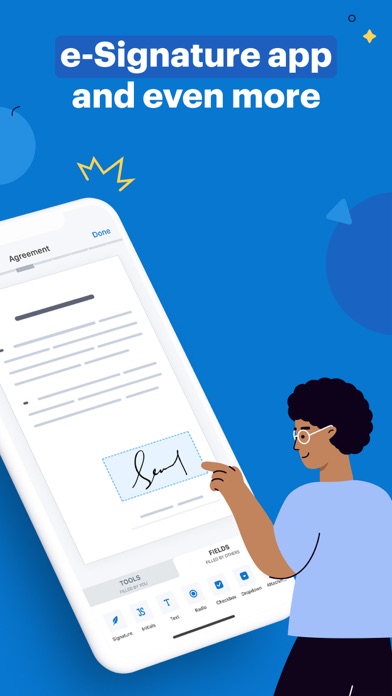
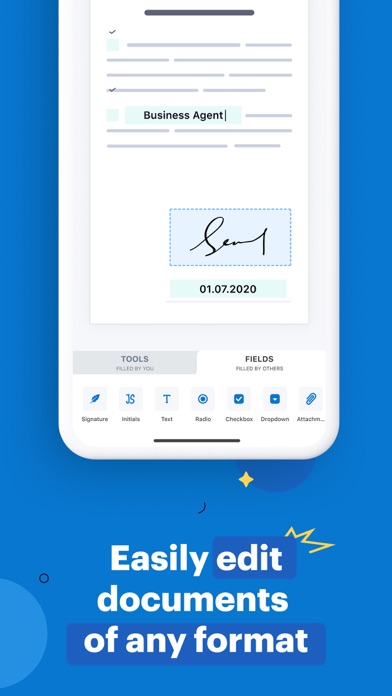
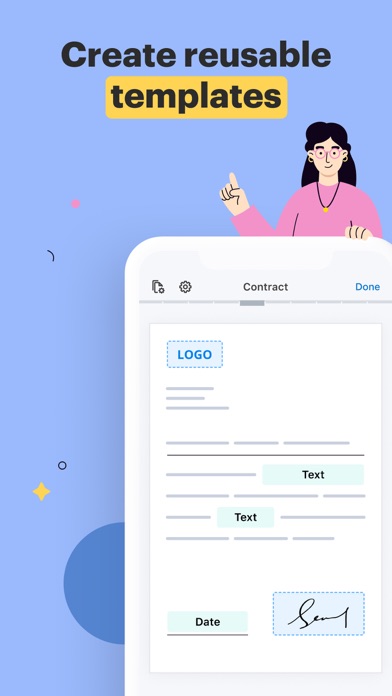
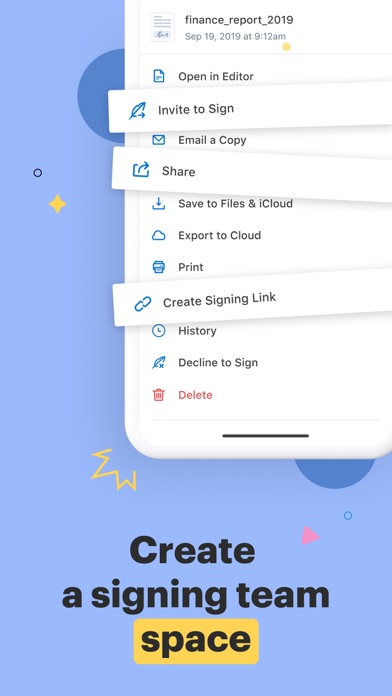
SignNow is used by over 6 million people worldwide to sign, send, and manage documents — wherever they are, on any device. Skip printing, scanning, and waiting. With SignNow, you can get legally binding e-signatures in minutes. SIGN & SEND DOCUMENTS • Sign PDFs, Word files, and other formats in just a few taps • Send documents to one or more recipients via email or link • Set the signing order and assign roles • Get notified in real time when documents are opened or signed • Collect in-person signatures with Kiosk Mode — ideal for events, front desks, or check-ins FILL & EDIT DOCUMENTS • Fill out forms, add text, checkboxes, dates, and stamps • Convert images (JPEG, PNG, BMP, etc.) into PDFs • Import files from email, Google Drive, Dropbox, OneDrive, and more • Create reusable templates for documents you send often MANAGE YOUR DOCUMENT WORKFLOW • Collaborate with your team on shared documents • Track document status and view detailed audit history • Organize files into folders for quick access • Store all signed documents securely SECURITY & COMPLIANCE • 256-bit encryption for data in transit and at rest • Legally binding e-signatures compliant with ESIGN, UETA, and eIDAS • Detailed audit trails with timestamps, IP addresses, and signer info • Works offline — sign and edit documents without internet, sync when back online • Supports MobileIron AppConnect for enterprise-grade security MORE WAYS TO WORK • Sign in with your Google or Apple account • Access documents from mobile or web • Print documents directly from the app • Use widgets for quick access to key actions Start with a free 7-day trial — no credit card required. SUBSCRIPTION INFORMATION Payment will be charged to your iTunes account upon confirmation. The subscription automatically renews unless auto-renewal is turned off at least 24 hours before the end of the current billing period. Manage your subscription in Account Settings after purchase. Privacy Policy: https://www.signnow.com/privacy_policy Terms of Service: https://www.signnow.com/terms