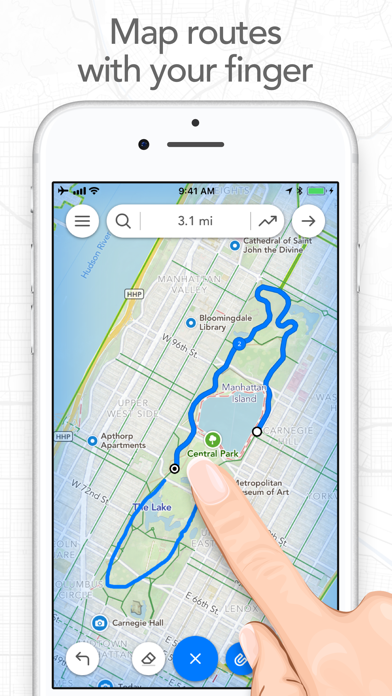
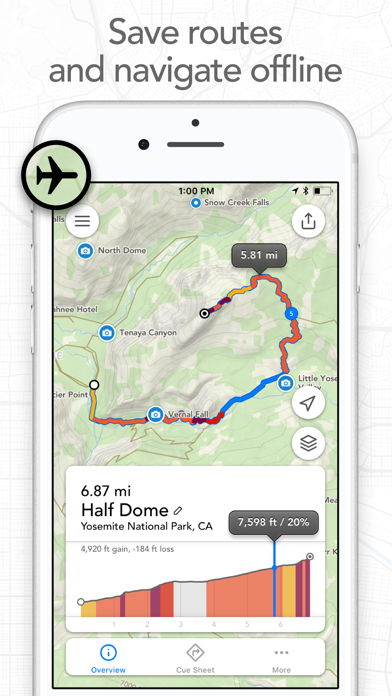
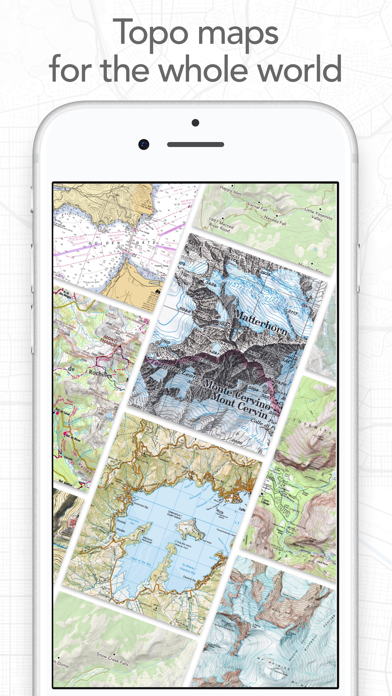
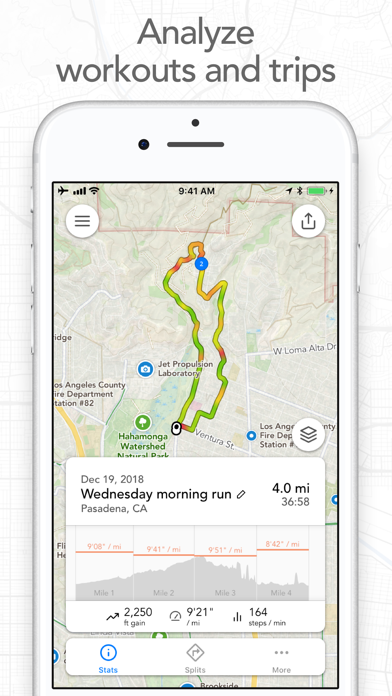
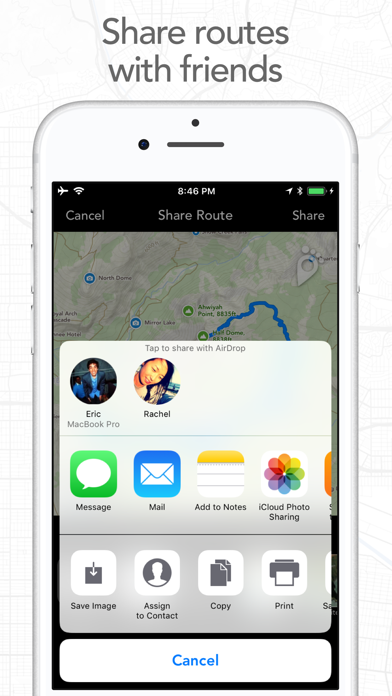
Map routes with your finger and Footpath will snap to roads and trails. Measure distances and elevations in seconds, then navigate along with turn-by-turn directions. Footpath is the ultimate companion for planning and navigating custom routes. Join millions of adventurers and plan out your perfect route. SNAP TO MAP Quickly measure distances by tracing a map with your finger or Apple Pencil. Footpath will snap to roads and trails on the map. MEASURE DISTANCE AND ELEVATION Know exactly how far and how high you'll travel with elevation profiles. Plan routes that match your goals. SAVE ROUTES FOR LATER Plan out your week or trip. Keep up to 5 routes on hand for reference, or save unlimited routes with Footpath Elite. SHARE ROUTES Send your routes to friends or workout partners to open on their device. Footpath is designed to work for pretty much any activity or adventure, in any country: • Running • Cycling and mountain biking • Hiking and mountaineering • Walking • Motorcycling and driving • Backcountry skiing • Kayaking and standup paddleboarding • Sailing • And many more! FOOTPATH ELITE Ready to go the extra mile? Upgrading to Footpath Elite unlocks the following powerful features: TURN-BY-TURN NAVIGATION - Footpath will tell you when to turn with turn-by-turn audio cues on your iPhone and Apple Watch - Save your route and cues in advance for voice guidance that works completely offline - Double tap your AirPods or use the playback controls button on your headphones to replay your next cue PREMIUM OFFLINE MAPS - 3D and topographic maps including Footpath Outdoors (Worldwide), USGS Topo Maps (U.S. and Canada), OpenCycleMap (Worldwide), and many more - Cycling lanes, avalanche slope shading, and elevation contour lines - Download maps for use offline - Save places as favorites to customize your maps ORGANIZE - Create and edit unlimited saved routes - Duplicate, merge, and split routes - Organize and sort routes into custom lists ANALYZE - Record GPS tracks of your activities - Use HealthKit display and log extra health and fitness metrics such as heart rate during a GPS activity - View a calendar log and weekly summary of your activities - Analyze splits, speed, elevation, and heart rate - View a heatmap of your speed during your activity EXPORT - GPX import and export - TCX and FIT course export for turn-by-turn navigation on Garmin and Wahoo GPS devices - Export cue sheets to a spreadsheet app for customization and printing - Export your routes and workouts to Apple Health You can purchase a Footpath Elite monthly or yearly subscription through your iTunes account. Your subscription will automatically renew unless cancelled at least 24 hours before the end of the current period. Auto-renew can be turned off anytime by going to the Manage Subscriptions page in settings after purchase, and your features will remain active until the end of the subscription period. Your account will be charged for renewal within 24-hours prior to the end of the current period at the same cost as your original purchase. TIPS FOR MAPPING ROUTES • For longer routes, try zooming in and mapping your route in multiple segments. • Tap and hold the map to quickly route between waypoints and POIs. • Did Footpath snap to the wrong roads? Trace over the incorrect segment to edit, or use the eraser tool. • Turn off snap to roads (magnet icon) and zoom in to manually trace the map. (Try switching to a satellite layer). • Displaying maps and continuously running GPS in the background can dramatically decrease battery life. Navigate without maps or with the screen off for all day battery life. CONTACT US We've got a lot planned for Footpath. If you have any suggestions or feedback, or if you run into any issues, please contact us at [email protected] Terms of Service: https://footpathapp.com/terms Privacy Policy: https://footpathapp.com/privacy