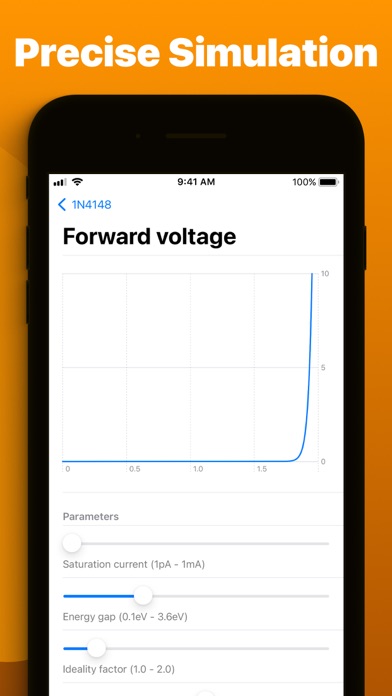
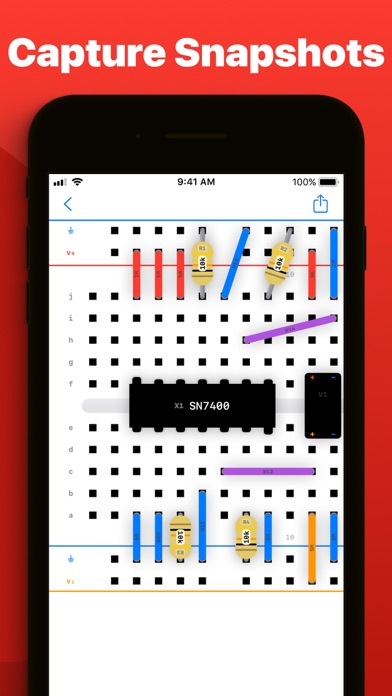
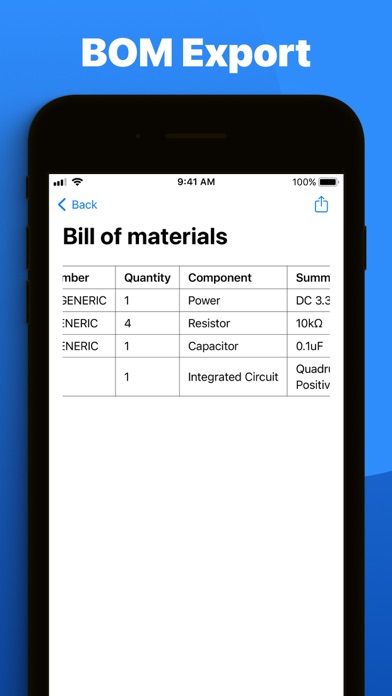
Breadpad is your go-to analog/digital electronics lab, featuring an interactive breadboard and advanced SPICE simulation. Easily add components, wire them up, and analyze your circuits with a virtual oscilloscope and logic analyzer. Execute full SPICE netlists for unparalleled precision. Choose from a vast library of ready-to-use parts or create your own custom elements. Dive in for free or upgrade to unlock powerful data export capabilities and superior simulation features. Free Features: - Effortlessly wire up components on a digital breadboard - Choose from over 400 integrated circuits or craft your custom chips using SPICE - Insert resistors, capacitors, inductors, transistors, and diodes with accurate models - Instantly see how changes affect your circuit with quick-rendering graphs - Take snapshots of your breadboard setups for easy inclusion in documents or online - Import PSPICE and LTSpice netlists for comprehensive simulations (.spice and .cir files) - Work together using iCloud, iMessage, Airdrop, email, Google Drive, OneDrive, and Dropbox - Explore a wide selection of pre-configured diodes and transistors with numerous tweakable settings - Open any .breadpad file at no cost, even those from Premium users - Experience your designs in 3D with Apple Vision Pro Premium subscription unlocks: - Infinite vector plotting from your SPICE simulations - Conduct temperature sensitivity analysis to assess environmental impacts on circuits - Access five extra voltage sources, including piecewise and frequency-modulated options - Export your simulation results to CSV for analysis in tools like Excel, MATLAB, or Python - Directly modify the SPICE netlist for any component on your breadboard - Fine-tune component tolerances using six-sigma gaussian distributions - Analyze manufacturing variance effects with dynamic Monte Carlo simulations Whether you're a student, hobbyist, or professional engineer, Breadpad is the perfect tool for brainstorming, designing, and refining your circuit ideas. Explore new principles, experiment with designs, and optimize existing systems. Get Breadpad today and elevate your circuit simulation experience. Exclusively on iPad, iPhone, Mac, and Vision Pro. Privacy policy: https://breadpad.com/privacy/ Terms of use: https://www.apple.com/legal/internet-services/itunes/dev/stdeula/