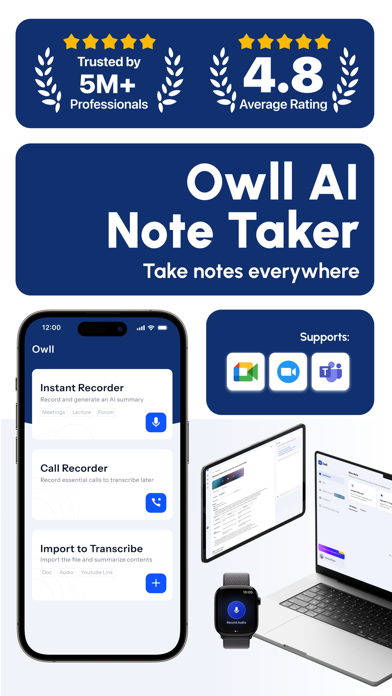
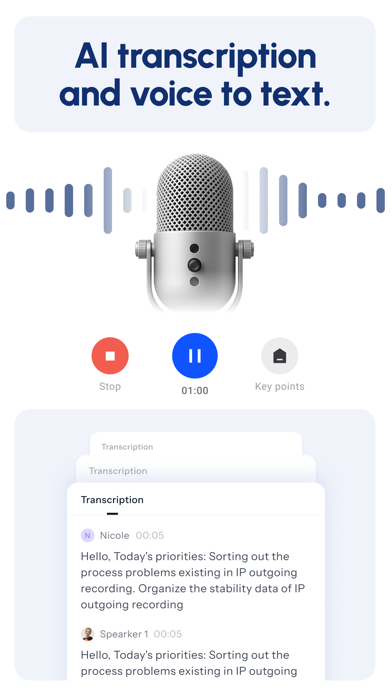
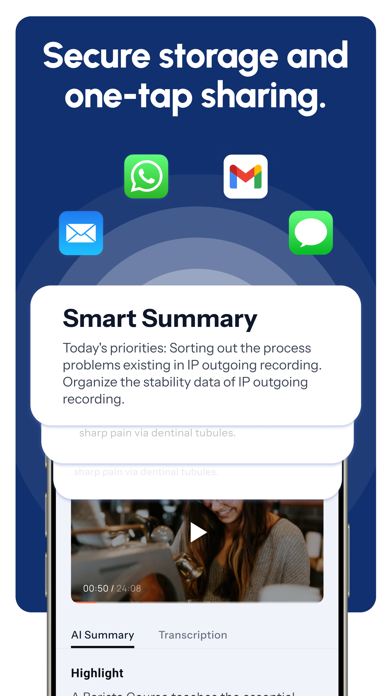
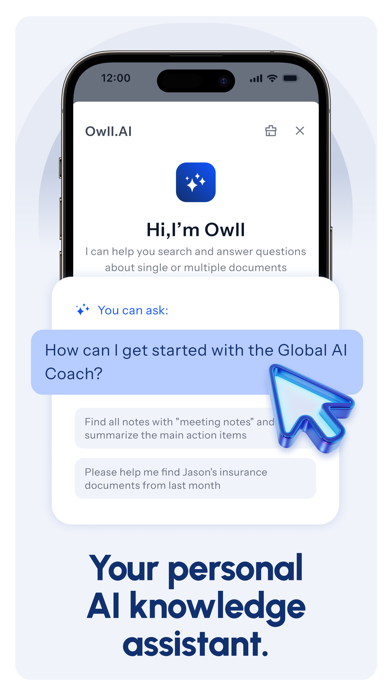
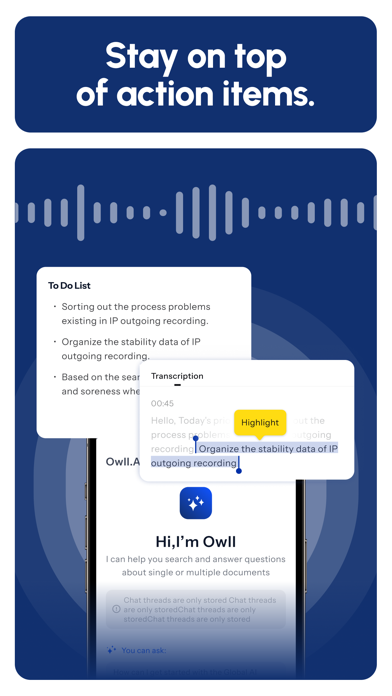
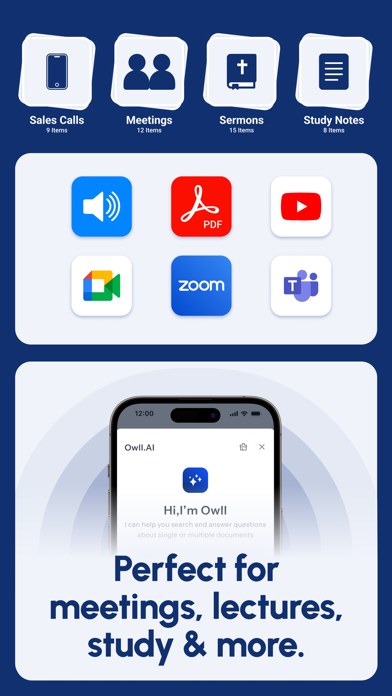
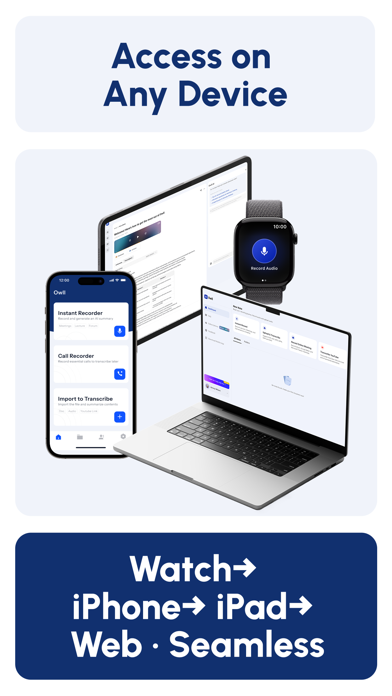
Record, transcribe, and summarize anything — meetings, voice notes, lectures, and sermons — with one tap on Apple Watch, iPhone, iPad or Website - Owll AI. Owll is your AI note taker, voice recorder, and second brain. Capture voice notes from meetings, lectures, sermons, interviews, and calls — then get instant AI meeting summaries, timestamped transcripts, and smart action items in seconds. Record audio, upload files, or capture online calls from Zoom, Google Meet, and Microsoft Teams for fast audio transcription — then organize, highlight, and share notes with ease. Use Owll as your reliable meeting recorder, speech-to-text tool, dictation app, or study partner — perfect for work, school, or personal productivity. All your notes sync instantly across Apple Watch, iPhone, iPad, and the Web for a truly seamless workflow. KEY FEATURES — Seamless Sync: Apple Watch, iPhone, iPad & Web Tap once on your Apple Watch to record voice notes. Full AI transcripts and meeting notes sync instantly across iPhone, iPad, and Web. — AI-Powered Recording, Summaries & To-Dos Record with one tap using Owll's AI note taker and built-in AI Coach. Supports voice recorder mode, speech-to-text, voice transcription, interview recording, and audio file imports — then generates concise meeting summaries and to-do lists so nothing gets missed. — AI Contact Manager for Sales & Client Notes Scan business cards to capture leads instantly. Record sales calls with auto summaries and follow-ups. Search customer notes, track deals, and close more sales faster. — Transcription for Online Meetings Owll transcribes Zoom, Google Meet, and Microsoft Teams sessions with timestamps and clear formatting. Real-time transcription and searchable meeting notes so you can stay focused. — Faith & Sermon Notes Capture every word of the sermon so you can worship fully present. Auto-generated sermon notes with key themes and scripture references — all searchable across your faith journey. — Smart Folders & Note Sharing Create custom folders to organize voice recordings and meeting notes. Share key takeaways with teammates or classmates in one tap for smooth collaboration. — Smarter Note Review: Ask Owll AI Owll highlights main points, answers questions with built-in AI Q&A, and delivers clear summaries from transcripts, recordings, or any topic in seconds. — Multilingual Transcription & Translation Owll supports 100+ languages. Transcribe first, then translate your recordings with one tap — perfect for global meetings, online classes, and cross-team collaboration. — AI Study Aid: Flashcards & Lecture Notes Convert audio into text with precise AI transcription. Smart summaries turn key points into lecture notes, study guides, and flashcards. Owll's AI quizzes create practice questions to reinforce key ideas — ideal as a note taking app or study companion. — Import, YouTube & OCR Support Import audio to text from any app or YouTube videos for instant transcripts. Use OCR to turn PDFs and images into searchable text. Why Choose Owll? Save Time: Hands-free voice recording on Apple Watch for walks, drives, or quick stand-ups. Organize Everything: All-in-one hub for meeting notes, sales leads, lecture notes, and sermon notes. Global Reach: Break language barriers — translate any recording into 100+ languages after recording. Second Brain: Every recording builds a searchable knowledge base — your memory, amplified. Subscription Plans Owll Plus offers these options: 1-Year Subscription 1-Month Subscription 1-Week Subscription Payment & Management Payments are billed to your App Store Account upon purchase. Subscriptions auto-renew unless canceled 24h before the period ends. Manage subscriptions in Account Settings. Terms & Privacy Terms of Use: https://owll.ai/user-agreement/#/terms-service/ Privacy Policy: https://owll.ai/user-agreement/#/privacy-policy/