LastPass for Safari

LastPass for Safari

By LastPass US LP

  • Category: Productivity
  • Release Date: 2024-11-12
  • Current Version: 4.153.1
  • Adult Rating: 4+
  • File Size: 12.68 MB
  • Developer: LastPass US LP
  • Compatibility: Requires iOS 13.0 or later.

Description

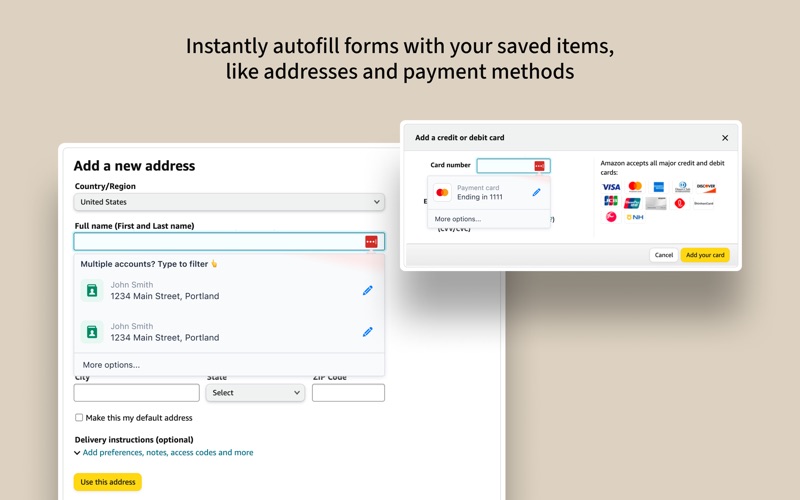
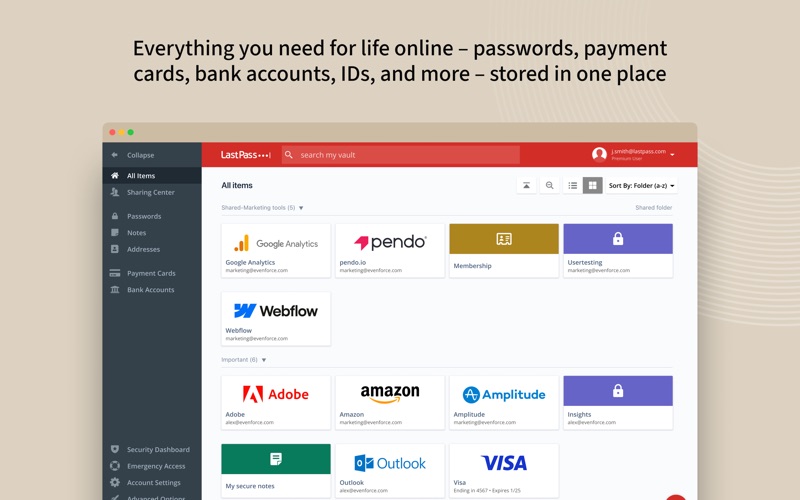
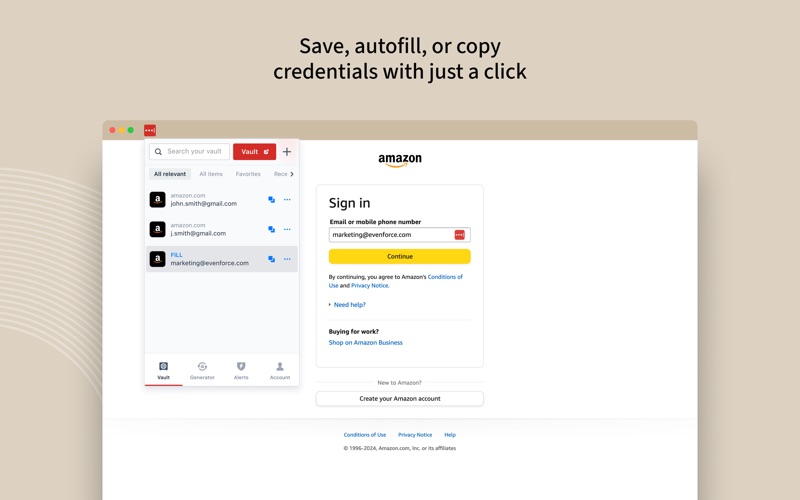
LastPass is a password manager that secures your passwords and personal information in an encrypted vault. As you visit apps and sites, LastPass autofills your login credentials. From your LastPass vault, you can store passwords and logins, create online shopping profiles, generate strong passwords, track personal information securely in notes, and more. All you have to do is remember your LastPass master password, and LastPass will autofill web browser and app logins for you. Stop getting locked out of your online accounts or struggling with frustrating password resets. Let LastPass remember your passwords for you and keep you safe online. NEW TO LASTPASS? Download LastPass now and get the protection you need for your online information. - Store usernames and passwords for all your online accounts securely in your LastPass encrypted vault. - Autofill your usernames and passwords in apps and websites. Simply launch your apps or navigate to a sign-in page and LastPass will fill in your credentials. - Automatically save usernames and passwords to your vault in Safari and other mobile browsers. - New! LastPass now offers a mobile Safari extension that simplifies filling, generating, and saving of credentials directly from your Safari browser. - Never forget a password again. Only remember your LastPass master password and LastPass secures the rest. - With automatic device sync, anything you save on one device is instantly available on other devices. - Securely store information like credit card numbers, health insurance cards, and notes in the encrypted vault. - Safely and conveniently share passwords with others, such as the cable login or Wi-Fi password. - Create secure passwords in one click with the built-in password generator. - Multi-factor authentication (MFA) secures your password vault to add a second layer of protection to your account. LastPass never has the key to your encrypted data, so your information is available to you, and only you. Your vault is encrypted with bank-level, AES 256-bit encryption. Trusted by Millions - Trusted by 33+ million users and 100,000+ businesses - LastPass has been highlighted in PCWorld, Inc., PCMag, ITProPortal, LaptopMag, TechRadar, U.S. News & World Report, NPR, TODAY, TechCrunch, CIO, and more! Terms of service: https://www.lastpass.com/legal-center/terms-of-service/ Download LastPass today for simple, secure access to your passwords!
Screenshots

Reviews

  • Used to be great, now it is almost useless.

    1
    By Kronecker_Delta
    When lastpass first came out, it worked almost flawlessly. Over the years it has gotten worse and worse. Currently it hardly ever recognizes websites, and you have to cut a paste from the lastpass vault after searching for the site manually. It is barely more convenient than keeping your own encrypted database in the cloud, so I can’t recommend paying for it. When my current subscription ends I will not renew.
  • Problems now fixed on a Mac

    5
    By sixtyducks
    I have been a LastPass user on a Mac for many years. The legacy app went through a rough patch and I almost abandoned it. But just recently….it has been fixed!! If you download the LastPass for Desktop to view the vault and use it in conjunction with LastPass for Safari for auto filling and saving, it works like a charm. In the background, the new versions have replaced Intel and Rosetta with a Universal engine, so they are stable, fast and reliable on a Mac. I’m so relieved and hope to continue being a loyal customer.
  • Super Happy

    5
    By Topspeak
    I’ve been super happy with the app and use it every day. It allows me to have a different hard to crack password for every login. I don’t have to write my passwords down anywhere now on a paper someone could use to hack my accounts. It has been a security and convenience boost.
  • How do you give negative numbers

    1
    By lhhggfdyghfrrerr
    How do you give negative numbers in a review. How do I get away from them HELP!!!!!!
  • Does not save things properly

    1
    By eugenekim321
    Consistently loses secure notes and passwords… Thank you for finally being the catalyst for me to move onto another password manager. I’m speechless.
  • Simply unusable

    1
    By Rollem123
    I've been a long time lastpass paid user. But I simply cannot get it to work on safari. Every step is buggy, the vault icon just spins and spins, it doesn't log in or fill in passwords. Very frustrating.
  • New glitch every single day. Destroyed a once good app and I pay for premium

    2
    By cbgute
    Today I can’t save a note on Safari or Chrome. Constantly takes 3 efforts to sign in, New problem constantly, support takes forever and is garbage. Find another solution this one isn’t it
  • Used to be good

    1
    By Two.Spoons
    Used to be good, terrible now, almost unusable
  • Too many bugs for Safari

    1
    By Fliparagon
    Lastpass for Safari used to be good but the last few updates, there are so many issues that it’s unusable. Forms don’t prompt for login and password, even when logged in. The extension does not show any entries in the vault.
  • Better, its usable now but 1 password is better

    3
    By AlchemicKnowledge
    March 26, 2026 - update, finally made the move to 1password after 11 years. Actually easier that I anticipated as 1P has a great migration feature. i would have love to have stayed with last pass but their Mac integration is horrible. Touch ID almost never worked so alot of retyping passwords. The iPhone app is solid but I’ve moved on. If I wasn’t so tied into last pass I would be with 1 password. No Touch ID on mac and isn’t great on safari

keyboard_arrow_up