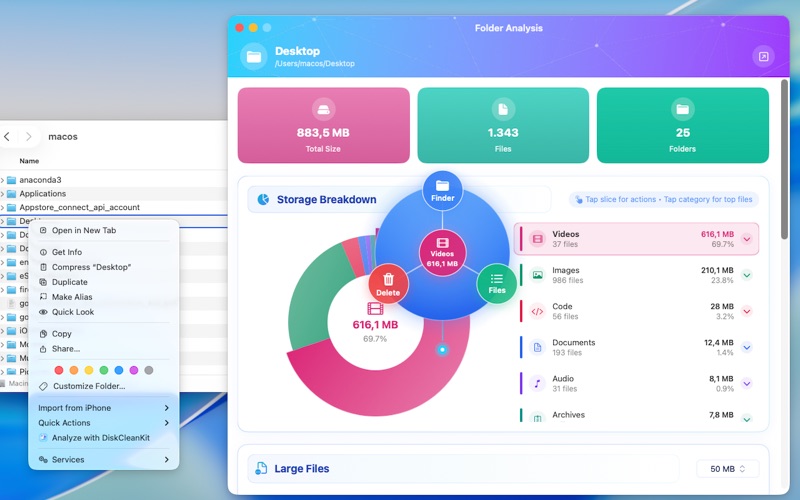
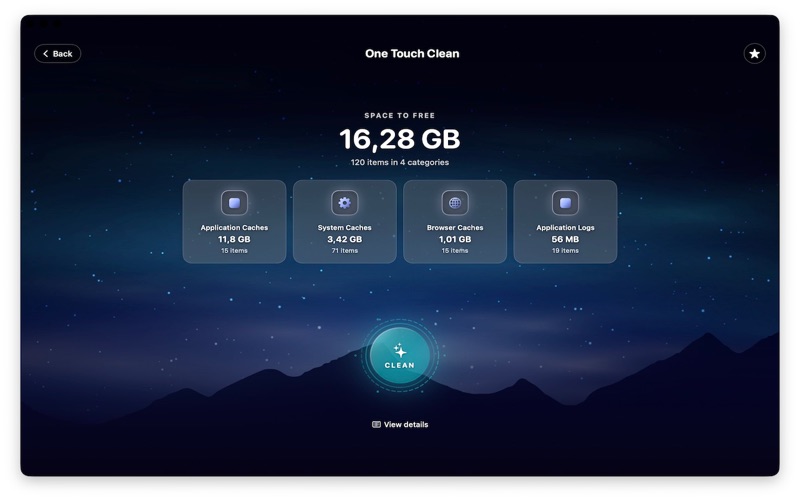
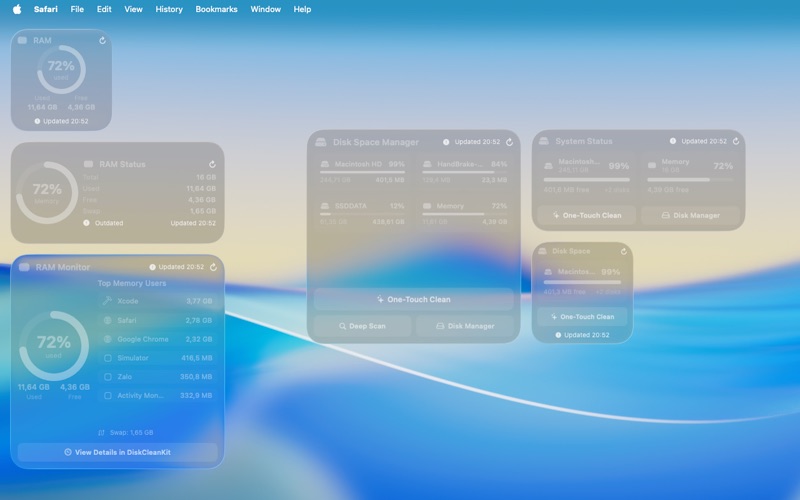
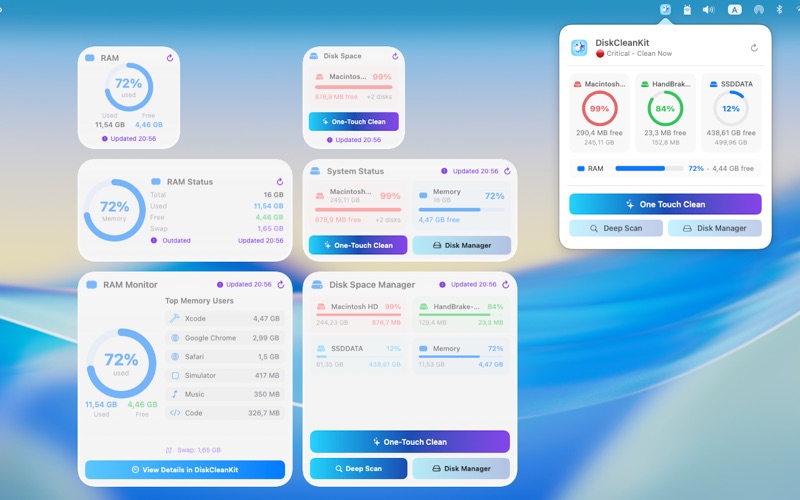
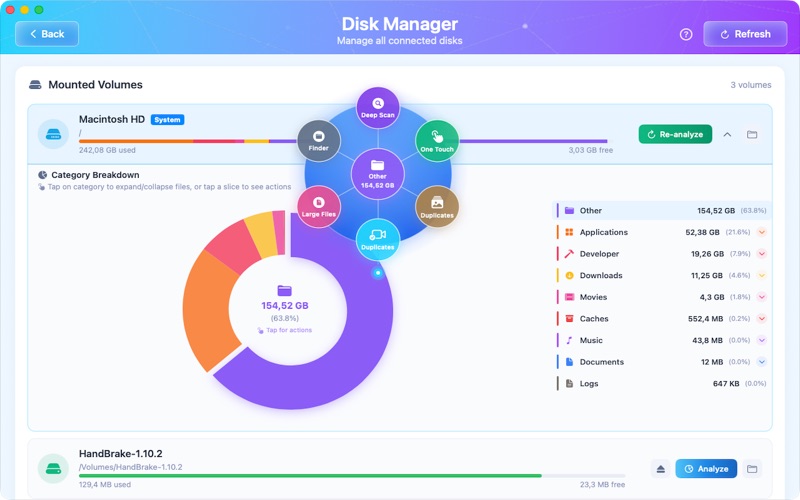
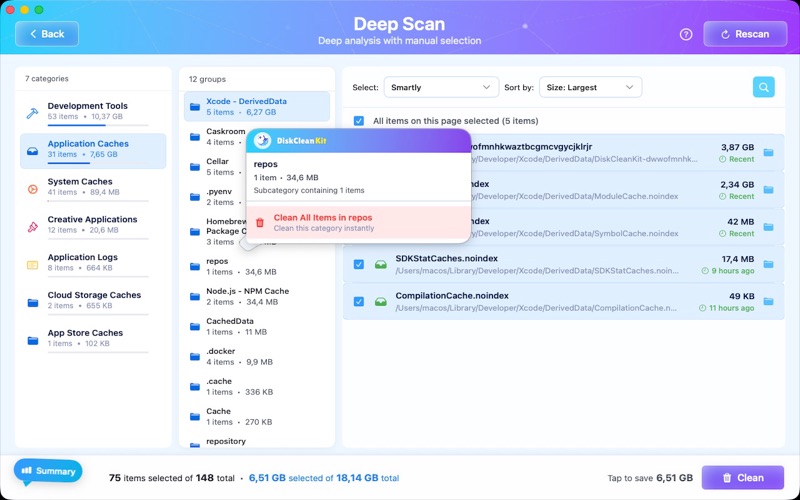
One-Touch Cleaning, Smart Disk Manager & Beautiful Widgets DiskCleanKit helps you discover and reclaim storage space on your computer. Find hidden files, system caches, duplicate photos, videos, and local snapshots. Enjoy a faster, cleaner system with powerful cleanup tools. FEATURES Quick Scan Get a fast overview of reclaimable space in seconds. Perfect for a quick cleanup when you are short on time. Deep Scan Discover every bit of reclaimable storage with our thorough scan that finds files quick scans miss. One-Touch Clean Clean your entire system with just one tap. Our smart scanner finds system caches, app data, logs, and temporary files safely and instantly. Local Snapshot Cleaner Discover local backup snapshots and reclaim storage space. Easily find and manage this often-overlooked storage on your system. Disk Manager Visualize your storage with an interactive pie chart. See exactly what is using your disk space, explore folders, and organize with ease. Voice Commands and Shortcuts Control DiskCleanKit hands-free with voice commands and automation shortcuts. Start cleanups without lifting a finger. Smart Duplicate Finder Organize your library by finding duplicate files, similar photos, and duplicate videos. Preview everything first to keep your precious memories safe. Context Menu Integration Right-click any folder to analyze it instantly. Find large files, archived files, and duplicates directly from your file browser. Desktop and Menu Bar Widgets Monitor your disk space and RAM with informative widgets. Stay informed about your storage at a glance. Scheduled Automation Set daily, weekly, or monthly cleanups. Your system stays fresh automatically, giving you more time for the things you love. Large File Finder Discover your largest files in seconds. Downloads, videos, application files - find them all and choose what to keep. App Uninstaller Uninstall applications completely. Remove all related files, caches, and preferences for a thorough cleanup. Developer Tools Cleaner Clean up derived data, device support files, simulators, and more. Reclaim valuable developer-related storage space. Creative Apps Cleaner Remove render files, cache data, and temporary files from popular creative applications. WHY CHOOSE DISKCLEANKIT + One-tap cleaning for quick results + Large and old file finder + Developer tools cleanup + Smart duplicate finder for photos, videos, and files + Local snapshot management + Voice command and shortcut support + File browser integration + Informative desktop widgets + 100% private - your data stays on your device + Free features available + Available in 40+ languages SUBSCRIPTION OPTIONS 14-Day Free Trial Explore all premium features before you subscribe. Premium Plans + Monthly subscription + Yearly subscription - Best Value + Lifetime purchase - Share with family via Family Sharing TERMS - Payment charged to Apple ID at confirmation - Subscription auto-renews unless canceled 24 hours before period ends - Manage subscriptions in System Settings > Apple ID > Subscriptions Privacy Policy: https://diskcleankit.com/privacy Terms of Use: https://www.apple.com/legal/internet-services/itunes/dev/stdeula/