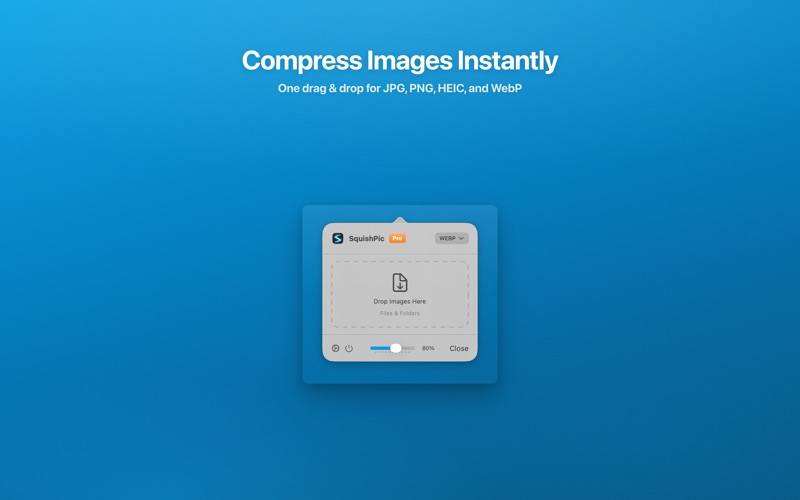
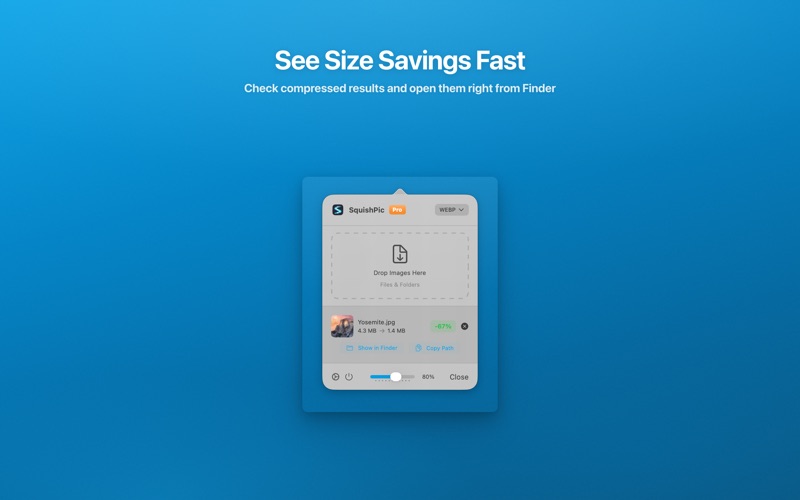
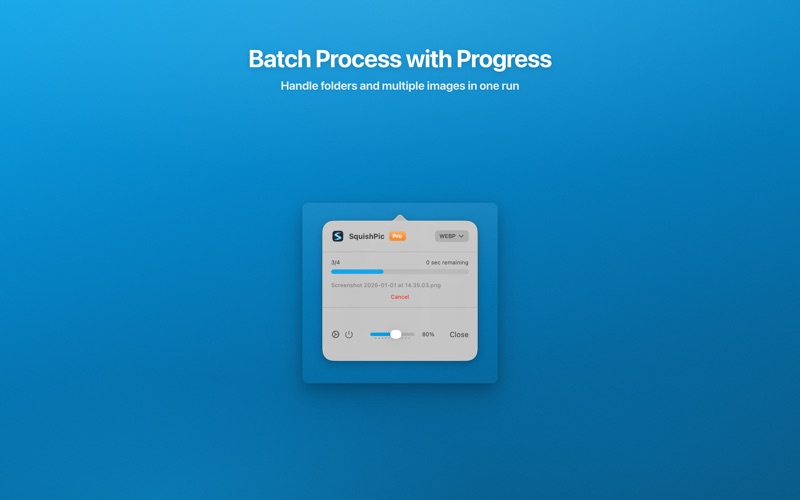
Drop images into your menu bar. Get smaller files instantly. 100% on-device — no uploads, no cloud, no account required. New in v1.2.0: AVIF export (macOS 14+) — next-gen format, smaller than JPEG. [ ALWAYS THERE. NEVER IN THE WAY. ] • Lives in your menu bar — Dock stays clean • Drag & drop JPEG, PNG, HEIC, AVIF, and WebP to compress • EXIF metadata preserved (location, camera data) [ AVIF SUPPORT — NEW IN v1.2.0 ] Next-generation image format now available on macOS 14 and later: • 30-50% smaller than JPEG at the same visual quality • Native encoding via Image I/O, no extra tools needed • Works with Quality Presets and Resize [ QUALITY PRESETS ] One click. Right compression. Every time. • Best Quality — sharp, minimal loss • Balanced — great for the web • Small — smallest file size [ RESIZE ON EXPORT ] Compress and resize in a single drop: • Limit the longest edge (1920 / 1280 / 800 px) • Works with any quality preset • Bulk resize in Pro [ MADE FOR CREATORS ] • Bloggers — one-click Web-ready compression • Social media creators — smaller files, faster uploads • Web designers — quality meets performance • Developers — AVIF / WebP conversion + drag-drop workflow [ YOUR PRIVACY. ALWAYS. ] SquishPic runs 100% on-device. No internet. No analytics. No cloud. Ever. [ FREE ] • Drag & drop compression from your menu bar • JPEG, PNG, HEIC, AVIF (macOS 14+) & WebP support • Quality presets and image resizing • 100% on-device processing, no cloud [ PRO — $4.99 ONE-TIME ] Upgrade once, unlock forever — no subscriptions, ever. • Finder Quick Action: right-click to compress • Batch processing with parallel execution • Subfolder structure preservation [ FORMATS ] JPEG • PNG • HEIC • AVIF • WebP [ REQUIREMENTS ] macOS 13 Ventura+ | AVIF export requires macOS 14 Sonoma+