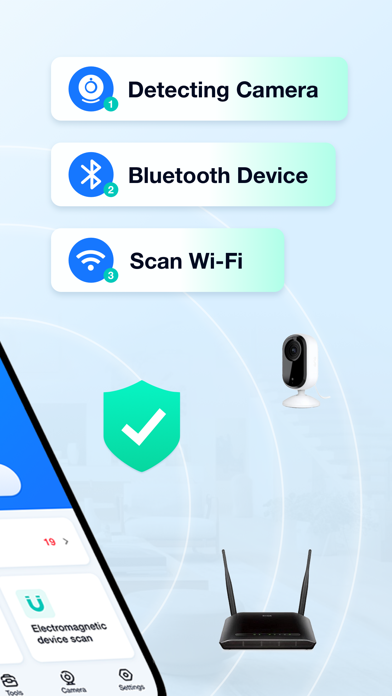
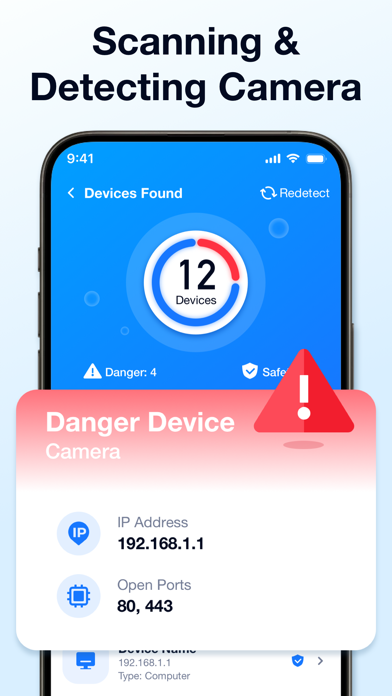
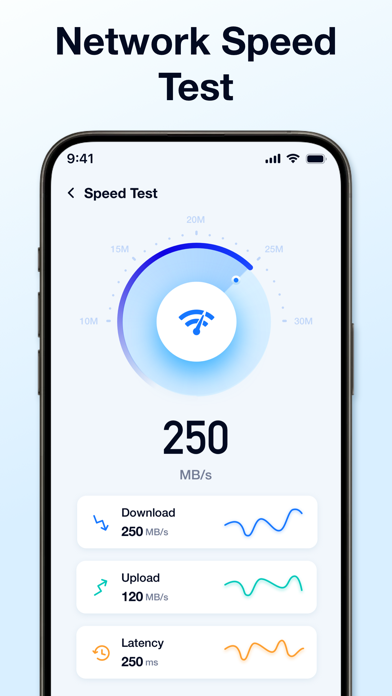
Camera Scanner – WiFi Security & Device Detector Worried about your home network security? Concerned about hidden cameras or unknown devices connected to your WiFi? **Camera Scanner** is your all-in-one privacy protection and network analysis tool. It helps you detect connected devices, identify potential threats, and safeguard your personal space with advanced scanning technology. ### Smart Camera Detection Quickly scan your surroundings and identify potential hidden cameras. No matter the brand or model, Camera Scanner helps you locate suspicious devices and stay aware of your environment. ### WiFi Network Scanner Instantly scan your WiFi network and view all connected devices in seconds. Easily detect unknown or unauthorized connections to protect your network from intrusions. ### Detailed Device Information Get complete insights into every connected device, including: * IP Address * MAC Address * Device Name & Model Monitor your network activity and take control of your digital environment. ### Bluetooth & Signal Scanner Expand your protection with multi-layer detection: * Bluetooth device scanning * Electromagnetic signal detection Cover more potential surveillance threats and ensure full-spectrum security. ### Network Performance Tools Optimize your connection with built-in tools: * Internet speed test * Network latency (ping) test * Connection quality monitoring Keep your network running fast and stable at all times. ### Protect Your Privacy Camera Scanner helps you: * Detect hidden cameras * Monitor WiFi security * Identify unknown devices * Prevent unauthorized access Enjoy peace of mind knowing your home and privacy are protected. If you subscribe through Apple, your App Store account will be charged at confirmation of purchase. - Payment will be charged to your iTunes account at confirmation of purchase. - Subscription automatically renews unless auto-renew is turned off at least 24 hours before the end of the current period. - Account will be charged for renewal 24 hours prior to the end of the current period, and identify the cost of the renewal. - Subscriptions may be managed by the user and auto-renewal may be turned off by going to the user's Account Settings after purchase Standard Apple Terms of Use (EULA): https://www.apple.com/legal/internet-services/itunes/dev/stdeula/ Privacy Policy: http://security.thespeedgps.com/privacy-policy.html