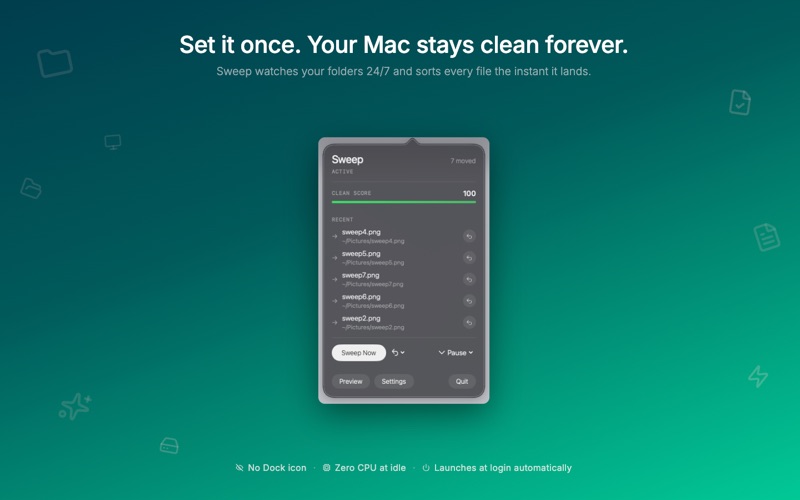
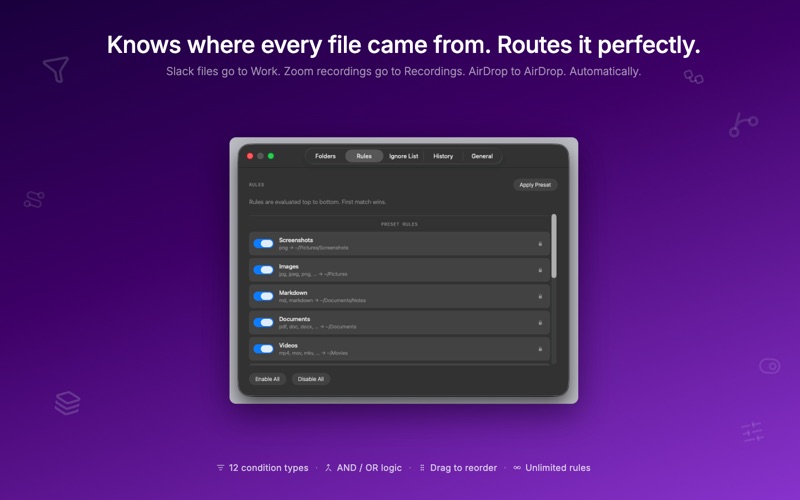
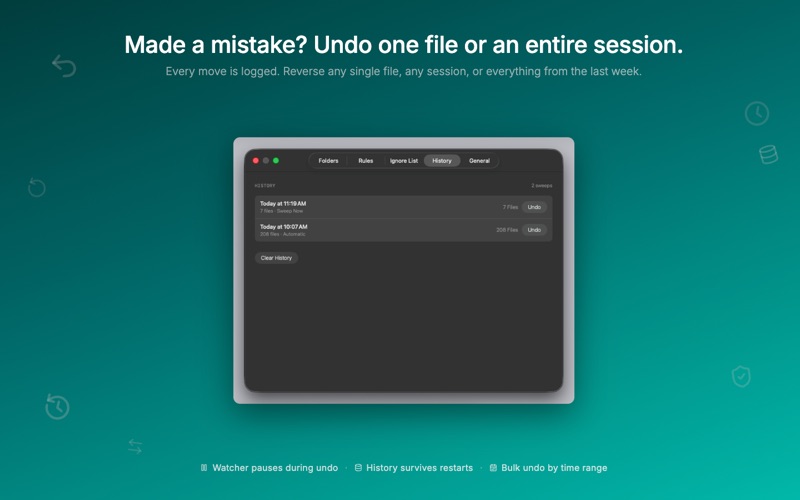
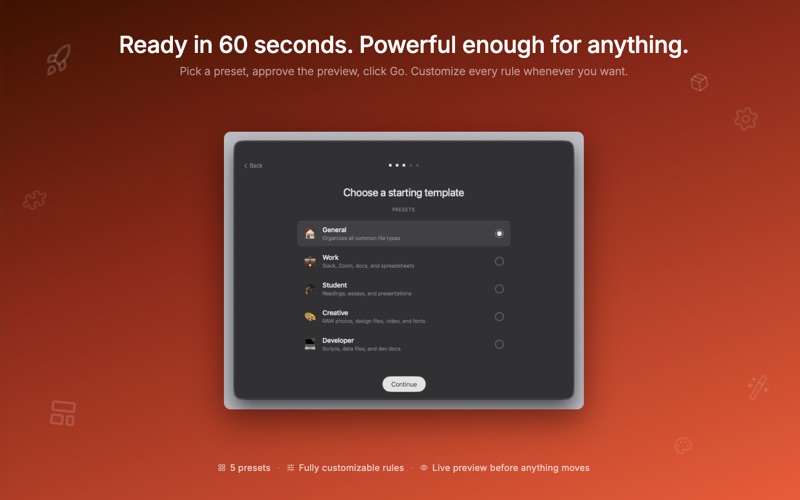
Sweep watches your folders 24/7 and automatically moves files the instant they land — no clicking, no manual sorting, no mess. Ever again. Drop a file anywhere. Two seconds later, it's exactly where it belongs. Set it up in 60 seconds. Let it run forever. —— HOW IT WORKS Sweep runs silently in your menu bar, watching your folders in real time using Apple's native FSEvents technology. When a new file arrives, Sweep evaluates your rules and moves it to the right place — automatically, instantly, and without any input from you. It even knows where your files came from. Slack attachments go to your Work folder. Zoom recordings go to Recordings. AirDrop files go to AirDrop. Every source, routed perfectly. —— START IN 60 SECONDS Pick one of five presets designed for real life: General — Smart defaults for every Mac user Work — Routes Slack files, Zoom recordings, documents, and spreadsheets Student — Sorts readings, essays, notes, and presentations automatically Creative — Organizes RAW photos, design files, video projects, and fonts Developer — Routes archives, scripts, data files, and docs Before anything moves, Sweep shows you a live preview — exactly which files will go where. Approve it, then let Sweep do the rest. You can customize every rule at any time. —— NOTHING MOVES WITHOUT YOUR TRUST Sweep is built for safety first: - Preview mode — see a complete dry-run before any file is touched - Full undo — reverse one file, an entire session, or everything from the last week - Session history — every move is logged, forever, and reversible anytime - Smart protection — Sweep never touches Final Cut libraries, Logic projects, Xcode files, InDesign packages, or partial downloads - Ignore list — tell Sweep to never touch specific files, folders, or patterns —— POWERFUL RULES ENGINE Sweep's rules go far beyond file extensions: - Route by source app — Slack, Gmail, Chrome, AirDrop, Dropbox, and more - Route by file name — contains, starts with, ends with, or matches a regex - Route by file size — move files larger than 25 MB to a different location - Route by date — files created within the last 30 days, older than a week, and more - Rename on arrival — use tokens like {date}, {source}, {ext} to rename as you sort - AND / OR logic — combine multiple conditions in a single rule Rules are evaluated top-to-bottom. First match wins. Drag to reorder. As simple or as powerful as you need. —— DESIGNED TO DISAPPEAR Sweep lives in your menu bar — no Dock icon, no windows to manage. It runs at login, uses zero CPU at idle, and never interrupts you. The only time you notice Sweep is when you check your Clean Score and realize your folders have been perfect for three weeks. —— ZERO AI. ZERO CLOUD. ZERO SUBSCRIPTION. Sweep is a native macOS app built entirely on Apple's frameworks — FSEvents, Spotlight metadata, CryptoKit, and SQLite. No AI costs. No network calls. No ongoing fees. Everything runs locally on your Mac. One purchase. Yours forever. —— WHAT'S IN THE MENU BAR - Clean Score — a real-time 0–100 rating of how organized your folders are - Recent Moves — the last 5 files moved, with individual undo buttons - Sweep Now — manually sort all existing files in watched folders on demand - Bulk Undo — undo by session, last hour, last 24 hours, last week, or everything - Pause — snooze Sweep for 1 hour, 2 hours, until tomorrow, or indefinitely —— REQUIRES: macOS 13 Ventura or later. Runs natively on Apple Silicon and Intel.