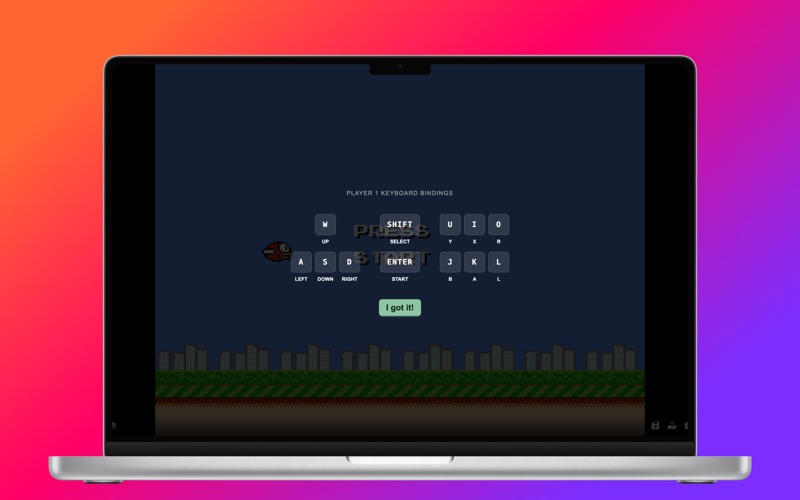
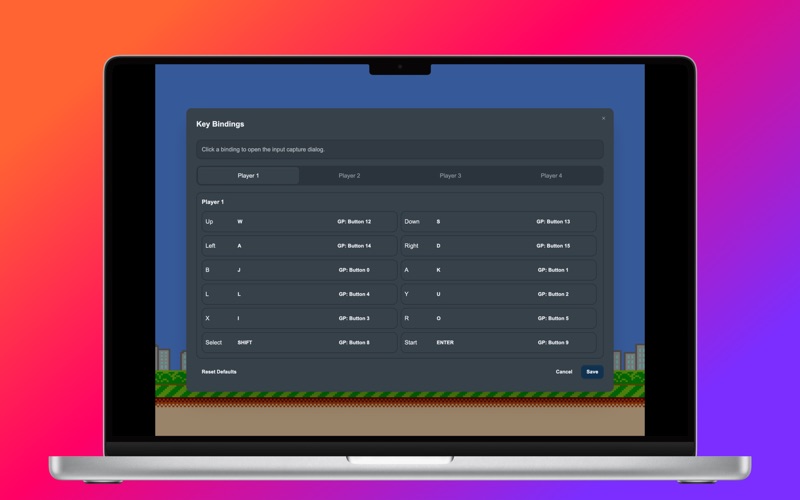
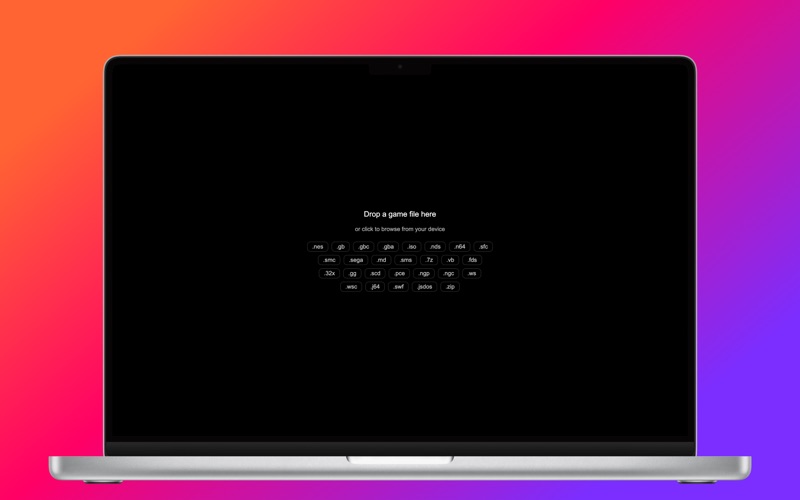
GGEMU Retro Emulator is a powerful all-in-one emulator for macOS, bringing your favorite retro games together in one seamless experience. From classic arcade titles to portable consoles, DOS, and even Flash games — everything you love, all in one place. Key Features Wide Platform Support Play games across a broad range of systems: Nintendo: NES / Famicom, SNES / Super Famicom, Game Boy (GB/GBC/GBA), Nintendo 64, Nintendo DS, Virtual Boy Sony: PlayStation 1 (PS1), PlayStation Portable (PSP) Sega: Genesis / Mega Drive, Master System, Game Gear, Sega CD, 32X, Saturn Retro PC & More: DOS (.jsdos / .zip), Flash (.swf), PC Engine, Neo Geo Pocket, WonderSwan, Atari Jaguar Instant Play, Zero Setup No complicated configuration. Just drag and drop your ROMs into the app, or browse your local files to start playing instantly. Local Network Multiplayer Enjoy smooth, low-latency multiplayer over your local network. Extensive Controller Support Play your way with support for: Nintendo Switch Pro Controller and Joy-Con Nintendo Switch Online controllers (NES, SNES, N64) PlayStation 4 and PlayStation 5 controllers Xbox One S and Xbox Series X controllers MFi game controllers Bluetooth and wired keyboards Save Anytime Save and load game states at any moment — pick up right where you left off. Capture & Share Record gameplay or take high-quality screenshots with built-in FFmpeg-powered media export. Local Sharing Easily share your gameplay experience with others on the same network. Disclaimer GGEMU Retro Emulator is a shell application designed to run user-provided game files. The app does not include or distribute any game ROMs, copyrighted software, or digital assets. Users are responsible for ensuring they have the legal rights to use any files loaded into the app.