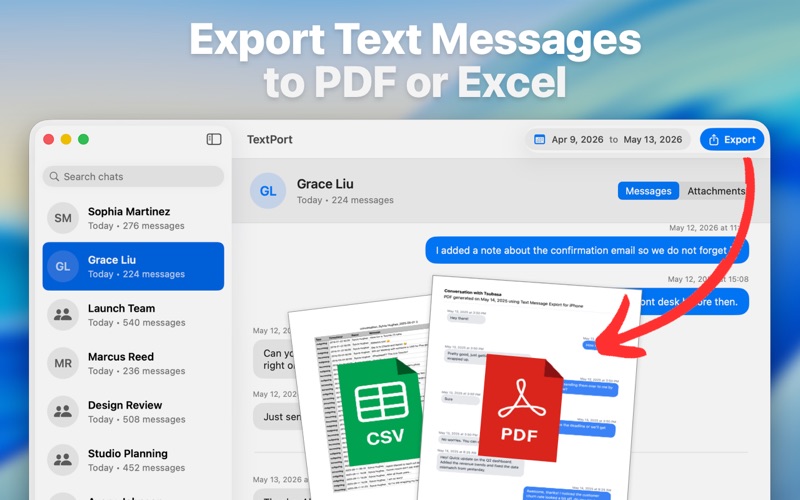
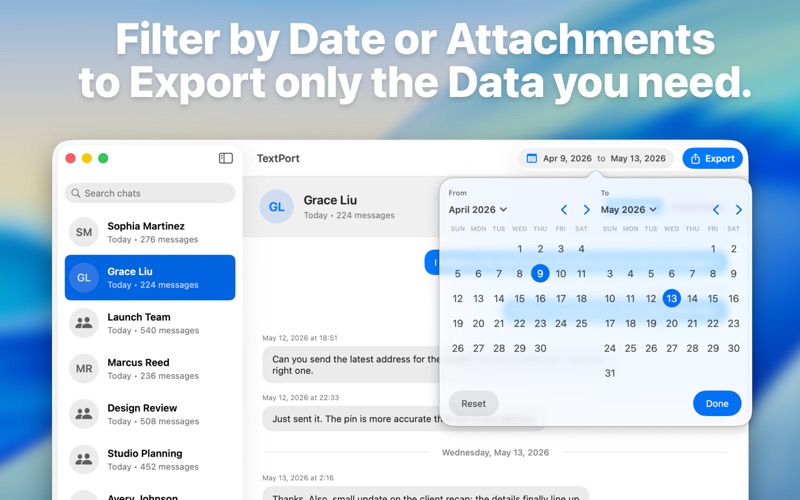
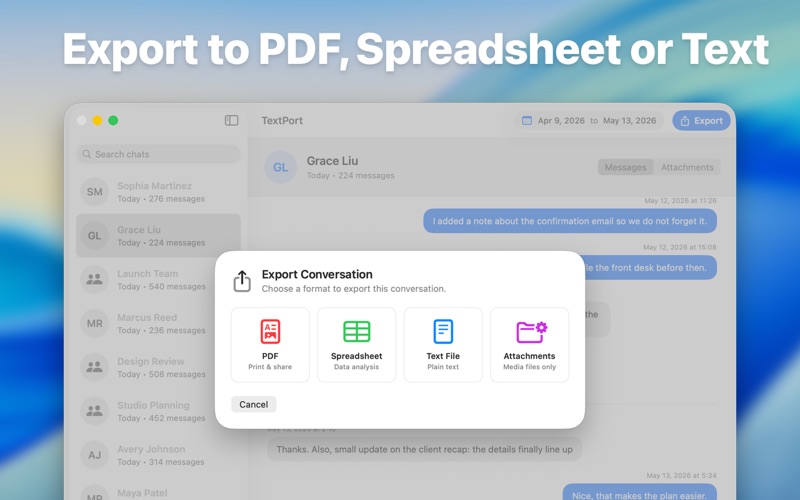
TextPort for Mac makes it simple to save, search, and export your iPhone text messages and iMessage conversations from your computer. Whether you need a personal archive, legal documentation, business records, or a reliable backup of important conversations, TextPort helps you preserve your messages in practical, easy-to-use formats. Use messages available on your Mac to review conversations, organize them, and export the records you need. Create clean PDF documents for printing or sharing, export CSV files for analysis, or save plain text copies for long-term archives. KEY FEATURES • Export Messages on Mac: Save SMS and iMessage conversations from your iPhone backups or Mac Messages data. • PDF, CSV, and Text Export: Turn conversations into readable PDFs, structured spreadsheets, or plain text files. • Built for Large Archives: Review and export long conversations without copying messages one by one. • Search and Organize: Find the conversations you need and preserve them in formats that are easy to review later. • Professional Documentation: Create clear message records for legal, business, client, or personal use. • Local-First Workflow: Work from your Mac and keep control of your message export process. PERFECT FOR • People who need to export text messages from iPhone to PDF • Professionals documenting important conversations • Businesses keeping communication records • Families preserving meaningful message history • Anyone looking for an easier way to back up and print iPhone messages WHY CHOOSE TEXTPORT? TextPort is designed for people who need more than screenshots. Instead of manually saving individual messages, you can export full conversations into useful files that are easier to search, store, print, and share. Whether you are preparing documentation, organizing personal records, or keeping a backup of meaningful conversations, TextPort gives you a straightforward way to preserve your message history from your Mac. Terms of Use: https://textport.com/terms Privacy Policy: https://textport.com/privacy