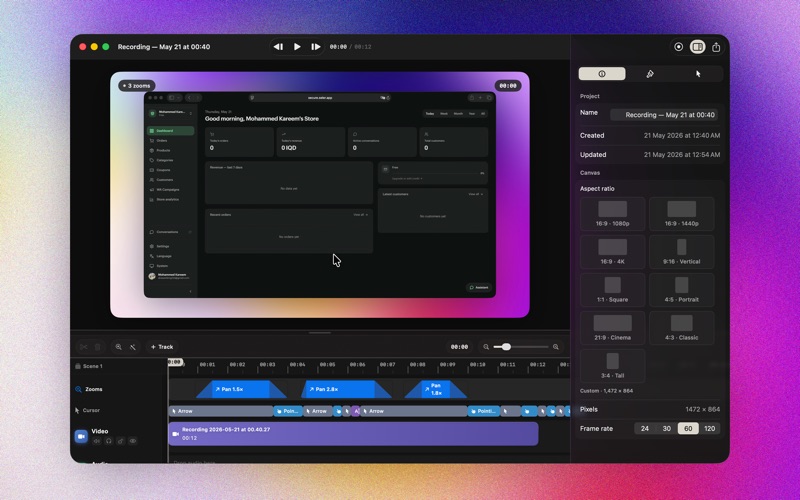
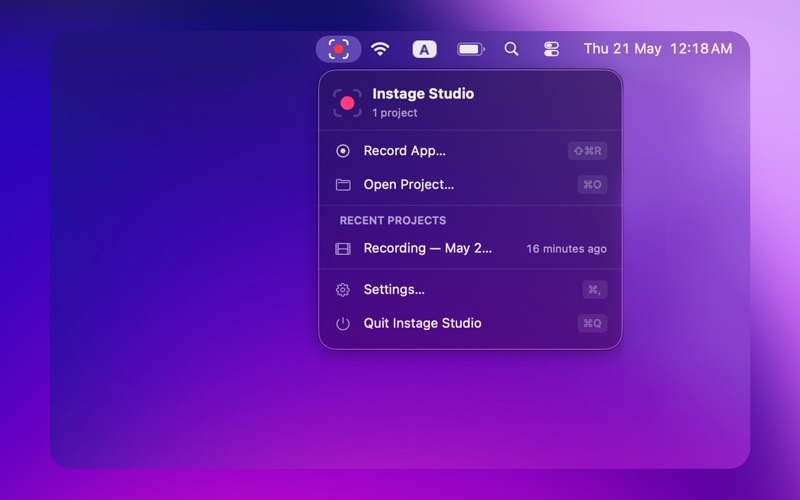
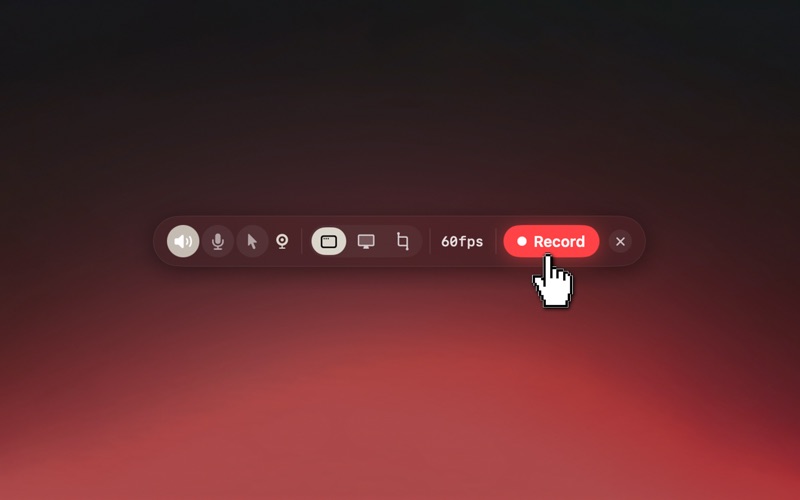
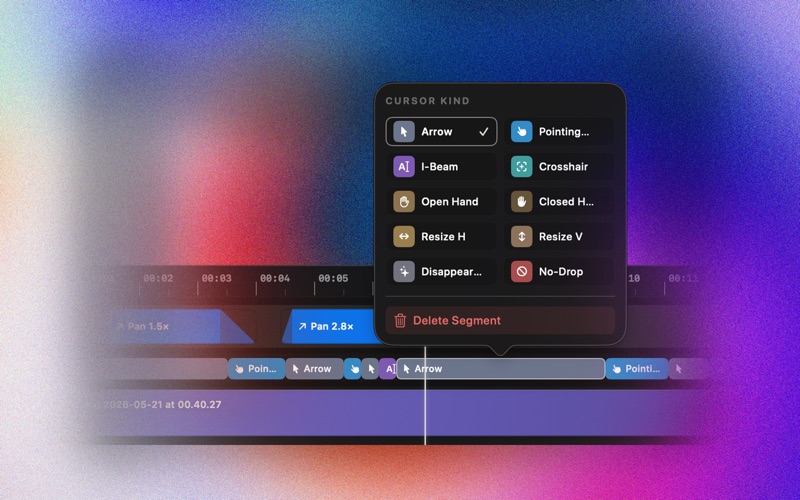
Make screen recordings people actually want to watch. Instage Studio is a native Mac screen recorder and editor for tutorials, product demos, and quick walkthroughs that look like they came from a marketing team — without spending hours in a video editor. Hit record. Click around your app. The cursor's path becomes a cinematic camera move, zooming in on what matters and gliding back out when you're done. Drop in a webcam overlay if you want to talk over your screen. Frame your video on a beautiful wallpaper background. Export and ship. HIGHLIGHTS — Auto-zoom. Instage watches the cursor and clicks during your recording, then plans graceful zoom and pan moves on a timeline you can edit frame by frame. — Webcam overlay. Picture-in-picture with adjustable orientation, position, and corner radius. Vertical for portrait, square for round, landscape for the classic talking-head look. — Cursor that pops. Click ripples, smooth pointer easing, and the system cursor type captured per moment — I-beam, hand, crosshair — replayed exactly in your edit. — Beautiful backgrounds. Solid colors, gradients, mesh-gradient presets, and a library of bundled wallpapers. Drop in your own image any time. — One-tap aspect ratios. 16:9 for YouTube, 1:1 for Instagram, 9:16 for Reels, 21:9 for cinematic, 3:4 for Threads. — Floating recorder. Compact capture panel hovers above other apps so you can adjust mic, system audio, cursor visibility, and FPS without breaking your flow. — Native performance. Built on ScreenCaptureKit and AVFoundation. Records up to 120 fps. HEVC, H.264, and ProRes export. No cloud upload, no waiting. — Local-first. Your recordings never leave your Mac. No account, no sync, no analytics. PAY ONCE. YOURS FOREVER. Try Instage Studio for free — record, edit, and preview without limits. When you're ready to export, unlock it with a single $29 in-app purchase. No subscription, no upsells. Future updates included for the life of the app.