Cricut Design Space

Cricut Design Space

By Cricut, Inc.

  • Category: Graphics & Design
  • Release Date: 2014-06-04
  • Current Version: 6.57.0
  • Adult Rating: 12+
  • File Size: 348.19 MB
  • Developer: Cricut, Inc.
  • Compatibility: Requires iOS 16.0 or later.
Score: 4.74278
4.74278
From 745,289 Ratings

Description

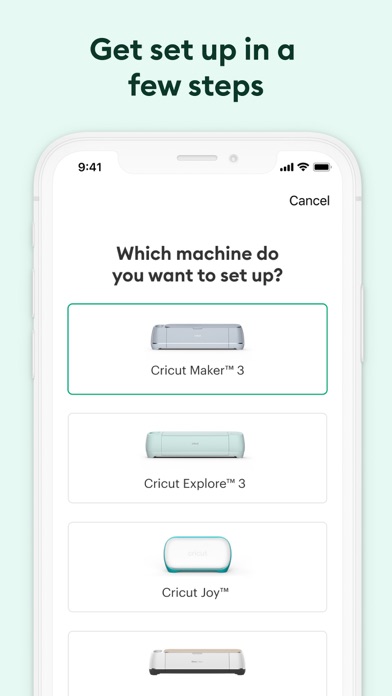
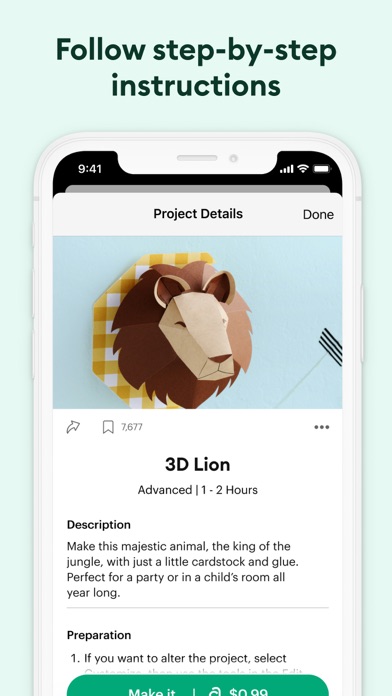
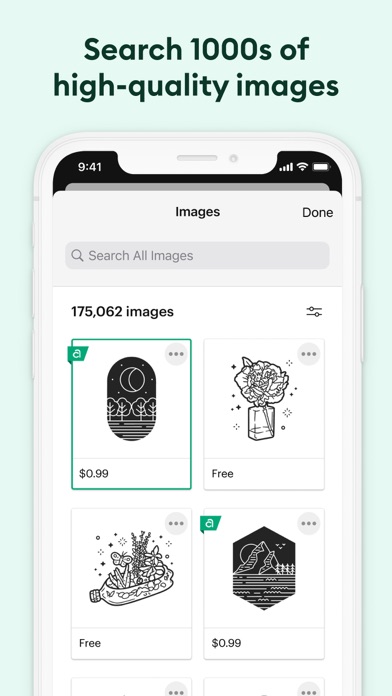
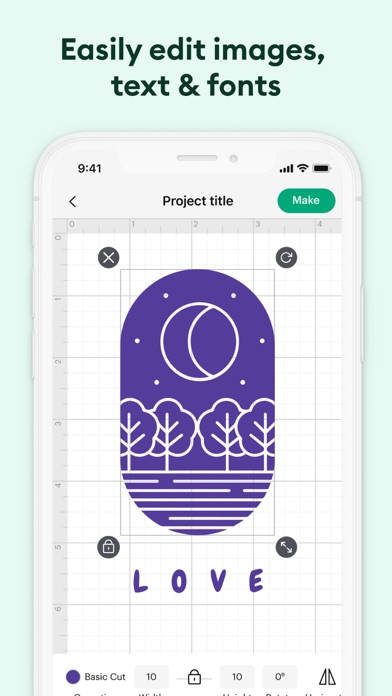
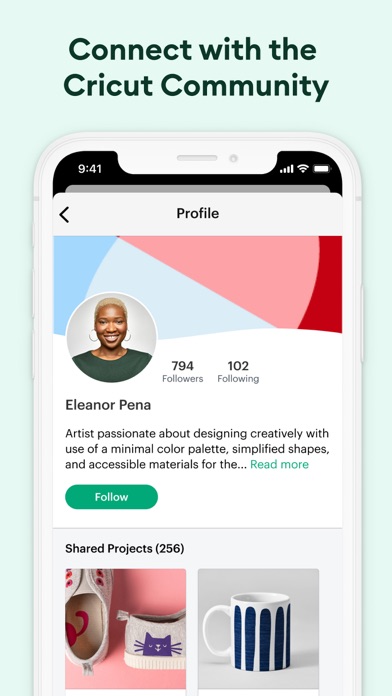
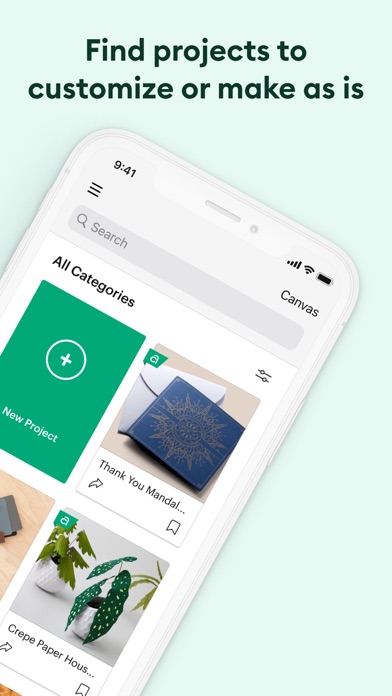
Enjoy total creative freedom over your next DIY project with Cricut Design Space™. Design, cut, or draw by connecting to Cricut Explore™ or Cricut Maker™ machines. Start your project from scratch or browse thousands of images, ready-to-make projects, and unique fonts in the Cricut Image Library. Create from anywhere, any time inspiration sparks with cloud-based syncing across devices. Make the most of every last scrap with the SnapMat™ feature. Connect to your compatible Cricut cutting machine with a Bluetooth® connection. Experience brand-new features like kerning, spell check, right-to-left text & more by upgrading your device to iOS 14 or above. New to Cricut? Welcome! To use this companion Design Space app, first activate your new machine at cricut.com/setup Existing members with Cricut Joy™ machines? For fun or functional projects in 15 minutes or less, use the companion Cricut Joy™ app. Features: • Over 50,000 FREE images, fonts & projects • Upload & edit your own compatible image files (jpg, .bmp, .png, .gif, .svg, and .dxf) • Browse Cricut fonts or use your own system fonts • Cut predesigned Make It Now projects quickly & easily • Make cards, invitations, 3D models & more • Design home & party decor, jewelry, and fashion accessories • Get perfect cut settings for your material type • Visualize & position artwork on scrap material with SnapMat™ feature • Access images & projects and make purchases on cricut.com or Design Space with Cricut ID. • Setup & activate machine right from app • Bluetooth® capability (Bluetooth adapter may be required, sold separately) • Easily position, resize & rotate text • Kerning for fonts • Follow step-by-step project instructions • Ready-to-make mug designs • Auto-save projects Cricut Access: https://cricut.com/legal#terms-of-use
Screenshots

Reviews

  • Crashes Constantly

    1
    By Peachtreebones
    I can’t make any projects because the app always crashes at some point. I’ve tried every fix I’ve seen mentioned, and nothing works. The best results I’ve gotten is that it’s stopped crashing when I hit “make it” and instead crashes when I hit “send to printer”. Didn’t have this problem before you all over bloated the app with stupid AI features.
  • useless constantly trying to get in the way

    1
    By Jinx.XIII
    i’m forced to use this app for my business because i have circuits and unfortunately it’s just terrible. every update it seems to get worse. It’s unresponsive you can no longer features that used to be available. They’re constantly popping up, trying to get you to pay for it, which I refuse to do when you have no marketable aspects that would make me want to pay for this. The system is set up to make you waste product, waste paper and waste your time. Stop getting in the way and actually make the app useful.
  • Worst update

    2
    By Diadiva78
    I’ve been using the phone app for a couple years now and it was fine until this last update. Now I can’t change the size to an exact number. If I change the width then the height automatically changes and vice versa. Plus it disconnects after every cut and I have to go into my settings and reconnect. I pay $9.99/mo for this and now can’t even use it like I used to. Guess I’ll be canceling
  • No longer good

    1
    By p2l4k789
    Not only have I canceled my subscription because the software is getting worse and worse and is grossly overpriced, but I will be seeking a refund from the company for the wasted supples.
  • Un functional

    1
    By unhappy 99
    Nothing works used to be able to cut out parts of an image book cut doesn’t work. Absolutely nothing works.
  • Stop ruining it

    1
    By Whatisthis00000
    Cricut has done nothing but fish you for money with their name brand $10 for 6 sheets of sticker paper and make their app more user unfriendly. Stop updating the app to make it worse? It was fine before and now using this app as made my whole shop quit the app. Thanks 🤙
  • Too many glitches

    3
    By A n d r e w. . Z z z z
    I miss being able to add multiple images to the canvas at once now you pick one and than restart from the beginning adding more one at a time. Than when you look at your booked marked item to attempt to make your life easier to find things faster at your finger tips but system crashes nonstop. Can’t use my computer for design space since now it just reached its limit for updates. Just sad you can’t use this space unless you update constantly even jf it works fine for you
  • Way too many issues

    1
    By asmray
    I have had my cricut maker for over 6 years. Design space used to work great for the first few years and now it just sucks. It literally gets worse with every single update. I should NOT have to close out the app and restart it every time I want to make a project. I design something and go to print or cut and everything freezes. It keeps freezing and the “set base material” refuses to load. I have to save the project, exit the app and restart it in order to proceed with my project. I have to answer the same question multiple times. Also, for the last several months, whenever I plug in my machine, my laptop can never find it. It’s really getting old and frustrating. I have to reconnect and restart and do way too many unnecessary steps just in order to make a project and it was NEVER this way in the beginning. Cricut design space software just sucks big ones these days. It’s so bad that I despise making things anymore. Making things used to be a way for me to unwind and now it’s just too stressful strictly due to the horrible software. My machine is perfectly fine. This review is specifically for the software.
  • Update negative impact

    1
    By tmichelle78
    After this most recent update not only did it keep erasing my design if I left the app for a sec to check a message, which made me recreate it a couple of times before I saved it. Now it completely signed me out of the app and won’t give me access to sign back in. I tried uninstalling the app, reinstalling the app and reopening it to log in but I still get the same results. This is stopping me from making shirts when I currently have an order
  • Slow

    1
    By **123ABC**
    Custom canvas is to slow, by the time I can get something to move I have completely messed up the part I am working on and have to start over, difficult to merge or splice, cannot experiment with other features if the basics are so painful to deal with. I’m just not going to use the machine. Why is something so simple made so difficult?

keyboard_arrow_up