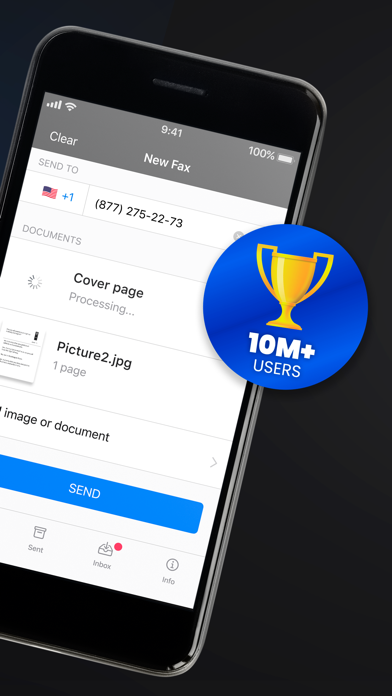
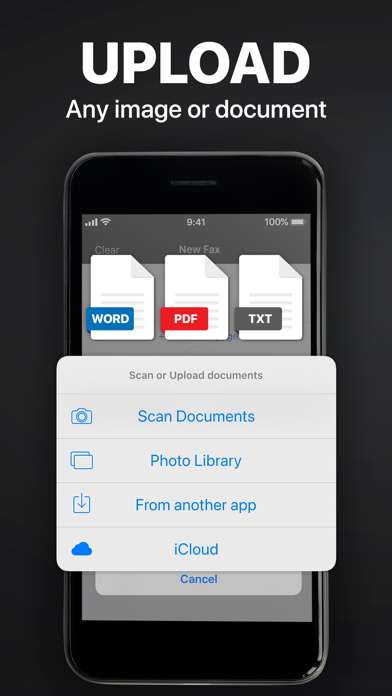
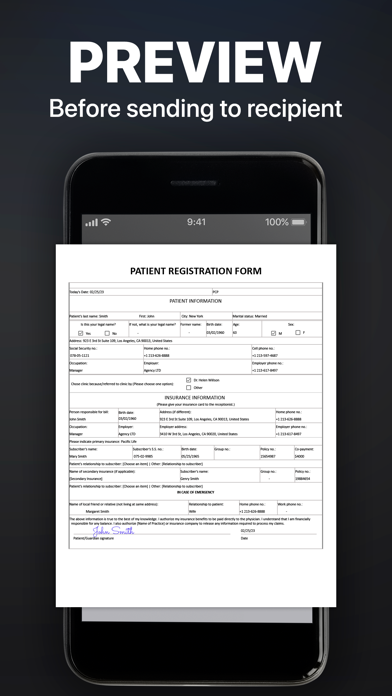
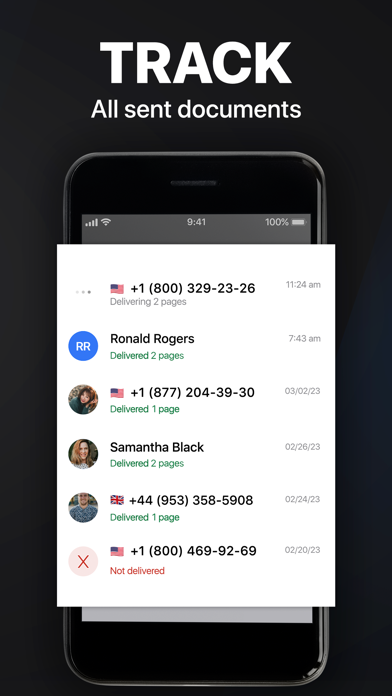
Send & receive faxes from iPhone or iPad on the go. Fast and easy! No Fax Machine Required! Send any document everywhere. NO need to use an old school fax machine or go to a fax office. Key Features: Powerful fax app: - Fax from iPhone in 90+ international countries; - Advanced document scanner & image processing; - Best possible quality achieved no matter what types of documents you use; - Combine multiple documents into a single fax; - Preview any document before sending; Receiving faxes: - Dedicated number to receive faxes; - Receive faxes from anywhere in the world; Upload any types of documents: - Send just about any file type as a fax (PDF, DOC, JPG, PNG & TIFF, HTML); - Create new documents with images as you go (Photo Gallery, Camera); - Import any types of documents (Dropbox, iCloud, Google Drive, Box or any other source). Try powerful tracking: - Track sent documents status via fax app. Note, please: ------------------ For free: 1. Download for free and streamline your faxing without ads; 2. Prepare and process documents at no charge; 3. Try it out by sending a demo fax to any number for free. Ongoing fax services require an Active subscription. *Opt for an annual subscription and save up to 52% compared to weekly payments. ------------------ Information about the auto-renewal of subscription: - Payment will be charged to iTunes Account at confirmation of purchase; - Subscription automatically renews unless auto-renew is turned off at least 24-hours before the end of the current period; - The account will be charged for renewal within 24-hours before the end of the current period. The cost depends on the selected plan; - Subscriptions may be managed by the user and auto-renewal may be turned off by going to the user’s Account Settings after purchase; Privacy Policy: https://comfax.com/privacy/ Terms of Use: https://comfax.com/terms/ For any questions or inquiries, please get in touch: [email protected] * iPhone and iPad are trademarks of Apple Inc.