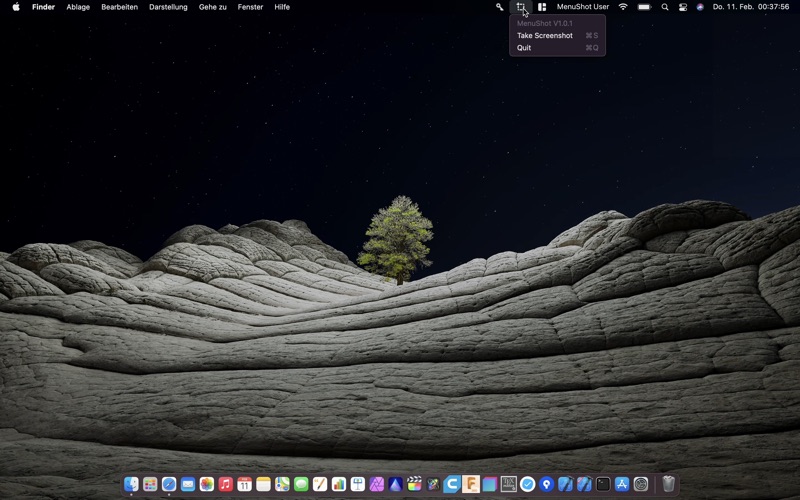
Simple Shortcut for the Screenshot-App for faster Access. Take a Screenshot or Screen Recording by simply pressing with the right Mouse Button on the MenuShot Icon in your Menu Bar or by left clicking on it and then select "Take Screenshot". There has never been a more simple Way to take Screenshots! + Fast Access + Shortcut to the native Screenshot App from Apple + Simple to use -------------------------- If you want the App to start on Boot you need to go into System Preferences -> Users & Groups -> Login Items, and now add MenuShot