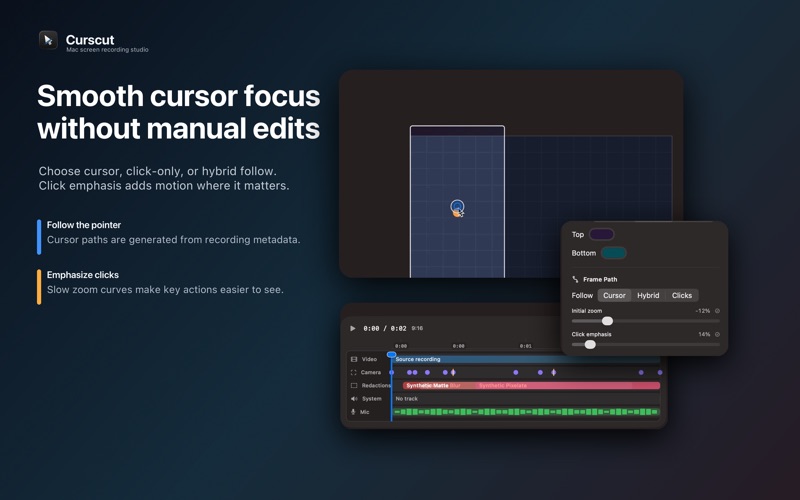
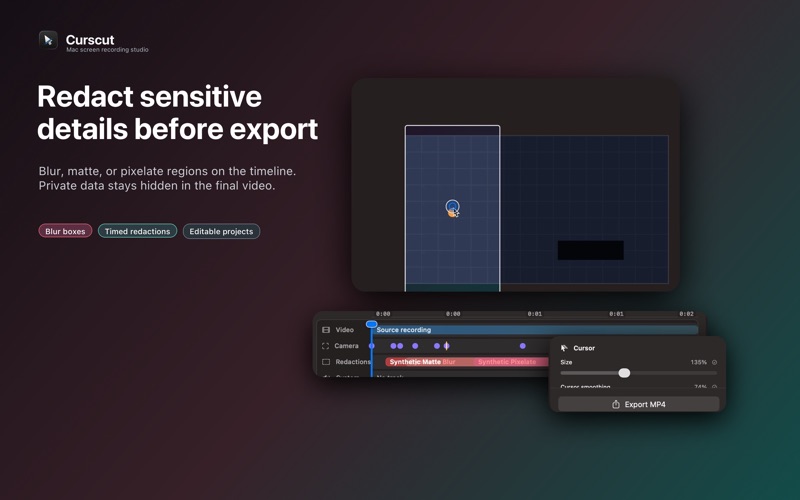
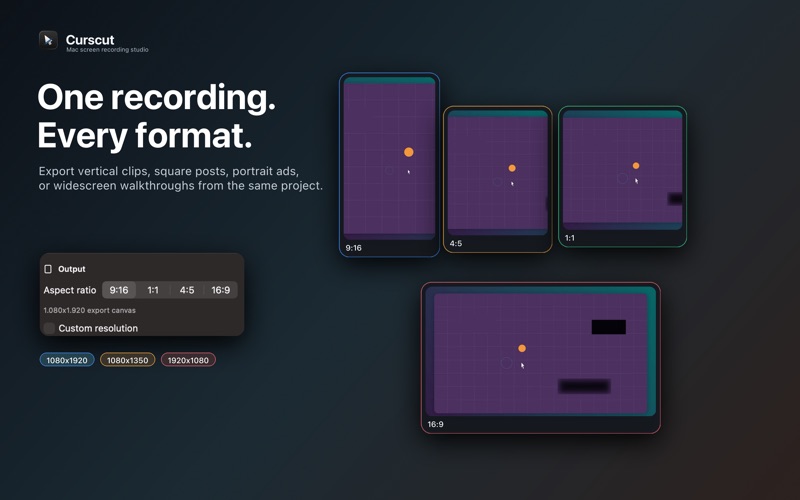
Curscut is a clean, menu bar screen recorder for creating polished product demos, tutorials, and vertical social videos on Mac. Start a recording from the menu bar, capture your screen or a window, then open the project in a simple editor built for fast export. Curscut keeps the original recording intact and lets you shape the final video afterward, so you can focus on showing the work instead of fighting a complex editing timeline. Built for vertical video first: - Export crisp 9:16 videos for mobile-first social channels - Also create 1:1, 4:5, 16:9, and custom aspect ratio exports - Smooth camera movement follows the cursor or moves between click focus points - Click emphasis adds tasteful zoom and motion to important moments - Large, clean cursor rendering makes demos easier to follow - Redact sensitive areas before export - Add backgrounds for window recordings and polished social framing - Control system audio and microphone tracks separately - Save editable Curscut project files and export when the cut feels right Curscut is made for creators, developers, educators, marketers, and teams who need better screen recordings without a full video editing suite. Record once, adjust the framing, highlight the clicks, hide private details, and export a finished video that looks ready to share.