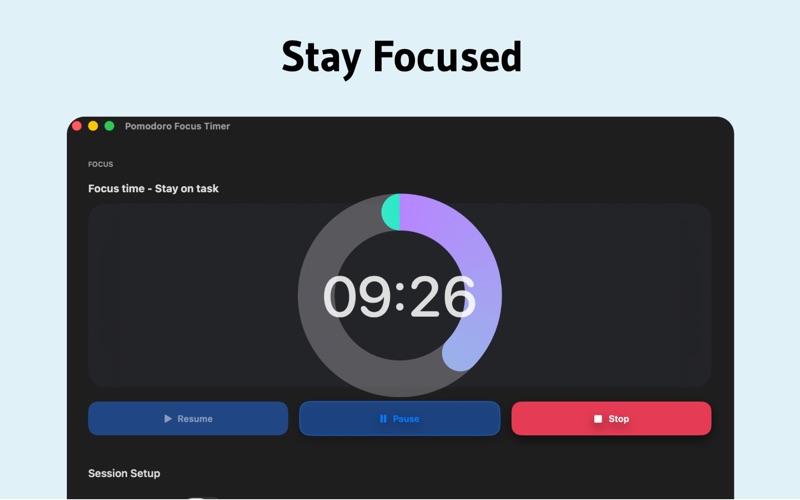
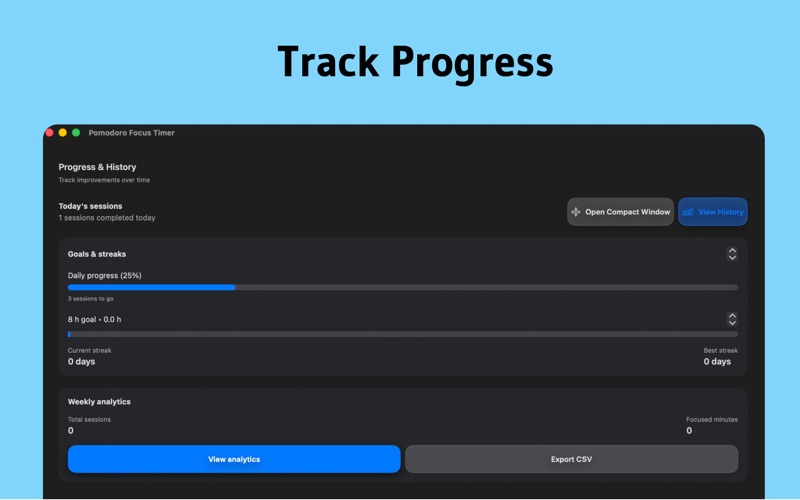
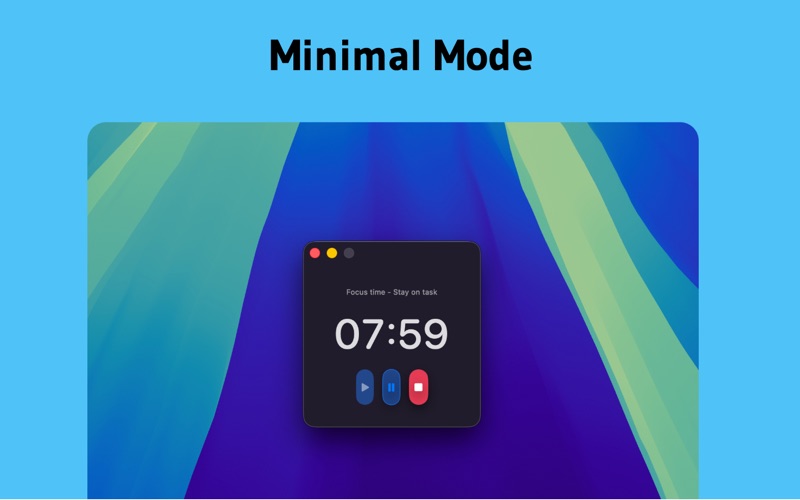
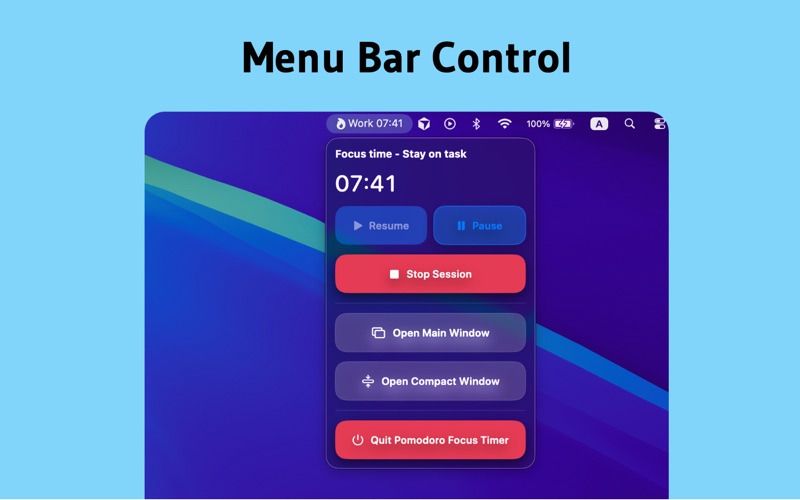
Stay focused and productive with the proven Pomodoro Technique. Pomodoro Focus Timer helps you work in focused intervals followed by short breaks, maximizing concentration while preventing burnout. Whether you're studying, coding, writing, or tackling any task requiring deep focus, this simple timer keeps you on track. WHY POMODORO WORKS The Pomodoro Technique breaks work into manageable 25-minute sessions separated by 5-minute breaks. This rhythm helps you maintain peak concentration, reduce mental fatigue, and build momentum throughout your day. After every 4 sessions, take a longer break to fully recharge. FREE FEATURES - Classic Pomodoro timer - 25 minutes work, 5 minutes break - Menu bar integration - Always accessible, never intrusive - System notifications - Gentle alerts when it's time to break or focus - Customizable durations - Adjust work and break lengths to your needs - Session tracking - See how many focused sessions you complete each day - Compact mode - Floating timer window that stays on top -Full window mode - Larger view with detailed controls - Sound alerts - Optional notification sounds - Dark mode support - Beautiful in light and dark appearance - Keyboard shortcuts - Control your timer without touching the mouse - No account required - Start focusing immediately, no signup needed - Completely offline - Works without internet, your data stays private PRO FEATURES (One-time purchase) - Custom timer presets - Create unlimited work/break combinations with names - Long break automation - Automatic extended breaks after X sessions - Session history - View your productivity over the past 7 days, weeks, or months - Session labels & tags - Name your work sessions and organize by project - Weekly analytics - Visual charts showing your focus patterns and trends - Monthly calendar view - Heatmap visualization of your most productive days - Goal setting - Set daily and weekly targets with progress tracking - Streak tracking - Build consistency with consecutive goal achievement days - Focus mode enhancements - Fullscreen overlay, custom break messages - Do Not Disturb integration - Auto-enable DND during work sessions - Custom notification sounds - Use your own audio files - CSV export - Export session history for external analysis - Skip break option - Jump directly to next work session when needed PERFECT FOR → Students studying for exams or working on assignments → Developers and programmers doing deep work → Writers and content creators avoiding distractions → Designers focusing on creative projects → Remote workers building structure into their day → Anyone struggling with procrastination or focus → Professionals tracking billable hours → Researchers working on complex problems SIMPLE & POWERFUL Unlike complex project management tools, Pomodoro Focus Timer does one thing exceptionally well: help you focus. No overwhelming features, no learning curve, no distractions. Just a beautiful, native Mac app that respects your time and privacy. NATIVE MAC EXPERIENCE Built specifically for macOS with Apple's design guidelines in mind. Smooth animations, instant performance, system notification integration, and menu bar convenience. This isn't a web app wrapper, it's a true Mac application.