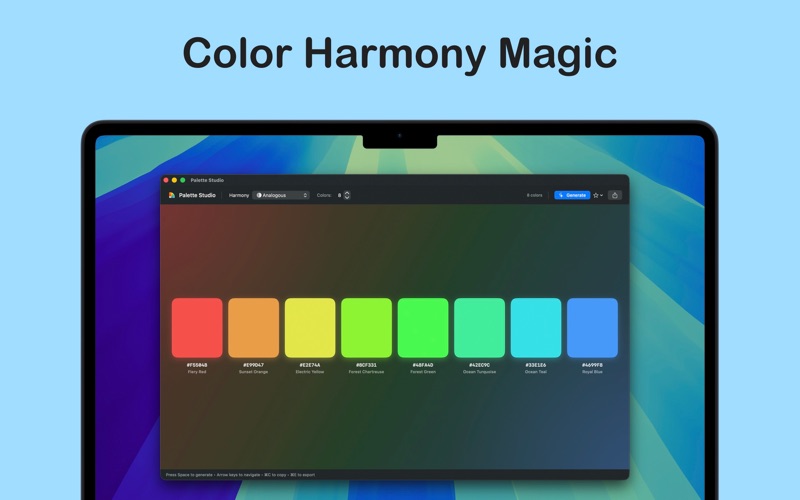
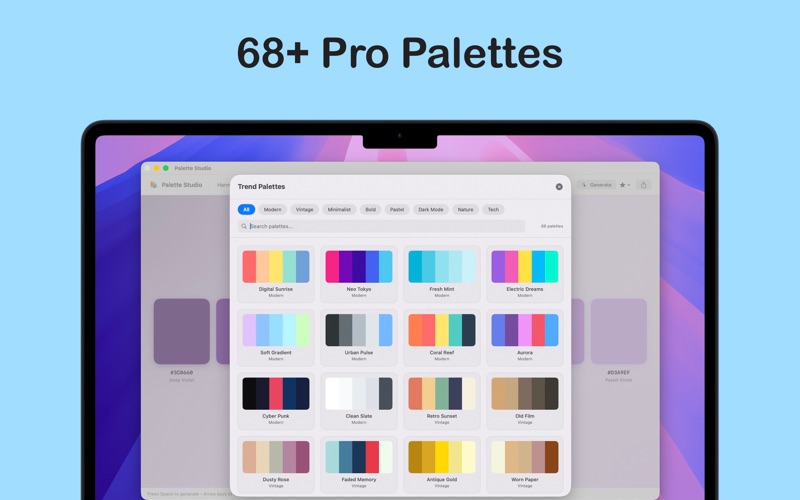
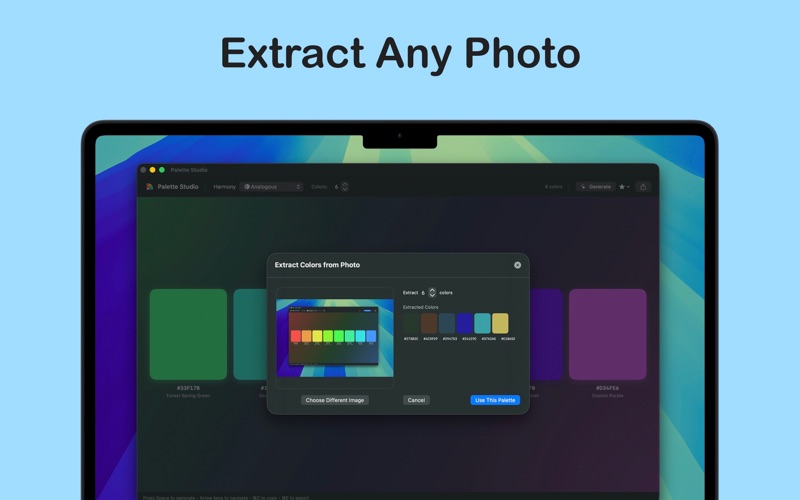
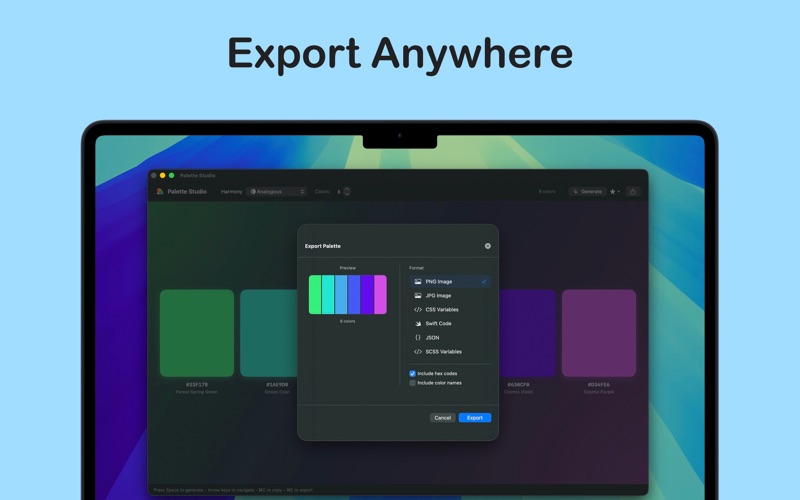
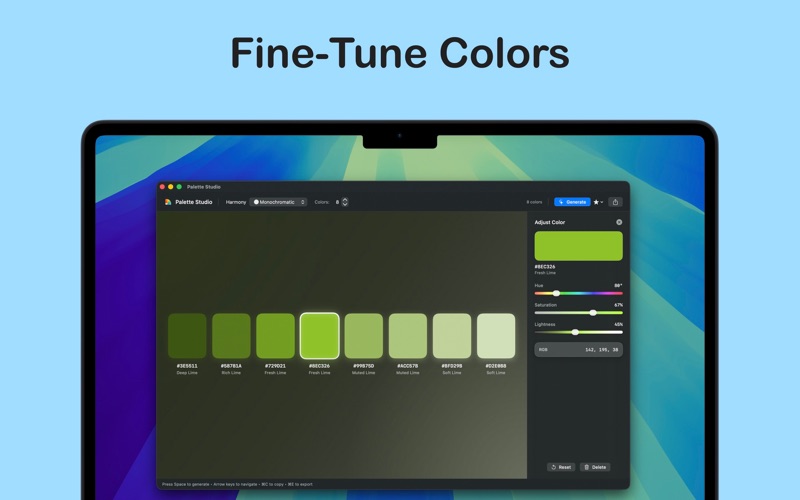
Create beautiful, harmonious color palettes for your design projects with Palette Studio. Whether you're a designer, developer, or creative professional, generate perfect color combinations instantly. GENERATE PALETTES INSTANTLY Press Space to generate a new palette based on color theory rules. Choose from Analogous, Complementary, Triadic, Split-Complementary, Monochromatic, and more. Adjust the number of colors from 3 to 10 to match your project needs. COLOR THEORY BUILT IN Every palette follows proven harmony rules. Lock individual colors and regenerate the rest. Fine-tune any color with precision HSL sliders. View hex codes, RGB values, and descriptive color names at a glance. PRO FEATURES Unlock advanced capabilities with Palette Studio Pro: - Extract colors from any photo automatically - Browse 68+ professionally curated trend palettes - Generate CSS gradients with live preview - Save unlimited palettes to your personal library - Export to PNG, JPG, CSS Variables, Swift, JSON, and SCSS DESIGNED FOR PROFESSIONALS Export palettes in formats ready for your workflow. Developers get production-ready code snippets. Designers get high-resolution images with optional hex overlays. KEYBOARD-FIRST WORKFLOW Navigate with arrow keys, generate with Space, copy with Command-C, and export with Command-E. Every action is optimized for speed. Terms of Use: https://www.techy.how/terms-of-use-palette-studio Start creating perfect palettes today.