QuickBooks Workforce

QuickBooks Workforce

By Intuit Inc.

  • Category: Business
  • Release Date: 2014-07-17
  • Current Version: 5.19.2
  • Adult Rating: 4+
  • File Size: 273.26 MB
  • Developer: Intuit Inc.
  • Compatibility: Requires iOS 17.0 or later.
Score: 4.64288
4.64288
From 187,353 Ratings

Description

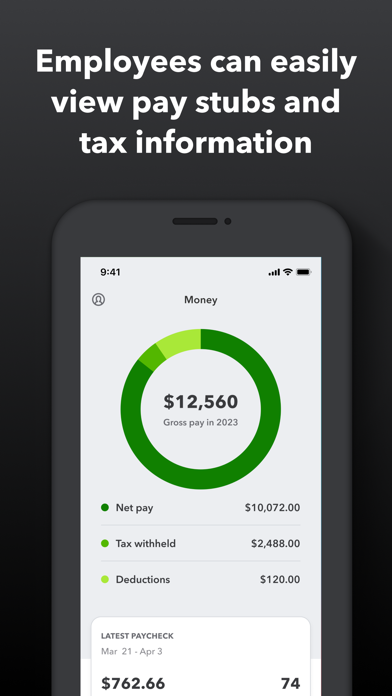
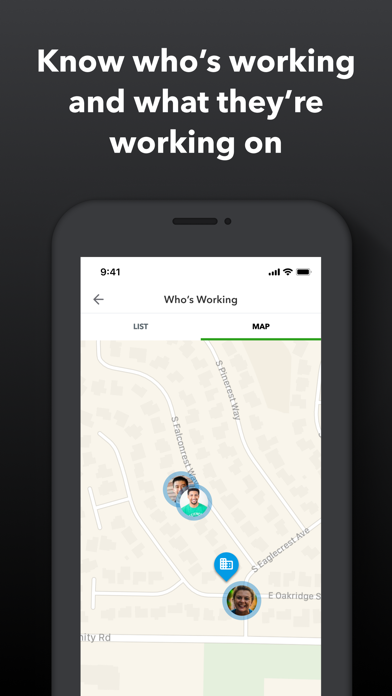
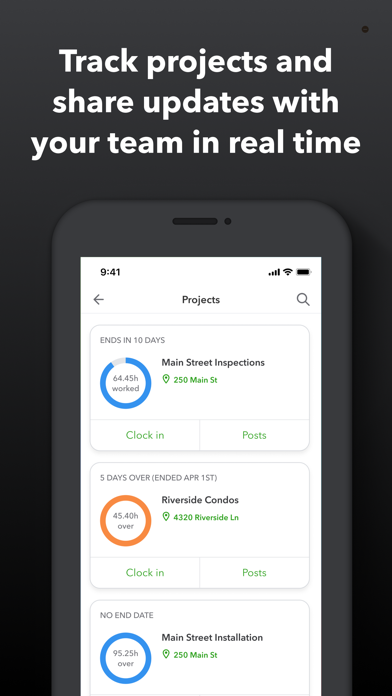
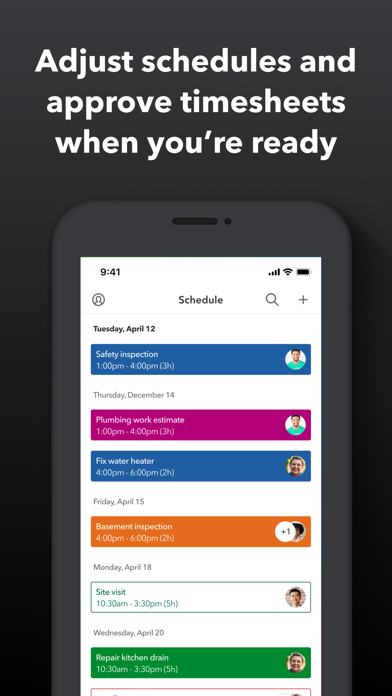
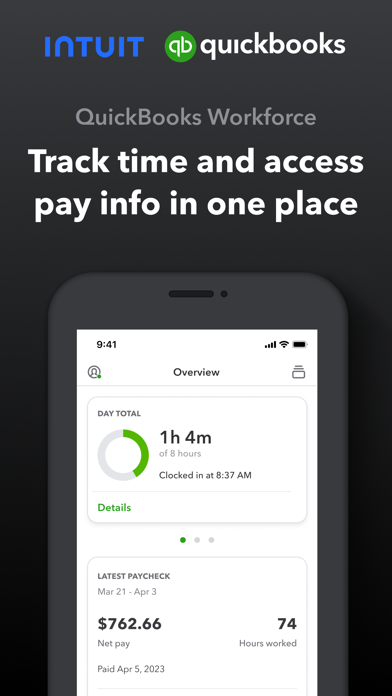
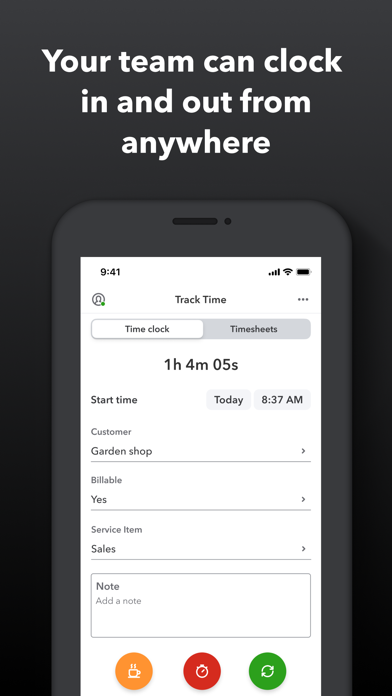
QuickBooks Workforce—an app for QuickBooks Payroll and QuickBooks Time (formerly TSheets)—lets teams view pay info and track time in one place. Pay features are available to businesses that use QuickBooks Online Payroll & QuickBooks Desktop Payroll. Time tracking features are available to businesses that use QuickBooks Time. What your team can do: • Access pay stubs, W-2s, and other pay info anytime, anywhere • Clock in and out, even without Wi-Fi or service • Submit and track paid time off, sick days, and holidays • Edit timesheets and manage job schedules • Switch jobs, pause tracking, or take a break • Use GPS location-based time tracking • Add photos and updates in a project activity feed (QuickBooks Time Elite only) What an employer or admin can do: • Approve, edit, or delete timesheets • Schedule by job or by shift • See who’s working and where in real time • Set up a geofence that reminds your team to clock in or out when they enter or leave a job site (QuickBooks Time Elite only) • Create or modify schedules • Push, text and email alerts are triggered if employees don’t clock in as scheduled, or approach overtime • Track vacation, sick, or holiday accruals for employees • See day and week totals, plus other time reports, at a glance • Oversee team productivity and project status, and adjust budget, deadlines, and resources as needed (QuickBooks Time Elite only) Extra benefits: • Save on payroll costs and eliminate manual data entry • Get real-time reports in multiple formats (PDF, CSV, online, HTML) • Data seamlessly integrates with QuickBooks Online & QuickBooks for PC (Pro, Premier, & Enterprise) • Integrates with other payroll, accounting, and invoicing software • Protect yourself against labor disputes and audits with a detailed time log • Accurate time data replaces paper timesheets and makes payroll and invoicing faster and less costly. • Developer open API Terms, conditions, pricing, special features, and service and support options subject to change without notice.
Screenshots

Reviews

  • Incredibly buggy interface. Most frustrating app I’ve ever used.

    1
    By I hate workforce
    The developers obviously do not use iPhones, and are completely incompetent. The work order and activity input boxes are buggy and actively switch while trying to in input data. Often causing you to overwrite stuff you’ve already put in to one of the boxes. Please fix.
  • Complaints

    1
    By Hurstavo
    This app has been rather glitchy for me. It takes a while to load things and at other times is just plain buggy. An app update would be great
  • 10/10

    5
    By Tory Mo
    I love this app!! It’s so easy to use and has a free option. I pay for for the subscription and it’s very cheap and well worth the few dollars. It calculates tips, server and bartender stats, tip in-tip out, break down to hourly pay and shows comparison to prior days, weeks, months. I 10/10 recommend this app to all servers and bartenders.
  • Manager

    1
    By BobParker453
    We constantly struggle with getting employees onboarded due to the difficult to figure out Ui. App is not seamless and is more difficult than it should be to use.
  • Not working

    2
    By 11011 dog lover
    When I open the app it says “we couldn’t load your paychecks, try again.” I’m not sure what to do in order to get it to work.
  • They fixed the issue nice

    5
    By Bsnicknamesoyoullpostmyreview
    Fixed
  • Terrible

    1
    By JackZ57
    This used to work very well up until a few months ago. Now it won’t let me clock out. I have to bother my boss to input my hours. When I try to clock out I get a message “Your info didn’t load “. When it hit the “Refresh” button nothing happens. Very aggravating.
  • Bug when tryna go back after tapping repay under Claire account

    4
    By Crystalmew
    I've been trying to go back to my Clare account because I was trying to check if I could take something off my paycheck to pay it off. Other than that, the button's very much stuck above the clock on my iPhone 16 and close to the dynamic island, and it's super annoying. I would really recommend that y'all add a support or send feedback button on the app somewhere, cuz yeah .
  • Problem with clocking out on accident because

    4
    By AaronWo47
    Accidentally clocking out because of the lock screen app that y’all have when I go to grab my phone it hits the red button and by the time I take it out, it’s clocking me out and sometimes I don’t even notice
  • Zero Stars

    1
    By Sam M96
    I wish there was a negative rating option. Employer here, can not log into from my part. Keeps saying “there was an issue loading your company”. My employee can log into the app but can not clock in or out. The most useless app I’ve ever had the displeasure of downloading.

keyboard_arrow_up