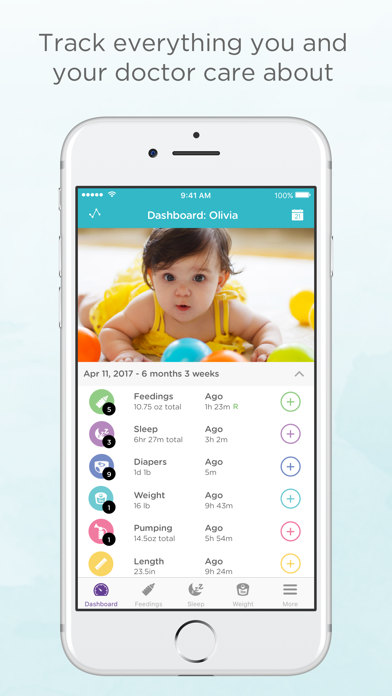
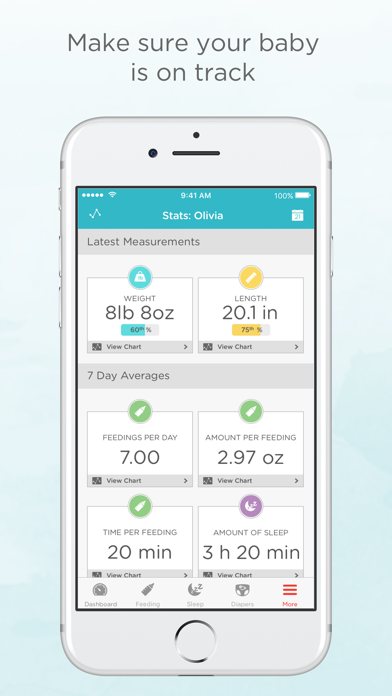
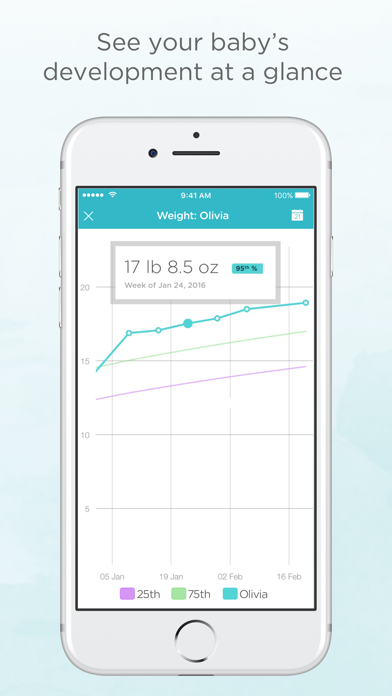
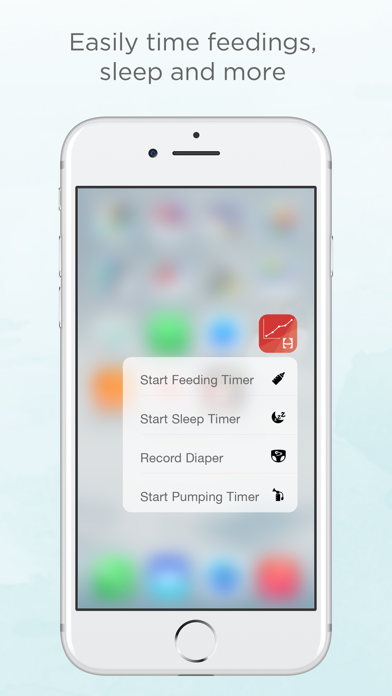
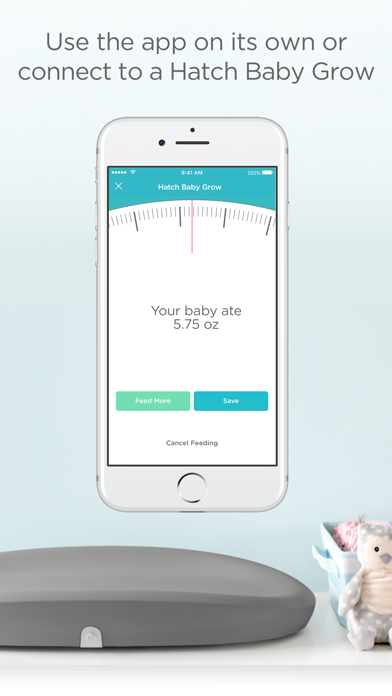
Hatch Baby--recipient of the prestigious Mom’s Choice Award--helps you track of all your baby’s most important growth and health data, including feedings, diaper changes, sleep, and much more. Get insight into your baby’s development with visual charts and understand your baby’s patterns with a convenient activity summary. Use the app on its own, or connect it with our award-winning Hatch Baby Grow or Smart Changing Pad--changing pad with built-in, wireless smart scale. Grow measures how much breast milk your baby is drinking at each feeding and automatically syncs to the Hatch Baby app. FEEDINGS - Track breastfeeding or bottle sessions with an easy-to-use, one-tap timer, which allows you to adjust the start time if you forget to start the timer. - Conveniently pause the timer during nursing sessions to switch breasts and record the time for both sides. - Connect to Grow or the Smart Changing Pad (optional) to measure exactly how much your baby is eating at each breastfeeding session. - Capture feeding session notes, like your baby’s formula preference. - View daily, weekly, or monthly summary charts to gain insight into your baby’s eating patterns. DIAPERS - Easily keep track of changes to ensure your baby is drinking enough throughout the day. - Record notes that can be shared with your pediatrician or other caregivers. - Connect to Grow or the Smart Changing Pad (optional) and automatically record diaper changes. - View daily, weekly, or monthly summary charts to gain insight into your baby’s diaper patterns. SLEEP - Track naps and nighttime sleep with an easy-to-use sleep timer, which allows you to adjust the start time if you forget to start the timer. - Discover your baby's sleeping patterns to help her get the best rest. - View daily, weekly, or monthly summary charts to gain insight into your baby’s sleep patterns. GROWTH METRICS - Track your baby’s weight and length gain, and compare his growth percentile to worldwide (WHO) data. - See how your baby grows week-to-week. - Weigh your baby anytime or before and after feedings with Grow or the Smart Changing Pad (optional) and automatically send weights to the app. SHARE WITH CAREGIVERS + PROFESSIONALS - Invite your partner or caregiver to share your baby’s account and record activity. - Receive updates from your baby’s caregiver while you are away, including when your baby last ate or slept. - Export and share your baby's data with your pediatrician or lactation consultant. - Access your baby’s information across multiple devices. PUMPING - Track pumping sessions with an easy-to-use, one-tap timer. - Record amount, duration, and side(s) pumped. DAILY SUMMARY - View a convenient summary of your baby’s diaper count, feeding amount, and total sleep for the day, as well as Hatch Handbook articles providing parenting insights. - Scroll through a log of your baby’s recent activity. - Customize your dashboard to display the activities (i.e. feedings, diapers, and sleep) you track or view most frequently. PHOTOS - Take a photo of your baby every day, play the slideshow, and watch how your baby has grown! - Share photos with family and friends. GROW AND SMART CHANGING PAD (optional) - Use the app on its own, or connect it with Hatch Baby Grow and Smart Changing Pad -- where changing pad meets connected smart scale to help track your baby’s weight gain and feeding amounts. - The Bluetooth-enabled scale measures and records how much your baby eats at each nursing session and syncs automatically with the Hatch Baby app. We love hearing from our customers so please drop us a note at [email protected]. Also, check out Hatch Baby’s other app-enabled smart products at www.hatchbaby.com. Instagram - @hatchnursery Facebook - https://www.facebook.com/hatchnursery