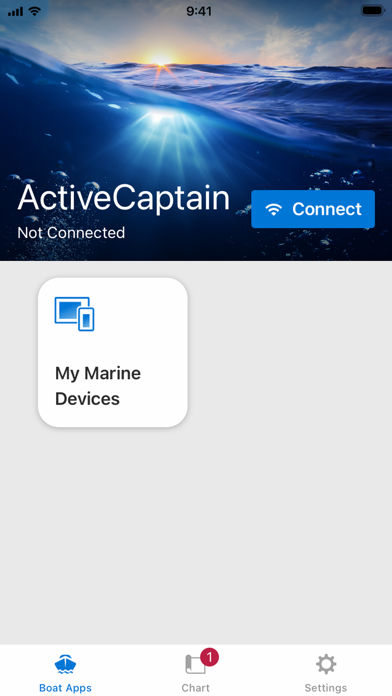
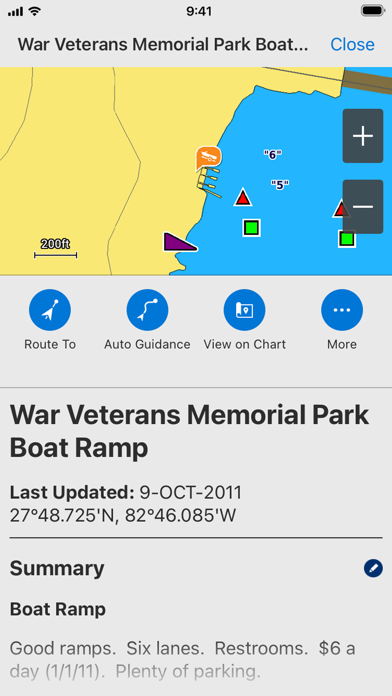
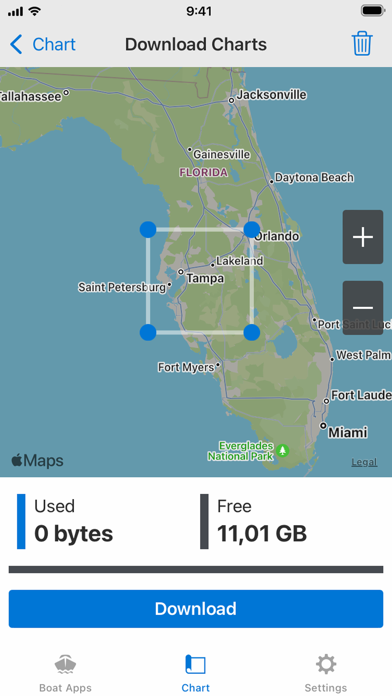
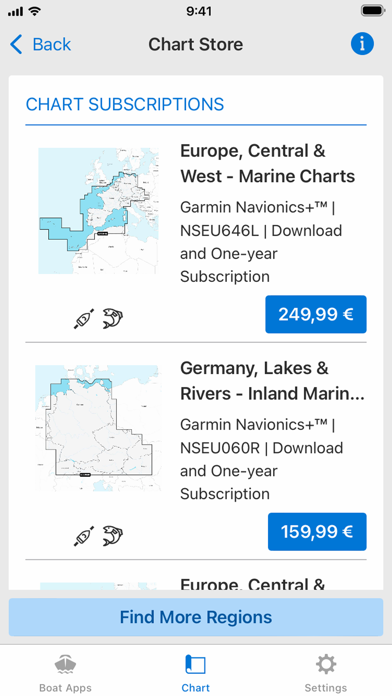
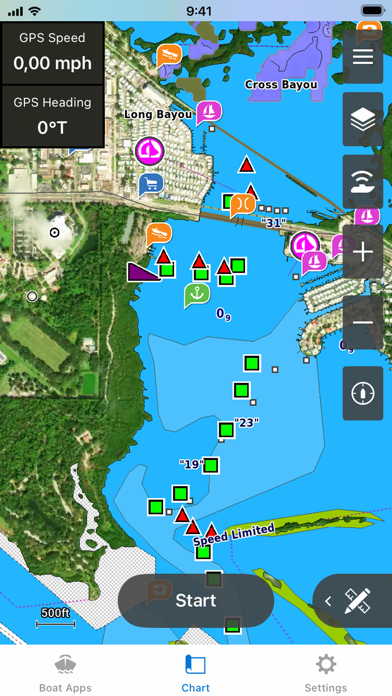
The free ActiveCaptain app creates a powerful connection between your compatible mobile device and Garmin chartplotter, charts, maps and the boating community. Whether you use your Garmin products for cruising, fishing, sailing or diving, this all-in-one app will help you enjoy your time on the water. Just pair the app with your compatible chartplotter to wirelessly transfer and access charts and maps, software updates, routes, waypoints and helpful feedback from the ActiveCaptain Community. And, with the purchase of the OnDeck™ hub(1), you can track and monitor your boat from virtually anywhere. Please note that this app is intended for Garmin chartplotter owners and is not recommended for use as a stand-alone navigational app. FEATURES AVAILABLE: - ONECHART™: > New Garmin Navionics+™ and premium Garmin Navionics Vision+™ cartography, featuring a Navionics® style appearance, advanced Auto Guidance+™ technology(2) and a one-year subscription to daily updates, is available now for North America and Europe, and coming soon to the rest of the world. Purchase our newest-generation charts or legacy BlueChart® g3 charts from your mobile device, and upload them to registered Garmin chartplotters on your vessel. You will get exceptional coverage, clarity and detail with charts that feature integrated Garmin and Navionics data and much more. Plus, the NOAA raster cartography(3) and premium features can be downloaded for free through the ActiveCaptain app. Visit Garmin.com/marinemaps. - PLAN A TRIP: Plan your trip, or e-scout a new fishing spot before you’re on the water. Then, transfer your data to your chartplotter where you can view your routes and waypoints. - USER DATA SYNC: Automatically back up and sync your data between your chartplotter and the ActiveCaptain app. - ACTIVECAPTAIN COMMUNITY: Join a community of boaters to get up-to-date feedback on marinas, boat ramps and other points of interest (POI). Check ratings, read reviews, and view pictures of POIs to make informed decisions on the water. Contribute your own POI, reviews and pictures from your compatible mobile device. - CONTROL YOUR CHARTPLOTTER: Using the built-in Helm™ feature, the ActiveCaptain app lets you view and control your compatible(4) chartplotter from your smartphone or tablet, even when someone else is at the helm(5). - EASY SOFTWARE UPDATES: Receive notifications about software updates from the app, and update your chartplotter wirelessly. - ONDECK HUB: Use the ActiveCaptain app to track, monitor and control any number of switches with the OnDeck system(1) from nearly anywhere. Door open? Bilge running? Peace of mind comes in the form of text alerts and updates. - GARMIN QUICKDRAWTM COMMUNITY: Download the latest 1’ HD contour maps shared by your fellow boaters, and sync with your chartplotter. You can also upload your own Quickdraw Contours map data. - SMART NOTIFICATIONS: Connect the app to your chartplotter, and turn on smart notifications(4) to see calls, text messages and more on the chartplotter display while your phone is somewhere safe and dry. FOOTNOTES 1)OnDeck hub sold separately and requires an active subscription plan 2)Auto Guidance+ is for planning purposes only and does not replace safe navigation operations 3)NOAA raster cartography cannot be viewed on echoMAP™ CHIRP and ECHOMAP™ Plus combos but can be viewed on mobile devices via the ActiveCaptain mobile app 4)Helm feature is not compatible with ECHOMAP series chartplotters 5)Check device compatibility on the ActiveCaptain app web page; visit https://www.garmin.com/c/marine/marine-apps/ End User License Agreement: https://www.garmin.com/en-US/legal/marine-mobile-eula/