Videoleap: AI Video Editor

Videoleap: AI Video Editor

By Lightricks Ltd.

  • Category: Photo & Video
  • Release Date: 2017-09-24
  • Current Version: 2.82
  • Adult Rating: 12+
  • File Size: 494.99 MB
  • Developer: Lightricks Ltd.
  • Compatibility: Requires iOS 17.0 or later.
Score: 4.60888
4.60888
From 144,267 Ratings

Description

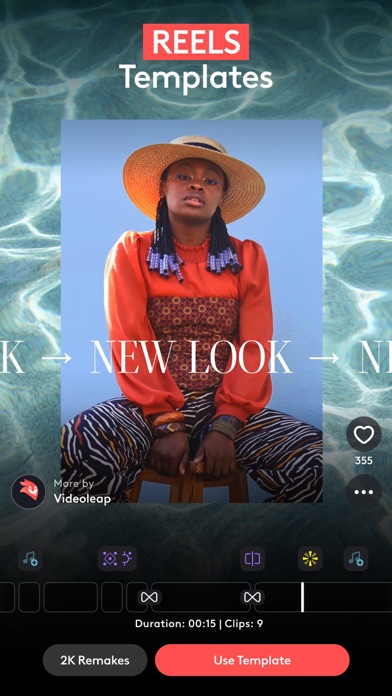
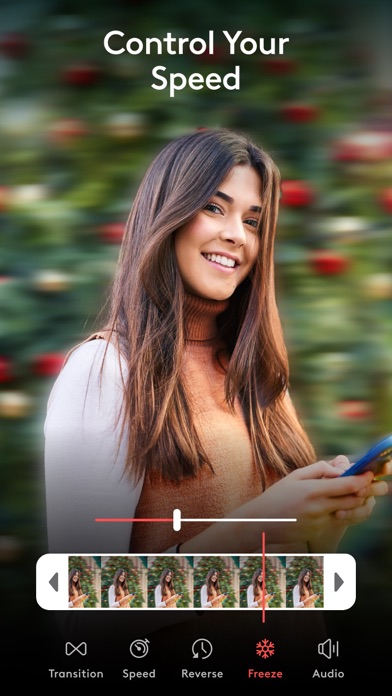
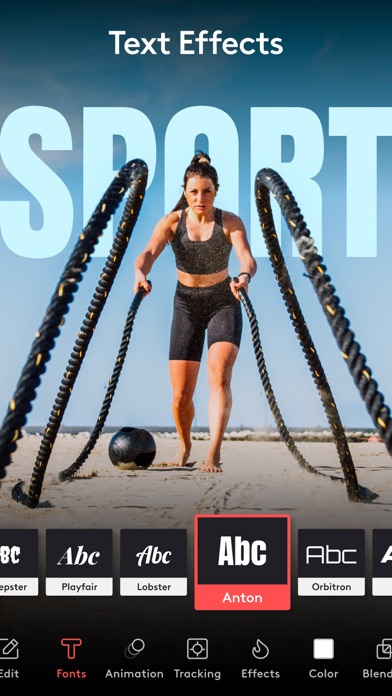
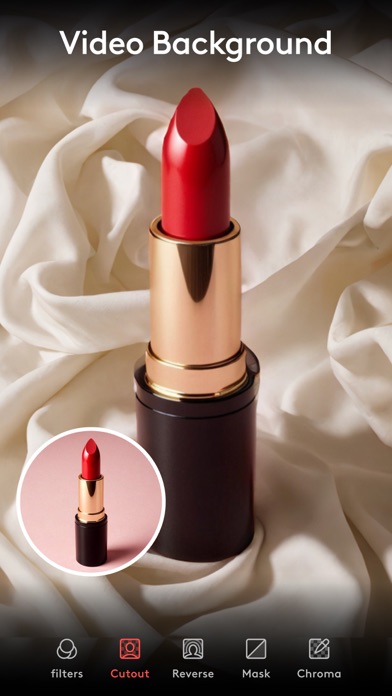
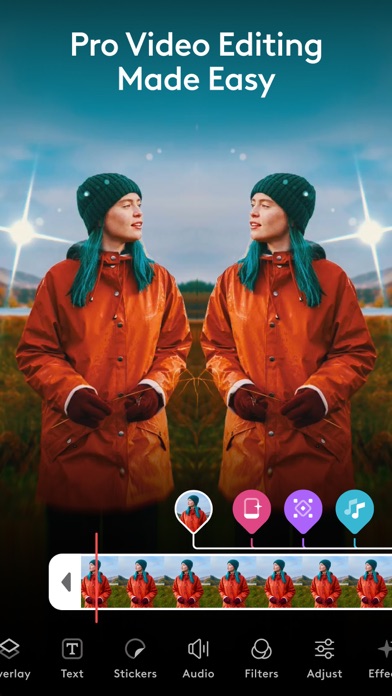
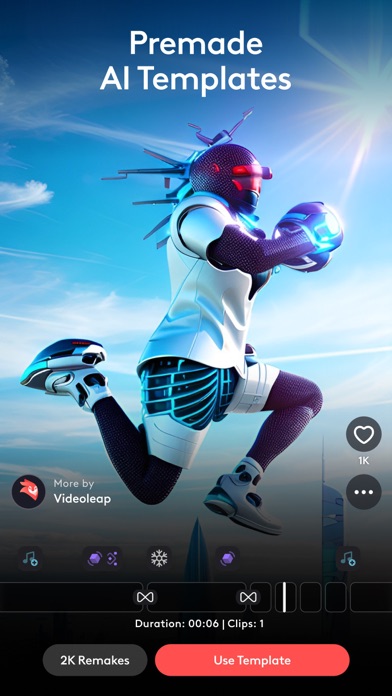
Experience seamless video creation with Videoleap by Lightricks! With an intuitive editor, premade templates, and the latest AI tools, Videoleap is your go-to video editor catering to every need, for anyone. Get access to hundreds of professional tools including video effects, filters, transitions, music and audio effects, green screen and more. Start from scratch or choose from our vast selection of ready-to-use templates for Reels, TikToks, YouTube Shorts, or wherever you like! Download Videoleap now to start creating and sharing amazing videos today. AI Video Editor: Take advantage of our full AI video editor by streamlining video creation and transforming the styles of your videos into extraordinary content. • AI Video Effects- Apply incredible AI presets to your images and videos in a tap. • Premade AI Templates-Remake 100s of mind-blowing AI templates using your own assets. • Remove objects from video with AI-Vanish unwanted elements from videos. Video Editing Tools: • Keyframe animations. • Green Screen/Chroma Key compositing. • Fit video clips to format - place clips on blank or colored canvas. • Non-destructive video editing. • Unlimited undo/redo. • Intuitive timeline with zoom for frame by frame precision. • Video speed controller- slow down for dramatic effects or speed up the action. Creative platform: • Remake trending edits with a tap from our community feed • Connect with other creators • Share your creativity and own templates with the community Video Special Effects: • Glitches, Rays, Flare, Prism, Defocus, Colorfy, Pixelate, Chromatic Aberration and more! • Text: variety of trendy fonts, emojis, shadow, colors, opacity, and blending. • Variety of unique filters to set the mood you want in a snap. Creative Cinematic Compositions: • Mix videos & images together to create double exposures and artistic looks. • Layer-based editing! Add videos, effects, text and images then reorder them however you like. • Customize layers with transformation, masking, and blending modes. • Apply seamless, cinematic transitions to your clips such as Zoom, Fade, Dissolve. • Motion tracking & keyframes- track and sync objects in footage with other elements to match their movement. Precise Video Editing & Rich Possibilities: • Clip editing: trim, split, duplicate, flip, mirror, transform. • Color correction: adjust brightness, contrast, saturation and more. • Change aspect ratio and fit clips automatically. • Customize the color of your background. • Blur backgrounds. Sound Editing: • Over 100 sound effects! • Dub audio and voice overs. • Control audio volume and apply equalizer presets. • Sync videos to the rhythm of the music. And More! • In-app stock footage, including green videos and overlays! • Helpful mini-tutorials within each feature. • Projects are auto-saved. Work on them whenever, wherever. • Preview your work with full screen. Download Videoleap now and discover the power of effortless video creation right from your iPhone! --------- - Terms of use: https://static.lightricks.com/legal/terms-of-use.pdf - Privacy policy: https://static.lightricks.com/legal/privacy-policy.pdf

Screenshots

Reviews

  • Glitches a lot

    2
    By achriest
    I have the yearly subscription and don’t think I’ll be renewing. I used this app for years and really liked it but it glitches so badly now it’s almost not even worth it. Everytime you trim or make a change it bugs out and you have to exit out of the app or move around to get it to play correctly. I just feel like a lot of the basic functions glitch and it makes editing take unecesssriky longer than it should. If there’s a way to actually fix this can someone let me know?
  • Eyegetm0ney.com

    5
    By Eyegetm0ney.com
    I been using this app for almost 8 years and I use it for all of my companies content editing. It’s my favorite most efficient editing app!
  • ALMOST PERFECT APP

    4
    By Wasteoftimebigjoke
    The app is amazing. I use it all the time. I edit large scale videos and smaller ones too. Amazingly easy to use. Simple as can be for an app that allows you to do so much with it. That being said, the only complaint I have is #1 it crashes after being used for about 40-60 mins straight. You’ll feel it coming to. Everything slows and the app crashes. Especially with lager videos. If you’re like me and you enjoy doing a project from start to finish in one sitting, even if it means 2 hours or so, then you’ll need to get used to taking a lot of breaks. My other complaint is that when searching for media, it doesn’t allow iPhones built in search abilities when searching the library. This means you need to make sure you have the clip you want in an easier to find way, such as creating multiple albums to find content fast. I really wish they would update it to allow iPhone search when adding media. It just seems so outdated that you can’t do that with this app! Otherwise it’s great!
  • Horrible for bigger projects

    2
    By LifeFull360
    This app has good editing tools. I cannot afford a PC with editing software but I still want to make bigger projects. I am highly disappointed that when I make a longer video with more and more edits the app completely bugs out. I get crashes, edits won’t save, and worst of all I can’t even save the hours of work I put in to my phone to move the video elsewhere. I do feel like I wasted my money getting pro and would not recommend this app to anybody who has a bigger project to work on.
  • It’s good. Just three features added and I’ll die a happy man.

    4
    By Echo X7
    Motion blur. Ability to distort images and videos by stretching them, and rotoscoping. That’s it. With those this editing software would become instantly top tier.
  • Stupid changes

    1
    By Travis david
    It makes no damn sense to me why you would take the option to trim a video! That makes no sense. That’s one of the main things that a video editing app should be able to do Simply trim a video down to a small smaller size but now you don’t even do that this is stupid.
  • Damien

    5
    By Damien 557
    Awesome
  • Great but something happened

    4
    By Greg2024
    The history of projects comes up for 7-10 minutes. It’s very irritating when you need to correct old project and it downloads for 10 minutes
  • My favorite!

    5
    By SpiredCastle152
    I’ve used this app for years for my editing account. I’d really love to see more transitions/animations/text animations in the future 🫶. It’s been a really reliable editing app, but doesn’t always have the effects I need
  • Good but not the best

    5
    By Anobul
    I love it but it won’t just allow me to get my projects downloaded. Takes forever and I pay for it. Extremely annoying.

keyboard_arrow_up