Garmin Drive™

Garmin Drive™

By Garmin

  • Category: Navigation
  • Release Date: 2017-10-17
  • Current Version: 4.28.06
  • Adult Rating: 4+
  • File Size: 157.66 MB
  • Developer: Garmin
  • Compatibility: Requires iOS 16.5 or later.
Score: 4.60348
4.60348
From 8,784 Ratings

Description

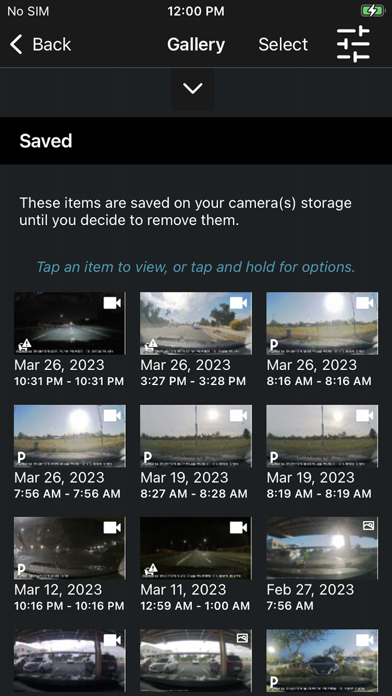
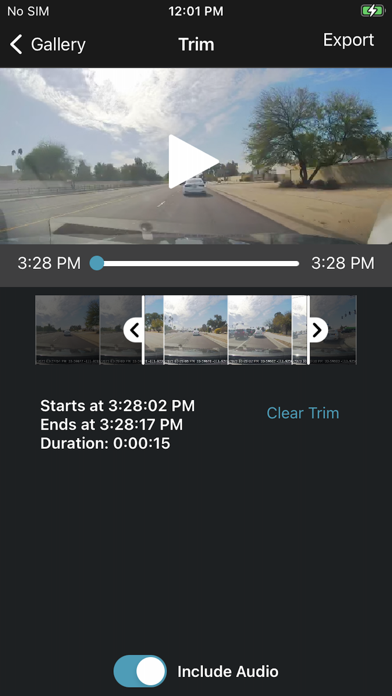
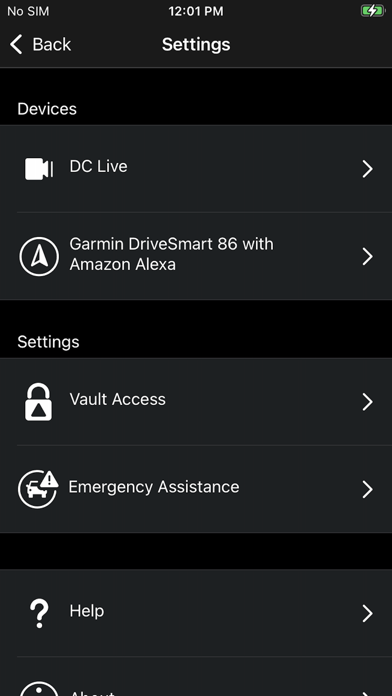
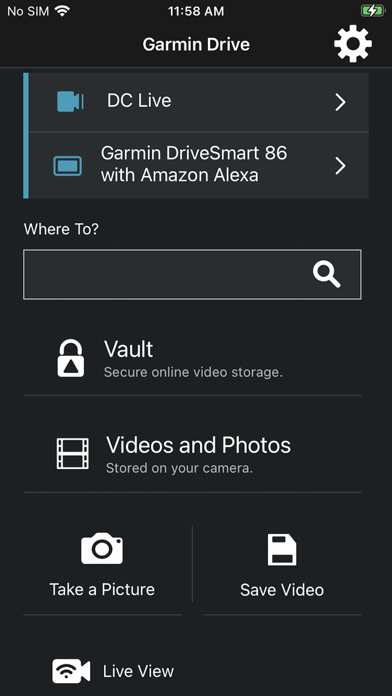
The Garmin Drive™ app is a simple and convenient app solution for the latest Garmin automotive navigators and dash cams. Visit garmin.com/driveapp for a list of compatible devices. For compatible navigators, the Garmin Drive app provides real-time information for traffic, parking, advanced weather, and photoLive traffic cameras, in addition to smart notifications from your Bluetooth-enabled mobile device. For compatible dash cams, the Garmin Drive app provides quick access to camera controls, settings, and recorded footage. Up to four dash cams can be wirelessly connected with the Dash Cam Auto Sync feature to provide comprehensive coverage around a vehicle, offering various viewpoints recorded by the multiple cameras. The Garmin Drive app can create a “picture-in-picture” video from any two perspectives at the same time, making it easy to review video and also share videos with friends, insurance agencies, or legal authorities. Garmin Speak™ and Garmin DriveSmart™ 65 with Amazon Alexa are two Garmin products that bring what you love about Amazon Alexa to your vehicle. Just ask Alexa to hear music, news, and more. Also, enjoy Garmin turn-by-turn navigation. Stream the audio (music and other responses) from your vehicle’s stereo when you connect Garmin Speak to your stereo using Bluetooth® or AUX. Older Bluetooth-capable Garmin navigators are compatible with the Garmin Smartphone Link app, and older Wi-Fi-enabled Garmin dash cams can access video footage through the Garmin VIRB app.
Screenshots

Reviews

  • Connection issues

    1
    By ThePhoMan
    Had the mini 2 and it worked fine until i guess i baked it in the sun too long. Just received my mini 3 and worked when I first hooked the camera up but now won’t connect to dash wifi at all! When it did work, image seem very pixelated and some glitches. If this isnt fix this will be my last time using a garmin cam
  • Terrible.

    1
    By Bullyboy50
    Lousy connectivity. Fails literally 99 out of 100 times to connect to network. Cannot even pull up Live View to aim dash cam.
  • Works great for me

    5
    By matthewbling
    User friendly and easy to use
  • So simple

    2
    By Masoood9
    It doesn’t have any settings
  • Pagas por lo que tienes

    4
    By jcjg77
    Imagen muy clara; es justo lo que pagas!
  • Unhappy

    1
    By Washington otters
    Not very happy with this app or product anymore It never lets me download the videos to phone anymore and I have the newest iPhone. That’s the whole reason I got this aside from I have other Harmon products. Thinking about buying something different
  • Rubbish

    1
    By vnasser
    You want to give a satnav/gps as alternative, then don’t ask us to connect other garmin devices. I mean who still has those! Deleting this garbage app.
  • Unstable

    1
    By redfhyjj8jjj
    I have two connected to my account and they rarely will let me connect to live view. Not worth what I pay for the service.
  • Went from Good to Bad

    3
    By Huffin&Puffin55
    Lately, my dash cams have not connected. I have done everything that I can think of and went on line to get advice. The rear dash cam will not connect and it seems to be an ongoing issue. I have tried to reset the rear dash cam per instructions but to no avail. Any just today, the app will not let me add a device.
  • Connection error

    1
    By Razz2201
    I was happy with this camera and the app until my camera started having issues so I sent it in and received a refurbished camera and since February I have had the same problem with it saying connection error and the only resolution they have is it is being investigated yet if you cancel your subscription you get charged a new service fee for when and if they ever fix the camera.

keyboard_arrow_up