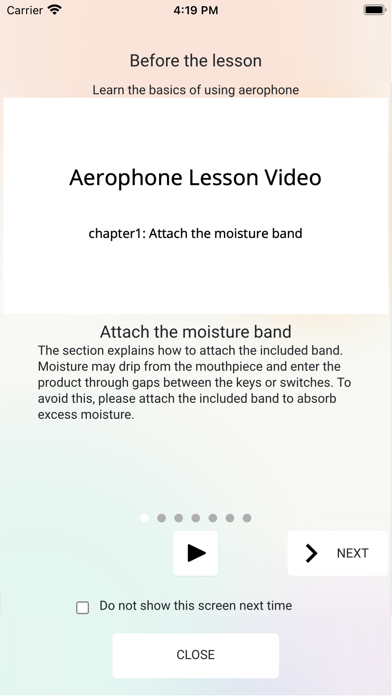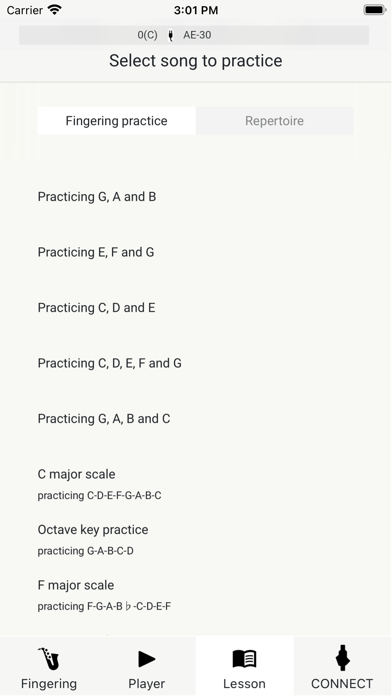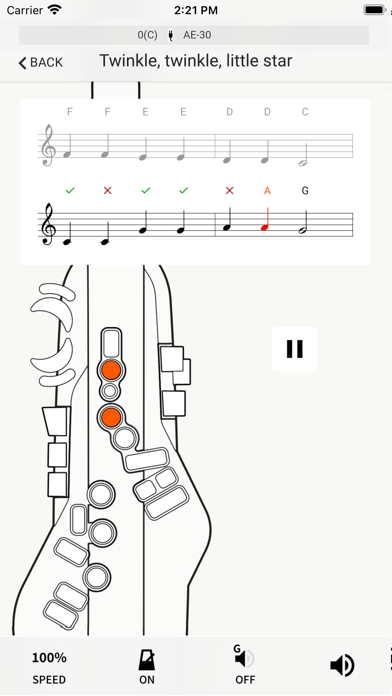
Lesson app for Aerophone Pro / Aerophone AE-20 Applicable models: Aerophone Pro AE-30 (Version 1.10 or later) / Aerophone AE-20 Aerophone Lesson is an app that helps improve your playing and supports your musical development. You can check your fingering, view a fingering chart, and even play along with your favorite songs on your smartphone or tablet. In addition to the 12 basic fingering lessons, there are also 11 built-in practice songs, so you can learn to play while having fun checking your fingering and scoring your accuracy. It also includes tutorial videos that show you how to hold Aerophone and how to use the mouthpiece, so even beginning players can start using Aerophone right away. For more information about Aerophone Pro and Aerophone AE-20, please visit https://roland.cm/aerophone_products Main features - Easy connection via Bluetooth - Tutorial videos that show you how to hold and operate the instrument - You can check which fingering you are using - 12 fingering lessons for learning fingerings and scales - 11 built-in lesson songs that make practice fun - Play along with music on your smartphone or tablet