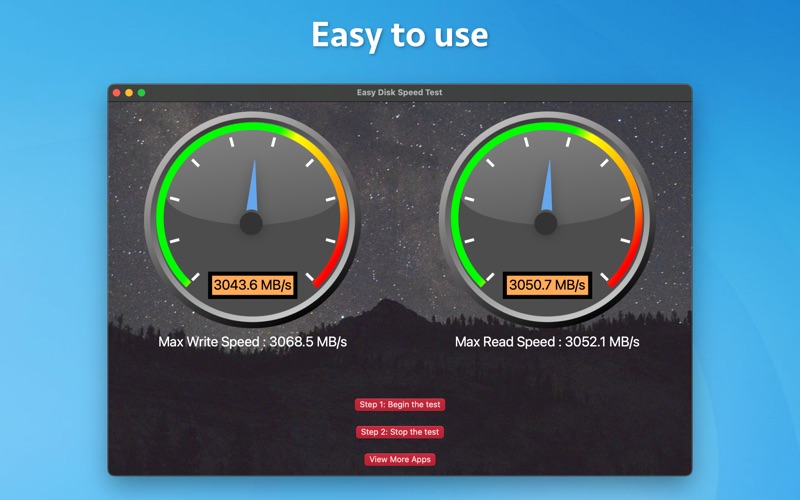
Discover the true performance of your storage devices with Easy Disk Speed Test, the ultimate app for checking disk read and write speeds. Whether you’re using a hard drive (HDD), solid-state drive (SSD), or any other storage medium, our app provides accurate and detailed benchmarking to help you understand your device's capabilities. Key Features: -- Comprehensive Disk Speed Test: Measure the read and write speeds of your HDD, SSD, and other storage devices with precision. -- User-Friendly Interface: Simple and intuitive design makes it easy to start your tests and view results. -- Detailed Performance Reports: Get in-depth insights into your storage performance with detailed benchmarking results. -- Real-Time Monitoring: Keep track of your disk’s performance in real-time and identify potential issues. -- Comparative Analysis: Compare the performance of different storage devices to find the best fit for your needs. -- Fast and Accurate: Quickly test your disk speed with reliable and accurate measurements. Why Choose Easy Disk Speed Test? -- Optimize Performance: Identify slow or underperforming storage devices to enhance your system's efficiency. -- Stay Informed: Regularly monitor your disk’s health and performance to prevent data loss and maintain optimal performance. -- Make Informed Decisions: Use our comparative analysis to choose the best storage solutions for your needs, whether for gaming, video editing, or general use.