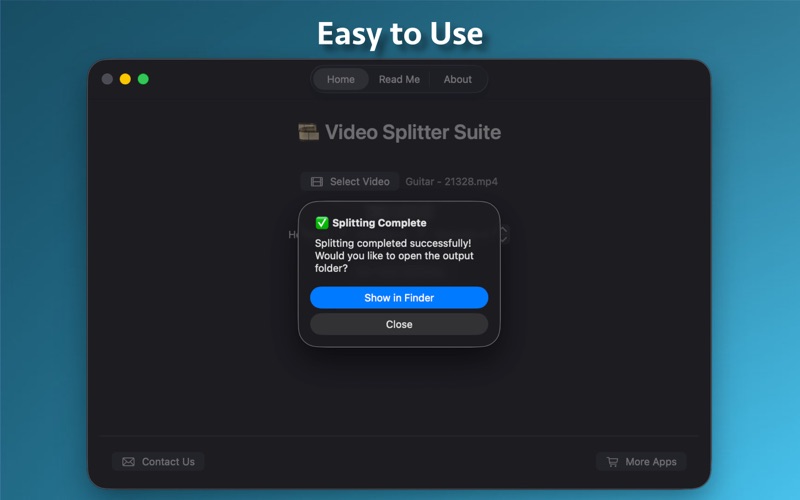
Video Splitter Suite Effortlessly split any video into perfectly timed segments using hours, minutes & seconds. Designed for Mac, this powerful utility supports all major formats, offers ultra-fast processing, remembers your folders, and gives you clean parts ready for sharing or editing. Key Features: Import videos in MP4, MOV, MKV, AVI, M4V, FLV, WebM and more — full format support. Set your interval in Hours + Minutes + Seconds, then split the entire video into sequential segments with zero hassle. The app remembers your last selected save folder so you don’t repeatedly browse. Real-time circular progress indicator while splitting keeps you informed. After splitting completes, jump right to your parts in Finder via the “Show in Finder” button. Simple tabbed UI: Home (split workflow) • Read Me (how-to guide) • About (version, developer, contact). Contact us directly and discover more apps from the developer with built-in buttons. Whether you’re a content creator chopping long recordings, a teacher dividing lecture videos, or a social-media user preparing multiple clips — Video Splitter Suite makes it fast, precise and reliable. How to use it: Select a video file. Enter how long each segment should be (hours, minutes, seconds). Press “Start Splitting”. Choose your save folder (or reuse last folder). Watch the progress and then jump into Finder to view your split clips. Why users love it: No complex editing timeline — just pick interval & go. Works with any video type supported by macOS & ffmpeg engine inside. Time-efficient and user-friendly — perfect for Mac users who just want to split video quickly and accurately. Download now and simplify your video splitting workflow once and for all.