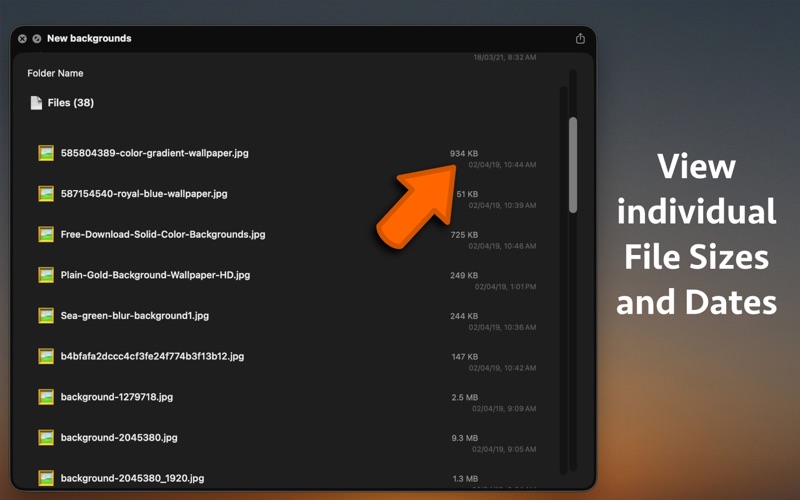
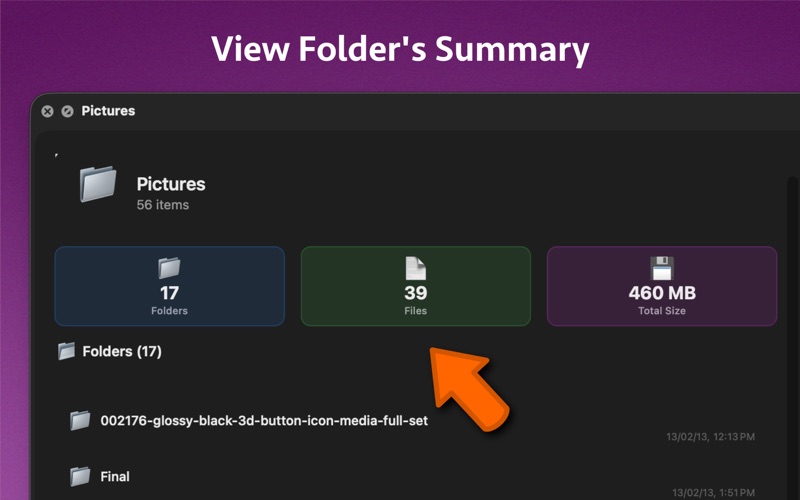
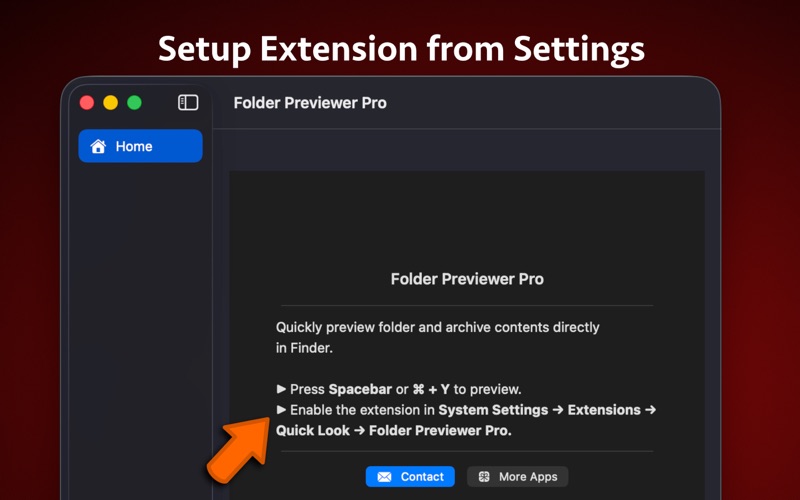
Folder Previewer Pro lets you instantly preview the contents of any folder or archive (ZIP) directly in Finder’s Quick Look, without opening or extracting files. Just select a folder or archive, press Spacebar, and view all its contents in a clean, organized layout. -- Key Features ** Instant Folder Preview – See files and subfolders inside any folder directly from Finder. ** Archive Support – Preview ZIP archives without extraction. ** Beautiful Quick Look Interface – Clear layout showing file names, sizes, and modification dates. ** Fast and Lightweight – Opens instantly and uses minimal system resources. ** Detailed File Info – View item count, total size, and folder statistics. ** Seamless Finder Integration – Works with Quick Look shortcuts (Spacebar or ⌘ + Y). ** Native macOS Design – Built using SwiftUI for smooth performance and a modern look. -- How It Works ** Select a folder or archive in Finder. ** Press Spacebar or ⌘ + Y to open Quick Look. ** Instantly view its contents without unzipping or launching another app. -- Supported File Types ** Folders (macOS directories) ** ZIP (.zip) Ideal For ** Developers exploring project folders ** Designers browsing asset archives ** Students checking downloaded materials ** Anyone who wants to preview files faster without unzipping -- Setup ** Enable the Quick Look extension: ** System Settings → General → Login Items & Extensions → Folder Previewer Pro → Quick Look Then simply press Spacebar on any folder or archive in Finder.