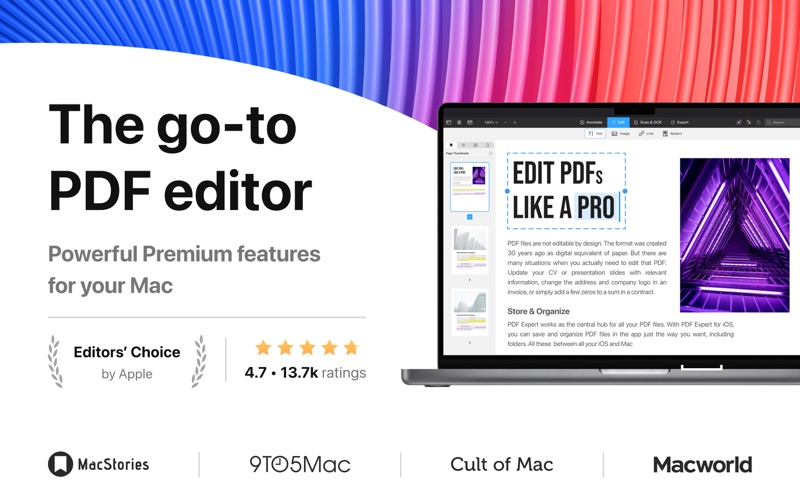
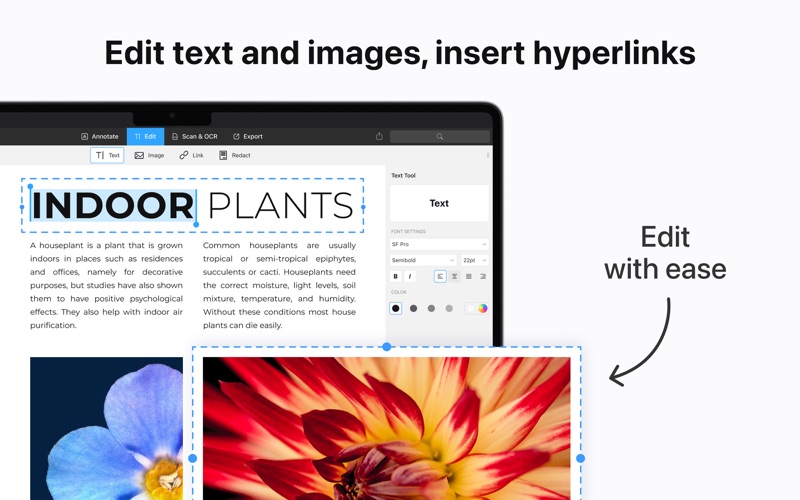
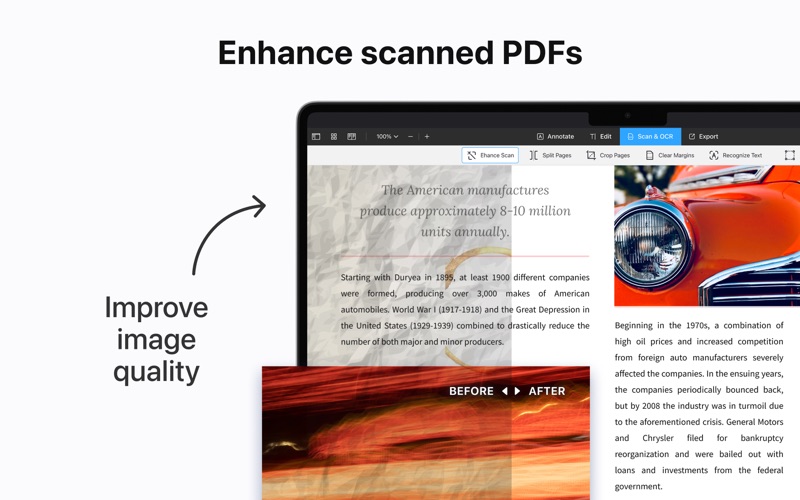
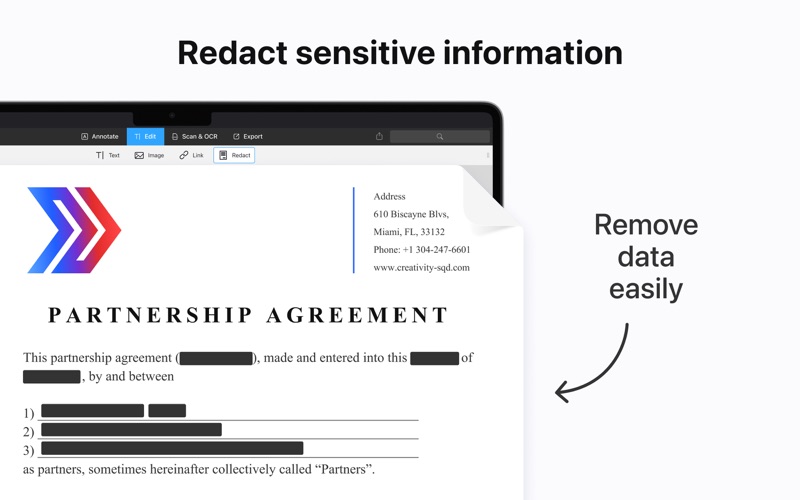
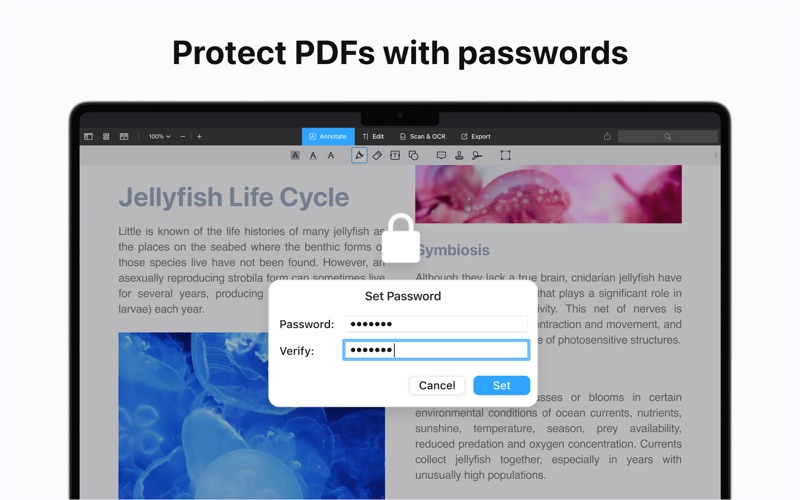
It’s fast and intuitive while effortlessly letting you complete any PDF task. Over 30 million people globally use PDF Expert apps. All the tools you need, done right. “PDF Expert is the lightweight, powerful PDF viewer your Mac needs.” – Cult of Mac “Goodbye Preview, hello affordable PDF editing on Mac.” – MacWorld “PDF Expert is one of my must-have apps.” – MacStories, Federico Viticci EDIT ORIGINAL PDF TEXT The font, size, and opacity of the original text are automatically detected, making edits easy. CONVERT PDF TO WORD, EXCEL, PPT AND VICE VERSA Some apps let you convert files to PDF. We let you do that and more. Now you can export a PDF as Word, Excel, PowerPoint, TXT, JPG, or PNG file while the original document remains intact. ADD AND EDIT IMAGES – Easily add, replace, and resize images in your PDFs. – Change a logo or a graph. PDF Expert will handle those edits easily. SIGN DOCUMENTS – Use e-signatures to sign contracts and agreements on the go. – Sign documents with signatures synchronized across all your devices: Mac, iPhone and iPad. RECOGNIZE TEXT IN PDFs WITH OCR Some PDFs like scanned books or receipts aren’t searchable and don’t allow you to select and highlight text. That’s where PDF Expert saves time. Its powerful OCR technology based on the Apple Vision framework recognizes text in scanned files, with the highest level of precision and lightning-fast speed. SMART ENHANCE Fix contrast, edit margins, split pages. Fix scanned PDFs to remove distortions, shadows, black lines. ADD LINKS Link any part of the text to a different page or even a website. REDACT SENSITIVE DATA Permanently erase or hide any sensitive information in your PDFs. PROTECT CONTENT WITH PASSWORD Restrict access to PDF Expert with a password. CONSTRUCTION TOOLS – Calibrate allows you to set the scale for a floor plan, or you can manually enter the scale. – Distance / Area / Perimeter can be used to draw a line between two points on the drawing, highlight an area, or outline a perimeter, and PDF Expert will automatically calculate the distance or size in the appropriate units. ROBUST FILE SHARING Send documents to clients, coworkers etc. PDF Expert supports Mac’s system-wide Share menu and integration with other apps. READ PDFs WITH EASE Enable full-text search, scroll, zoom in & out, use Single Page or Continuous scroll mode. HIGHLIGHT AND ANNOTATE PDFs – Mark important info in books or documents with annotation tools: highlight, underline, strikethrough, etc. – Use pre-designed stamps such as Approved, Not Approved, Confidential etc. CREATE NOTES Add comments to the text you read using sticky notes and drawing tools. MAKE BOOKMARKS Add Bookmarks for intuitive navigation through PDF files. FILL FORMS – Work with static PDF forms created in Adobe Acrobat. – Fill out any PDF forms with interactive fields such as text fields, checkboxes, etc. Read more about our terms and conditions here: https://pdfexpert.com/privacy https://pdfexpert.com/terms Have questions, comments, or issues? Don’t hesitate to reach out to us at http://readdle.com/contact