Brother iPrint&Scan

Brother iPrint&Scan

By Brother Industries, LTD.

  • Category: Utilities
  • Release Date: 2017-09-22
  • Current Version: 15.1.0
  • Adult Rating: 17+
  • File Size: 259.31 MB
  • Developer: Brother Industries, LTD.
  • Compatibility: Requires iOS 12.0 or later.

Description

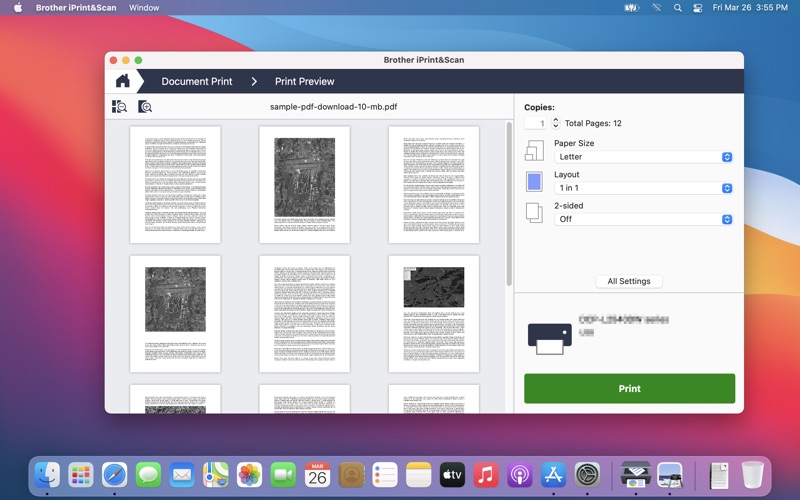
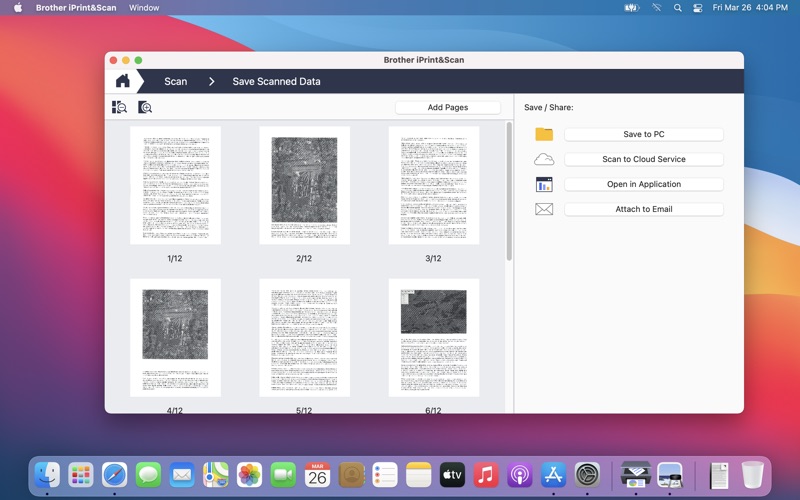
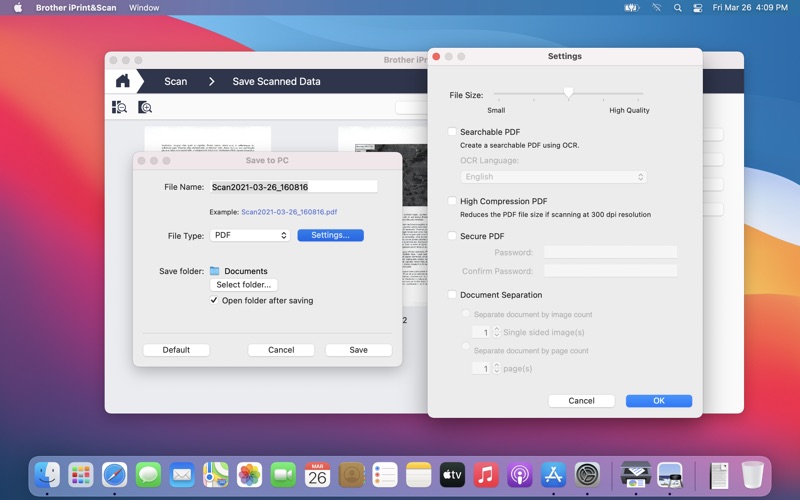
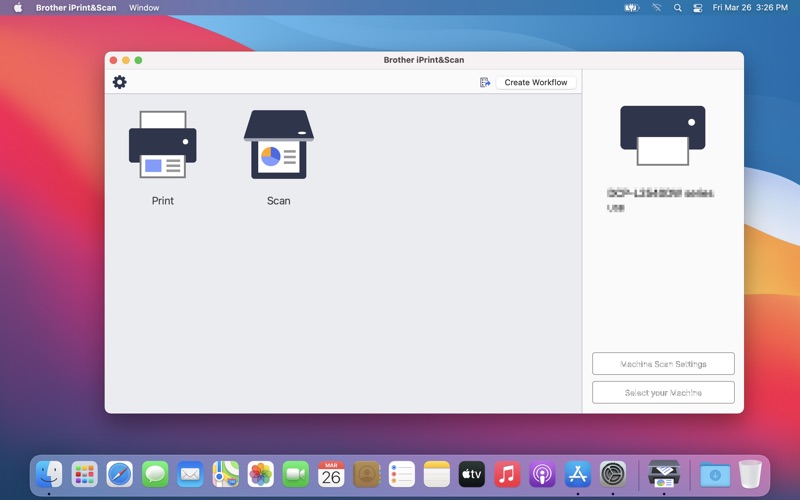
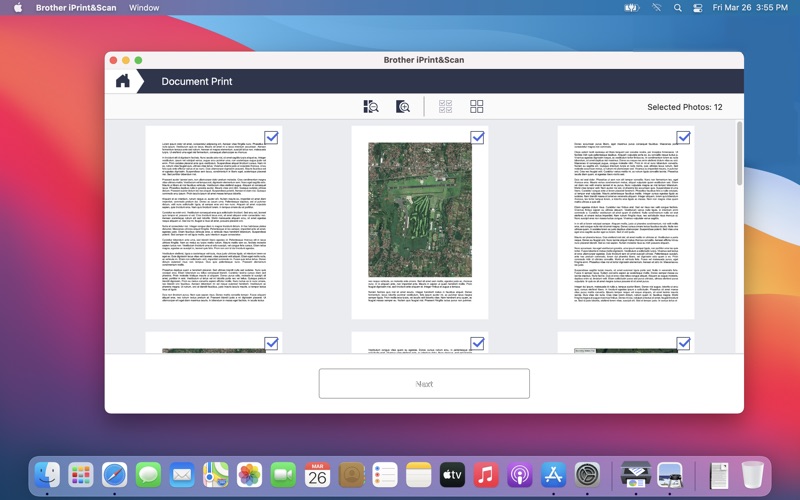
Brother iPrint&Scan is a free application that lets you easily scan to and print from your Mac. New features are continuously implemented. We recommend periodically checking for updates. For a list of supported models, please visit your local Brother website. http://support.brother.com/g/d/ahs5/ If you use OS X 10.10, download this version of iPrint&Scan: http://support.brother.com/g/d/ahdp/a00001 [Key Features] Scan - Image processing Advanced image processing features including auto deskew and color drop out are available. - OCR Optical character recognition(OCR) is available, this lets you create a searchable PDF file - Print Print your photos from the simple UI.
Screenshots

Reviews

  • Does what I need

    5
    By Ufdyjde
    It prints and scans. Yea!! I’m ancient and I got it working, just from the on-screen windows. All I need now is to figure out how to get it to scan double-sided, so that multi-page scans get scanned sequentially (1,2,3,4, instead of 1,3, flip the stack over and scan 2,4). That means finding and downloading the owner’s manual. But so far, it’s sweet. BTW, this DCP-L2640DW replaces a Canon printer with software SO COMPLEX that it drove me nuts for years. Thank you, Brother, for following KISS for computing (Keep It Simple, Stupid).
  • Typical garbage designed by committee

    1
    By Akuhax
    Doesn’t let you do anything until you go through like 10 dialogs all forcing you to look at their ads for ink and toner. Never mind that the printer is already several years and all I’m trying to do is scan an important legal document. As usual every printer company is scum.
  • Works well for what it does, update needed

    4
    By Werepod
    Apple is ending support for Intel apps in Sept 2026. Please update this app for use on Silicon or Universal. Thank you.
  • Very difficult to get support

    1
    By Jo36549
    For such a large company it sure is difficult to get in touch with anyone. I mean there should an easy contact form right from within the App Store. It is not that hard
  • Perfect for basic scanning purposes

    5
    By el_presidente720
    I’m mystified that so many people are so angry that this thing can’t do [insert request here]. It scans, it saves, it attaches if you want it to. I got the DS-640 and I only need it to do exactly those three things. So, I’m happy as could be.
  • Low Quality Software

    1
    By BrotherUserJim
    Starting to use iPrint&Scan involves many unnecessary steps with no logic. iPrint&Scan is incorrectly complex and messy. Features such as saving scanned files to storage are incomplete and clumsy.
  • Can’t

    2
    By DanH68
    Can’t update firmware; can’t change settings out of Deep Sleep; can’t print when in Deep Sleep without rebooting printer. Instructions in website unhelpful.
  • iPrint and Scan Brother L2647-DW

    5
    By MortmanDV
    iExcellent app for my needs. I use a 2025 Mac and I load the ADF with a stack an import a PDF directly into an email. Couldn’t get much easier! I believe you can scan both side of an ID onto a single print. Definitely recommend both Brother and this Scan capability.
  • Brother iPrint&Scan

    1
    By eink1001
    Don’t buy this printer.I
  • Works … for now?

    3
    By StarsAreFire
    It works fine with my scanner on a Mac Mini M4 running Tahoe 26.5, but like others, I’m getting warnings that startup items associated with the software won’t work in a future Mac OS update. When I asked Brother support, they were unhelpful and gave me canned responses that indicated a lack of understanding. Hopefully, the engineers are working on it even if support is useless.

keyboard_arrow_up