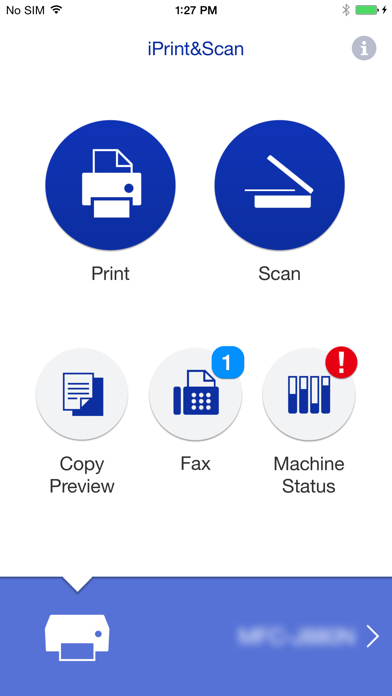
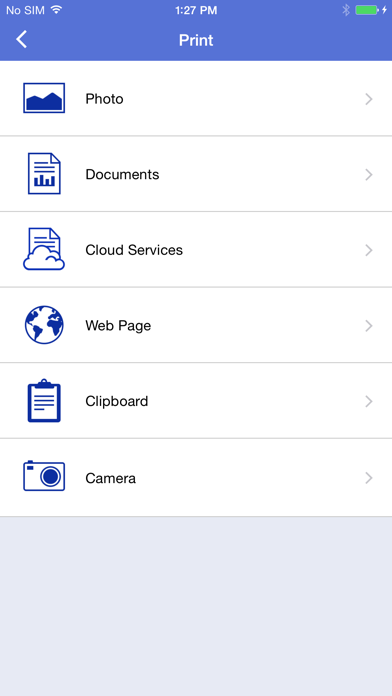
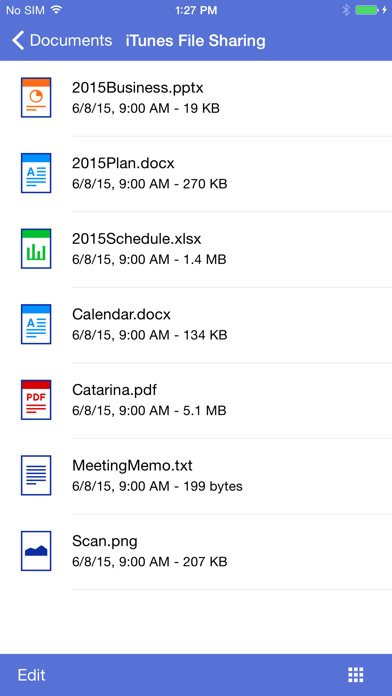
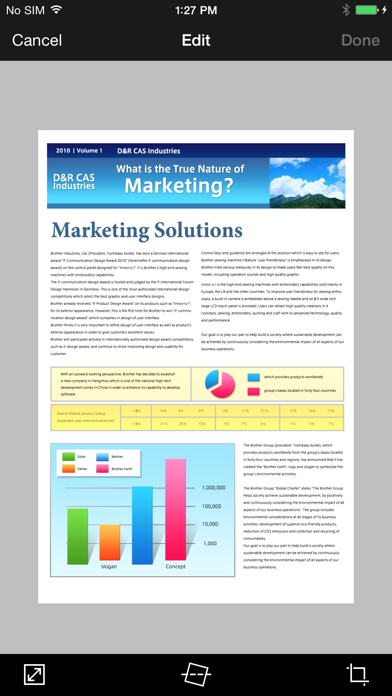
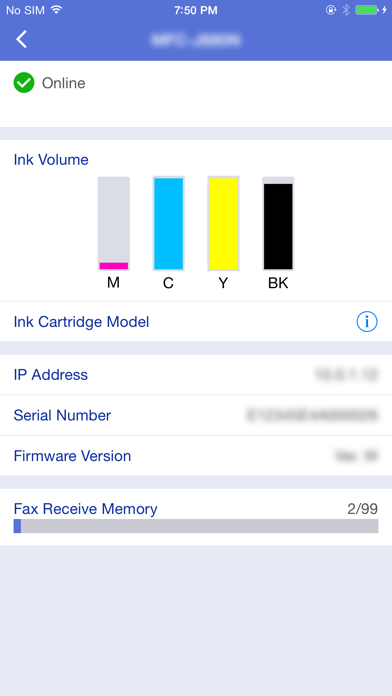
Brother iPrint&Scan is a free app that enables you to print from and scan to your iOS device (iPhone / iPod touch / iPad). Use your local wireless network to connect your iOS device to your Brother printer or all-in-one. Some new advanced functions have been added, including edit, fax send, fax preview, copy preview, and machine status. Visit your local Brother website for a list of supported models. [Key Features] - Easy to use menu. - Simple steps to print your favorite photos, web pages and documents (PDF, Word, Excel®, PowerPoint®, Text). - Print photos directly from your iPhone camera. - Print PDF files or Microsoft® Office documents or Text files by starting the app from "Open in..." - Print your documents and photos directly from the following cloud services: Dropbox™, OneDrive, Evernote®. - Print what you copied to the clipboard. - Use iTunes File Sharing to send compatible files (PDF, Word, Excel®, PowerPoint®, Text, JPEG, PNG, TIFF) to iPrint&Scan for convenient printing at a later time. - Scan directly to your iPhone/iPod touch/iPad. - Save scanned images to your photo album, iCloud or Facebook / X / Flickr accounts or send them in an E-mail (PDF, JPEG). - Print scanned images saved to iCloud from this app. - Automatically search for supported devices on a local wireless network. - No computer and no driver required. *To save scanned images directly to Facebook / X / Flickr, you must first register your accounts on your mobile device. [Advanced Functions] (Only available on new models.) - Edit previewed images using the editing tools (scale, straighten, crop) if necessary. - Send a fax directly from your mobile device. (This app feature requires access to the address book of your mobile device.) - View received faxes stored on your machine on your mobile device. - The copy preview function enables you to preview an image and edit it if necessary before copying to avoid copy errors. - View the machine’s status such as ink/toner volume and error messages on your mobile device. *Compatible functions will depend on the selected device. [Compatible Print Settings] - Paper Size - 4" x 6" (10 x 15cm) Photo L (3.5" x 5" / 9 x 13 cm) Photo 2L (5" x 7" / 13 x 18 cm) A4 Letter Legal A3 Ledger - Media Type - Glossy Paper Plain Paper - Copies - Up to 5 [Compatible Scan Settings] - Document Size - A4 Letter 4" x 6" (10 x 15cm) Photo L (3.5" x 5" / 9 x 13 cm) Card (2.4" x 3.5" / 60 x 90 mm) Legal A3 Ledger - Scan Type - Color Color (Fast) Black & White [Access Permission Information] You must check and allow the essential access permissions below to use Brother iPrint&Scan service. Essential Permission • Contact information: access to your contact numbers is needed when you use functions like fax, but you can limit access to the specific contact necessary for the service. Optional Permission • Location information: It is requested only when you use device search features like Wi-Fi Direct, Bluetooth, or NFC. Optional data is required to use the corresponding function, and even if permission is not granted, services other than the corresponding function can be used. *Compatible settings will depend on the selected device and function. *Evernote is a trademark of Evernote Corporation and used under a license. *Microsoft, Excel, and PowerPoint are either registered trademarks or trademarks of Microsoft Corporation in the United States and/or other countries. *To help us improve the application, send your feedback to [email protected]. Please note that we may not be able to respond to individual emails.