Brother Pro Label Tool

Brother Pro Label Tool

By Brother Industries, LTD.

  • Category: Business
  • Release Date: 2022-01-05
  • Current Version: 1.8.0
  • Adult Rating: 4+
  • File Size: 135.58 MB
  • Developer: Brother Industries, LTD.
  • Compatibility: Requires iOS 17.0 or later.
Score: 4.54369
4.54369
From 206 Ratings

Description

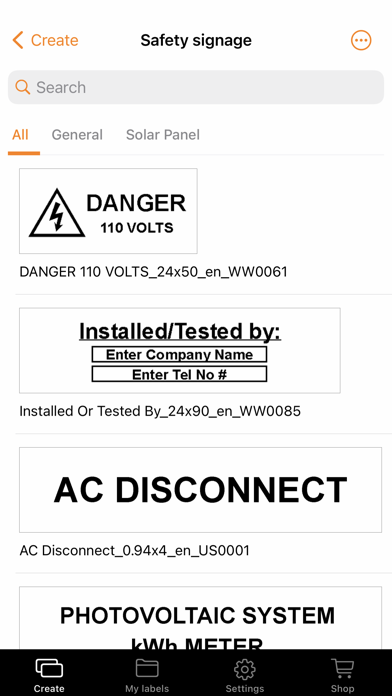
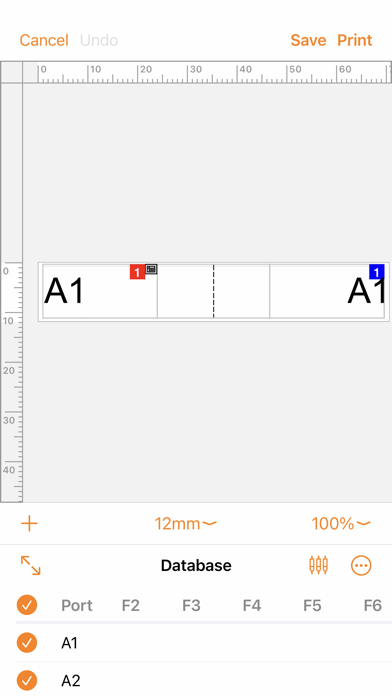
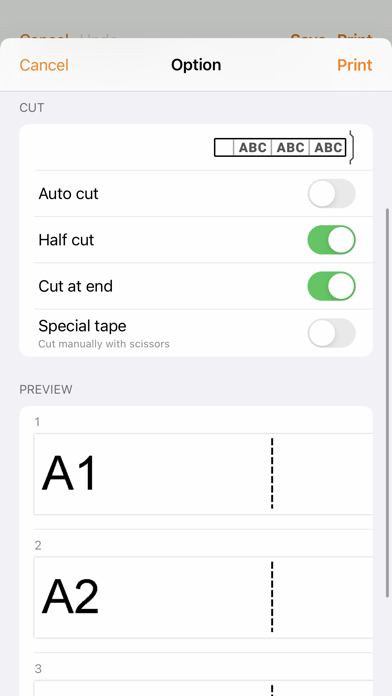
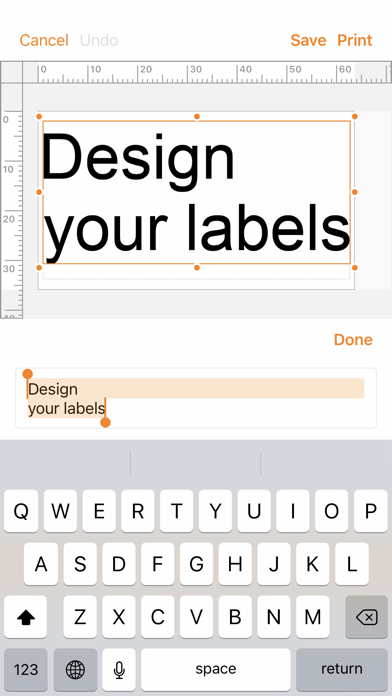
[Description] Pro Label Tool is the successor to Mobile Cable Label Tool. This is a free application designed to create labels for telecom, datacom and/or electrical identifications on demand. It enables you to easily print labels from your smartphone/tablet to a Brother label printer using a local wireless network. [Key Features] 1. Automatic loading of pre-designed label templates from Brother's cloud server to keep them up to date. 2. Easy to use - just a few taps to choose, edit and print professional quality labels. 3. No computer or printer driver required. 4. Powerful Print Preview 5. Enables you to work more efficiently by creating label designs with P-touch Editor at the office, then send them via email to others to print at the working site. 6. Connectable to CSV database 7. Serialize function frees you from duplicate typing when printing sequential labels with similar content on rows of ID labels. 8. Use the Custom Form function to create labels with standardised network address information. [Compatible machines] PT-P750W, PT-P900W, PT-P950NW, PT-D800W, PT-E850TKW, PT-E310BT, PT-E560BT, PT-E720BT, PT-E920BT To help us improve the application, send your feedback to [email protected]. Please note that we may not be able to respond to individual emails.

Screenshots

Reviews

  • Completely broken

    1
    By benmthomson
    Will not print on PT-E310BT over Bluetooth and does not automatically allow for correct media size to be detected. It constantly thinks the wrong media size is inserted when it is not
  • Very frustrating app

    1
    By Cbourne12
    Repeatable disconnect after printing multiple labels. Then the app gets stuck in “Cancelling”. The only way out is to force close the app and power-cycle the labeler. Of course you lose what you were working on ;). Huge bug in printing HSe-251 heat shrink tubing. The tubing is .94mm but the closest option in the app is .93mm and it refuses to print on mismatched media. Argh!!!
  • Losing WIP labels when printer disconnects

    3
    By neckardt
    I have a specific recurring bug with the app. Workflow: Create a label -> print. Sometimes the printer disconnects here (fine). Click cancel, the app then hangs on “cancelling”, app has to be restarted. Now my work in progress label is gone. Expected behavior 1: Once the printer is unresponsive, provide a way to “cancel the cancellation”, in other words get back to my wip label so I can save it and try again Alternative expected behavior: Auto save WIP labels so that when I reboot the app I can recover my work. Of course the ideal solution would be robust bluetooth connection, but that’s really hard to solve. One of the two above workflow changes would be straightforward and prevent me from losing labels.
  • Limited labels

    1
    By TheMasterNinja-
    After saving some of our labels, the app filled up! It has a maximum number of labels you can save, don’t know why! VERY FRUSTRATING
  • No export option

    1
    By blackpilotlds
    No export option
  • Please support additional label printer

    4
    By lty1993
    Please add support for PT-P910BT. PT-P950NW with battery is too large and heavy to bring to the work site.
  • Obtuse interface

    3
    By geekifier
    The app is useful, but could much better. The interface to create a database doesn’t allow for entry of more than one row without serializing (or at least it’s not obvious how to do so). And there are no out of the box templates for repeating cat5 cable wrap labels. Instead, once must create them on their own.

keyboard_arrow_up