Brother iPrint&Label

Brother iPrint&Label

By Brother Industries, LTD.

  • Category: Utilities
  • Release Date: 2012-05-31
  • Current Version: 5.3.14
  • Adult Rating: 17+
  • File Size: 155.92 MB
  • Developer: Brother Industries, LTD.
  • Compatibility: Requires iOS 18.0 or later.
Score: 4.59837
4.59837
From 7,619 Ratings

Description

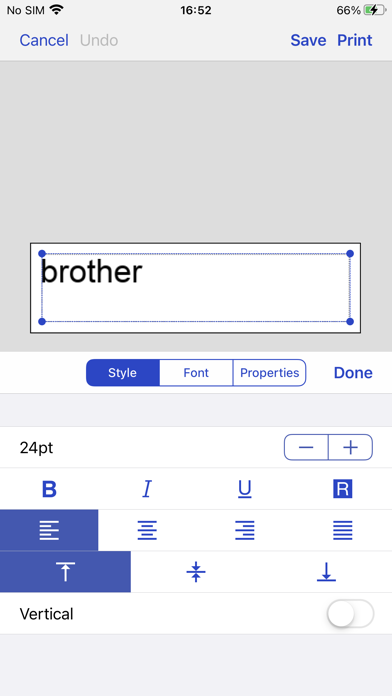
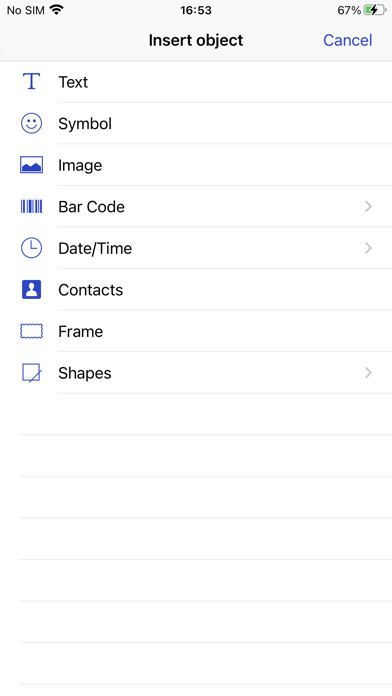
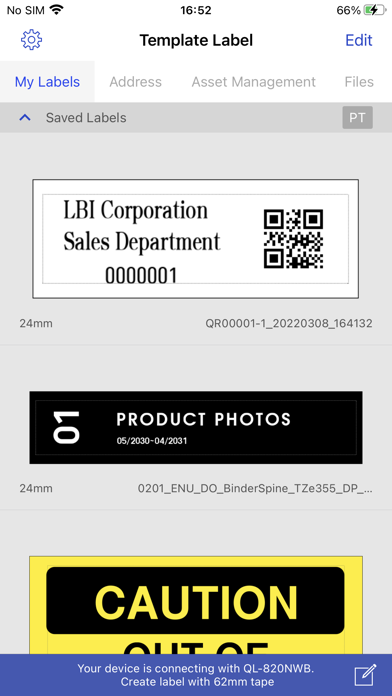
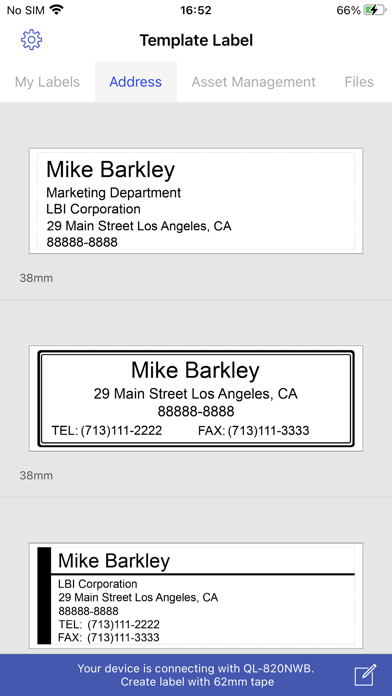
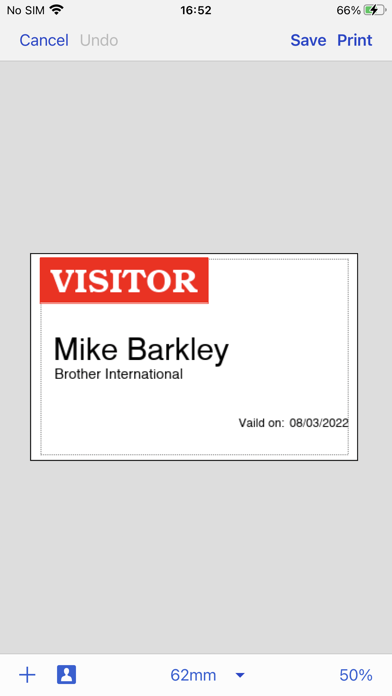
[Description] Brother iPrint&Label is a free application that enables you to easily print labels from your Apple iPhone or iPad to a Brother label printer using a local wireless network. For a list of supported models, please visit your local Brother website. [Key Features] 1. Easy to use menus. 2. Quickly open and print pre-designed labels. 3. Create custom labels with graphics or photos. 4. Print address labels from contact lists. 5. Print name badges with photos from your album - or take new photos with your camera. 6. Automatic label formatting based on label size used. 7. Automatically search for supported devices on a local wireless network. 8. No computer or printer driver required. [Compatible machines] PT-P300BT, PT-P710BT, PT-P910BT, PT-P750W, PT-E550W, PT-D800W, PT-E800W, PT-E850TKW, PT-P900W, PT-P950NW, PT-D460BT, PT-D610BT, QL-1110NWB, QL-810W, QL-820NWB, QL-710W, QL-720NW, QL-580N
Screenshots

Reviews

  • Font and Delete Not Working

    1
    By Overpowered Lamp
    As of the latest release on 4/21/2026 the font option and delete option no longer works om an iPhone 16 pro max. When clicking on font and delete nothings happens. This was working fine in earlier versions. It also works fine on an iPad as well.
  • Update Part 2! User Error!

    5
    By AlexasTexis
    I’ve been upset for weeks trying to figure out if I was going to have to go with another label system because I couldn’t get the app to work correctly. I couldn’t interact with the app or screen other than hitting “undo, save, or print”… The whole time I forgot that I changed my phone settings around the time this all started up… oops! Adjusted my settings and all is well again! Thank God! Thank you Brother for reaching out and encouraging me to communicate with customer service. I figured things out on my own before it got to that point, but it was nice to see a company work with their customers and their needs!
  • Model Number Not listed

    1
    By LadyEG
    Basically my printer model# is not among the selection.
  • Greater Labels

    5
    By Assassin:
    dont have a color brother, but these station font in order like you wouldnt believe -printLabel!
  • Almost perfect

    5
    By Flip flopped again
    With all the utilities that require learning, brothers seem to be the most intuitive. The devices connect extremely well, at least with Apple devices, and as long as I remember to find the command “Check media“, the label printers work flawlessly.
  • Bluetooth Sucms

    3
    By kfadams
    LOve the app WHEN it stays connected. It is constantly dropping Bluetooth. I often have to close out the app completely, then pair in Bluetooth again, and if I’m lucky I won’t get a communication error. The machine times out way too fast and that means it disconnects from Bluetooth.
  • Too glitchy

    1
    By Kimfit2
    Every time I use this printer I have issues getting it to connect. It has never ran easy. I would not buy again
  • Good App

    4
    By Mitchrut
    Works well but would like an auto fit option
  • D610BT

    4
    By asjSDFG;LIHJAWEF
    Nice but I don’t like the fact that it cuts almost an inch off before it starts to print
  • Worst app ever… Created by sixth graders??

    2
    By LeChantier7
    This is the most basic app I’ve ever seen. Not only is the app frustratingly basic, but the compatibility is incredibly limited. I can’t just simply click on “print“ and then choose it as one of my printers. I have to screenshot the printing label, go into the app, create a new label, go to photos to choose the “picture“ of the label, then crop the label. My son‘s cheap $40 shipping label printer prints from most apps and sites because it’s recognized as a printer, therefore when he clicks on print, it’s listed with our HP laser printer, where he can choose either or. He thought I must’ve downloaded the wrong app or we were simply missing something due to the awful app. For such an expensive label printer, the software is shamefully subpar

keyboard_arrow_up