Gboard – the Google Keyboard

Gboard – the Google Keyboard

By Google

  • Category: Utilities
  • Release Date: 2016-05-12
  • Current Version: 2.3.19
  • Adult Rating: 12+
  • File Size: 82.76 MB
  • Developer: Google
  • Compatibility: Requires iOS 12.0 or later.
Score: 4.04457
4.04457
From 57,506 Ratings

Description

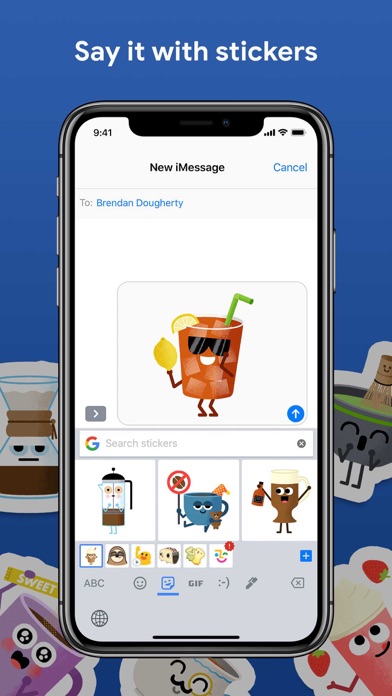
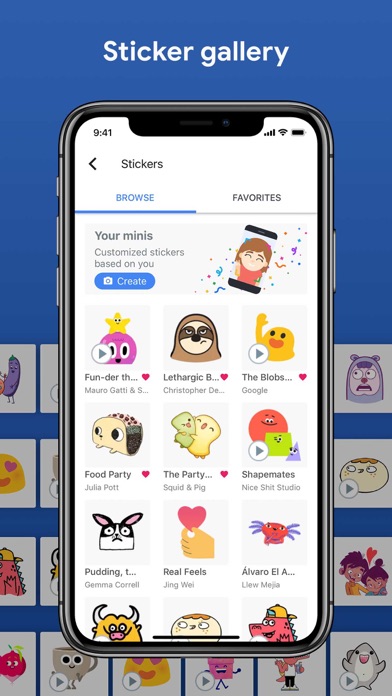
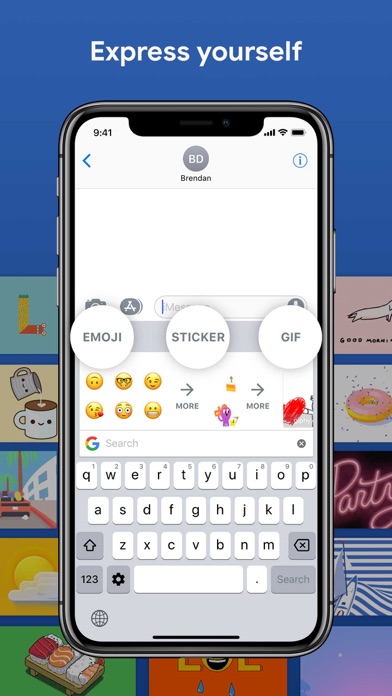
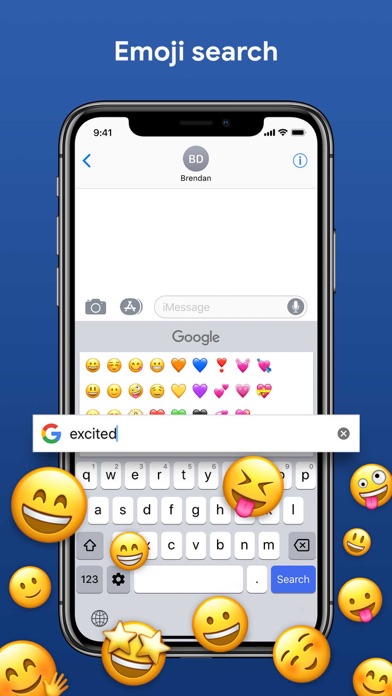
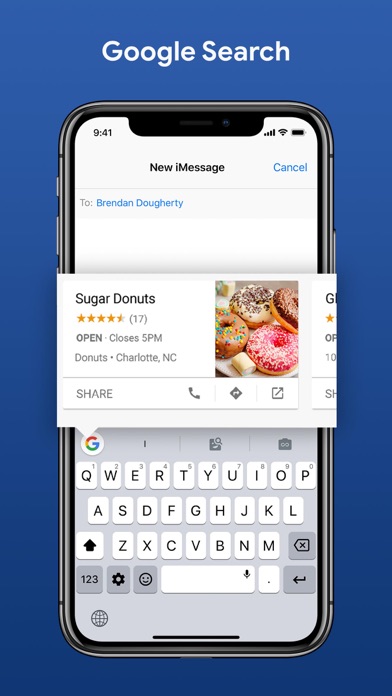
Gboard is the keyboard from Google for your iPhone, packed with features to make typing effortless. On top of GIFs, emoji search, and Glide Typing, the power of Google is at your fingertips with Google Search built in. Forget switching from app to app – just search and send, all from one place. GIFs — Search GIFs for the best reaction Emoji Search — Find the perfect emoji, faster Stickers - Create or share stickers to express yourself Glide Typing — Type faster by sliding your finger from letter to letter Search and send anything from Google: • Nearby stores and restaurants • Videos and images • Weather forecasts • News and articles • Sports scores • And anything else you’d search on Google Gboard for iPhone and iPad supports the following languages: • Afrikaans • Arabic • Azerbaijani • Belarusian • Bengali • Bulgarian • Catalan • Croatian • Czech • Danish • Dutch • English • Estonian • Finnish • French • German • Greek • Gujarati • Hausa • Hebrew • Hindi • Hungarian • Icelandic • Indonesian • Italian • Japanese • Khmer • Korean • Latvian • Lithuanian • Macedonian • Malay • Maltese • Marathi • Norwegian • Persian • Polish • Portuguese (Brazil) • Portuguese ( Portugal) • Romanian • Russian • Serbian • Simplified Chinese • Slovak • Slovenian • Spanish • Swahili • Swedish • Tamil • Telugu • Thai • Traditional Chinese (Taiwan) • Traditional Chinese (Hong Kong) • Turkish • Ukrainian • Vietnamese • Welsh • Zulu Privacy We know the things you type on your phone are personal, so we’ve designed Gboard to keep your private information private. What Gboard sends to Google: • Gboard sends your searches to Google’s web servers to give you search results. • Gboard also sends usage statistics to Google to let us know which features are used most often and to help us understand problems if the app crashes. • If you use Gboard’s microphone, voice input will be sent to Google for transcription. What Gboard doesn’t send to Google: • Other than your searches and voice inputs, Gboard doesn't send anything you type to Google, whether it’s a password or chat with a friend. • To help you with spelling and to predict searches you might be interested in, Gboard will store the words you type on your device. This data is not accessible by Google or by any apps, and can be cleared at any time. • If you’ve turned on contacts search in Gboard search settings, this allows Gboard to search the contacts on your device so you can easily share. None of these queries are sent to Google.
Screenshots

Reviews

  • Terrible

    1
    By ts123456780
    Terrible doesn't work
  • Is there a bug?

    1
    By xvsb ahsnXnbz v
    I have this keyboard for years, but I don’t know what is going on when you add it to an iPhone. For some reason there must be a bug. I don’t know if I’m the lucky person but whenever I’ve downloaded this and then I use it, my voice text and the spelling when I try to write out a word it makes it seems like English is not my first language. It is SO frustrating!! I know for a fact, it is the keyboard because I’ve had to reset my phone three times and every time I add the keyboard back into it that is my problem. It makes me so sad because now we have to part ways.
  • Getting worse

    1
    By Qadsimogo
    Replacing perfectly good words with your teen age alternatives is should be illegal !! Example I type “Sun “, it puts in “ gun “ same with “ fun” WHAT who invents this shiet? Goosifer??absolutly horrible, works better on android NO SPELL check ¡what' idiot robot cant put apostrophe in! Whats theirs is go change keyboards fiddle all day wither phone raise money for billionaire greed heads
  • Love it but one minor issue

    5
    By NateMcManus
    Love GBoard and have been using it for many years. My only complaint is that you can see the background of the iphone keyboard at the top still. It'd be nice if when I'm using GBoard all I see is GBoard with the straight line at the top. Pretty minor detail but I figured it'd be worth mentioning.
  • Nice, but it’s frustrating.. 😭

    3
    By 🏳️‍⚧️Winter_Moth🏳️‍⚧️
    I tried out some tutorials for floating keyboards on IOS, but it's too tricky for my iPhone.. I don't know where the heck the four way arrow went on my gboard.. Replacing with a new one.. 😭
  • Good

    5
    By Raj Rakib
    I’m just
  • confusing

    1
    By ?????L!!!
    i tried to select the globe icon or whatever but it didn’t work
  • I recommend

    5
    By not your neighbor 
    Pritty food so far it has everything I need and I love how I can put in my own photos.
  • Super good app, but something I would like fixed.

    4
    By Nmage123
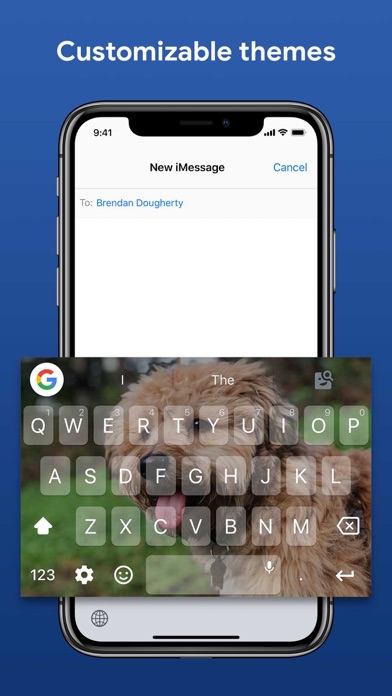
    I love the app, just downloaded it. I really like being able to make your own keyboards, but when I leave the app and switch my device back to horizontal, it doesn’t look like the same keyboard. It zoomed into the bottom of the picture. I really like this app, but I would like that fixed. Thank You.
  • Needs more love and update s

    3
    By Kwamzter
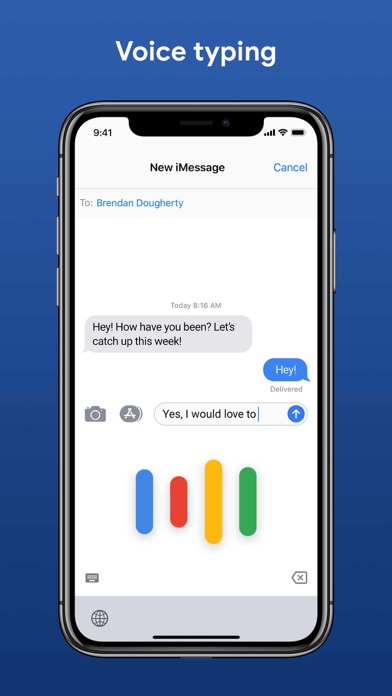
    I guess this app is neglected because iPhone users probably go with the native keyboard. when you try to voice using the GBoard it just freezes up. it would have been nice to have a way to link your existing Google account so you could bring over your personal dictionary.

keyboard_arrow_up