Google Authenticator

Google Authenticator

By Google

  • Category: Utilities
  • Release Date: 2010-09-20
  • Current Version: 5.0.0
  • Adult Rating: 4+
  • File Size: 37.63 MB
  • Developer: Google
  • Compatibility: Requires iOS 16.0 or later.
Score: 4.85177
4.85177
From 1,083,573 Ratings

Description

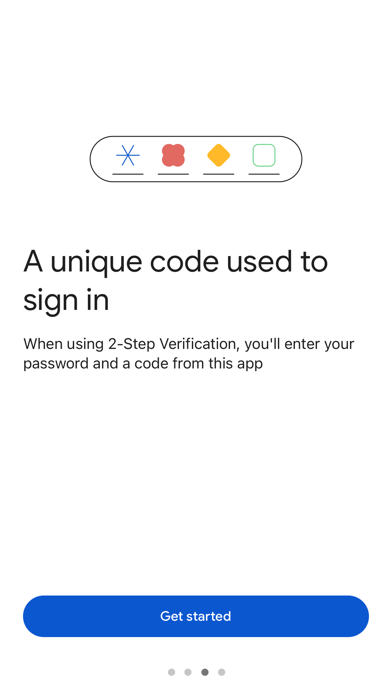
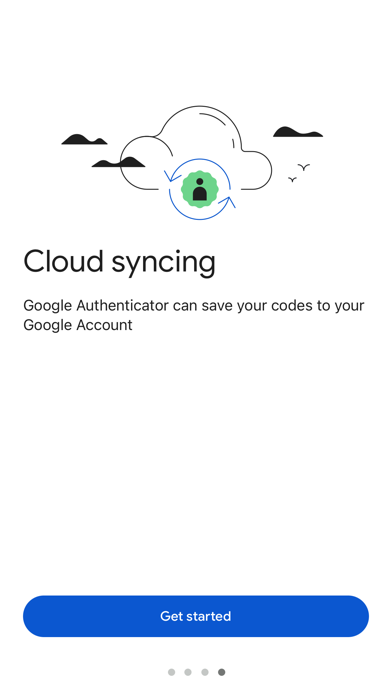
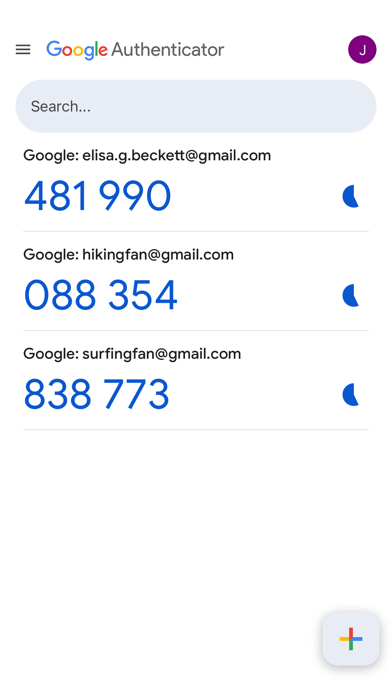
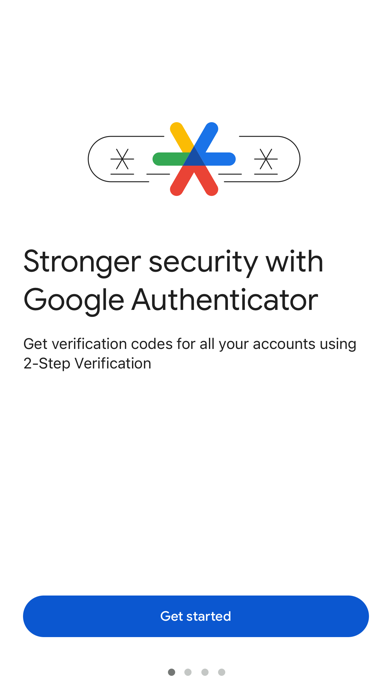
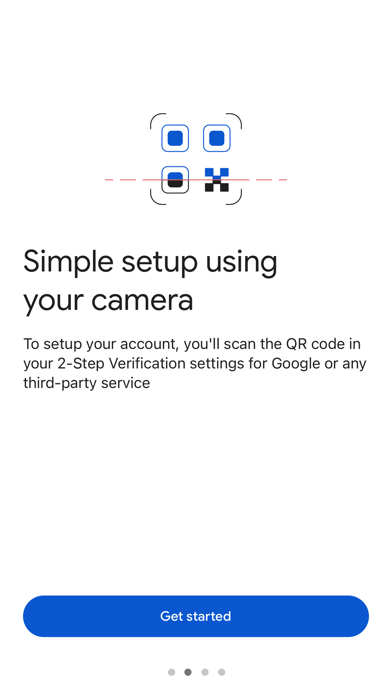
Google Authenticator adds an extra layer of security to your online accounts by adding a second step of verification when you sign in. This means that in addition to your password, you'll also need to enter a code that is generated by the Google Authenticator app on your phone. The verification code can be generated by the Google Authenticator app on your phone, even if you don't have a network or cellular connection. • Sync your Authenticator codes to your Google Account and across your devices. This way, you can always access them even if you lose your phone. • Set up your Authenticator accounts automatically with a QR code. This is quick and easy, and it helps to ensure that your codes are set up correctly. • Support for multiple accounts. You can use the Authenticator app to manage multiple accounts, so you don't have to switch between apps every time you need to sign in. • Support for time-based and counter-based code generation. You can choose the type of code generation that best suits your needs. • Transfer accounts between devices with a QR code. This is a convenient way to move your accounts to a new device. To use Google Authenticator with Google, you need to enable 2-Step Verification on your Google Account. To get started visit http://www.google.com/2step
Screenshots

Reviews

  • Owner

    1
    By Chalchis O
    Im putting in the code and keeps saying not valid
  • Five star

    5
    By Justin Sardi
    I love Google authentication security very strong
  • No

    1
    By olHonestJim
    Stop asking whether I love you. Jebus Crabst.
  • Doesn’t work

    1
    By Thomas
    Can’t get it to work.
  • Easy

    5
    By Andrew Disciple
    Was able to transfer all my two factor in seconds
  • Not user friendly

    1
    By remjratl
    This is hard to set up because the instructions aren’t easily found.
  • 方便

    5
    By pollution Polly
    方便
  • Timing is EVERYTHING

    5
    By Camo Tso
    App works great but asking for a review while working in the app can be a bit frustrating but otherwise great work
  • Can not restore deleted Facebook or others

    1
    By Candles Burn
    Terrible no backs automatically so you lose every thing.
  • BEWARE: GOT A NEW IPHONE? APPLE WILL PRETEND TO TRANSFER THE APP BUT THE CODES DO NOT ALSO TRANSFER

    5
    By Squirrel_Utopia
    I love the app and have no problems with it. But when buying a new iPhone, Apple says all apps transfer but they only transfer the app itself. You must move all your codes manually. This really screwed me up. I trusted Apple to transfer the codes along with the authenticator app and then could not get into any of my accounts.

keyboard_arrow_up